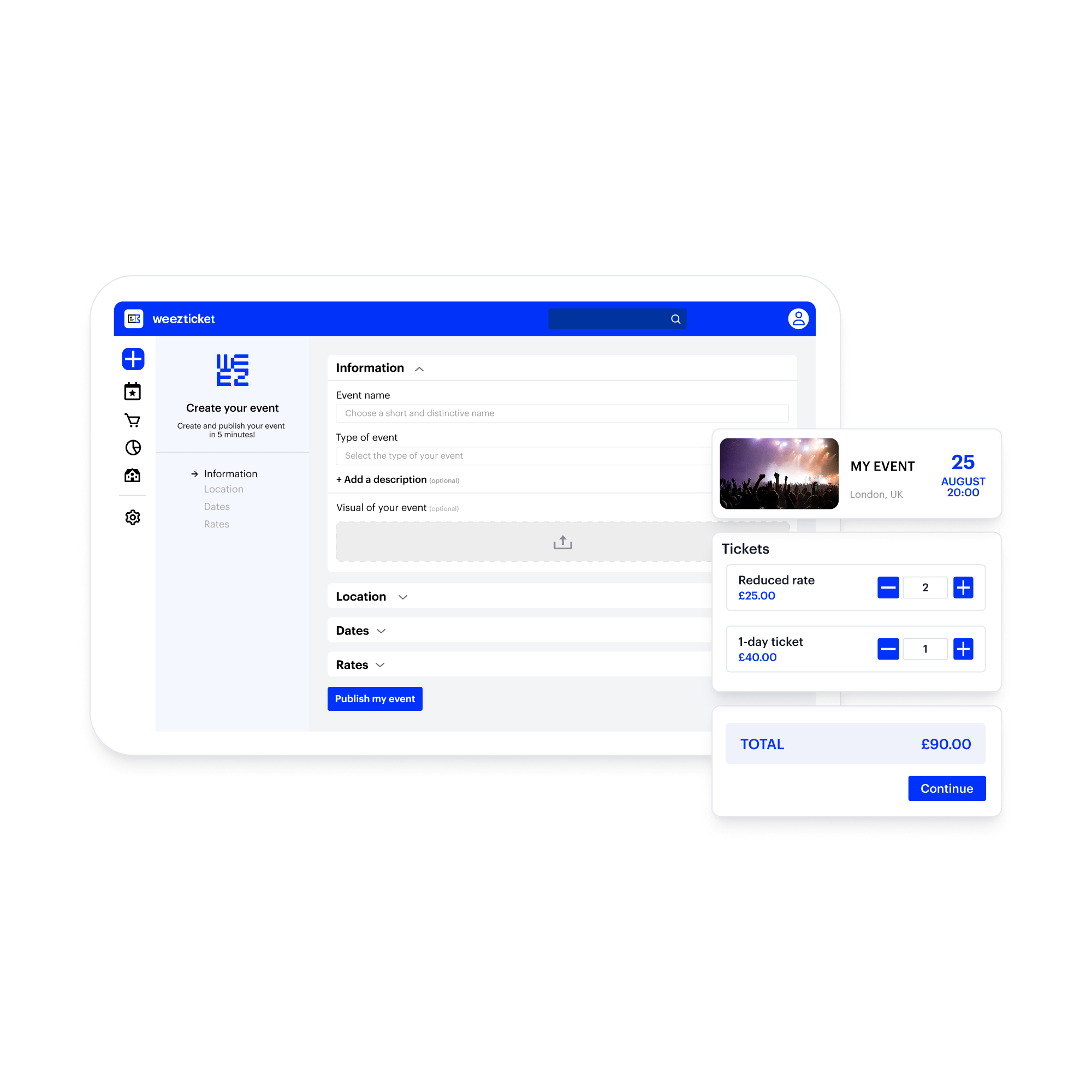
Create an online reservation website with Weezevent
Would you like to create an online booking system but are afraid that you don’t have the skills or the technical know-how to do it? Choose Weezevent for a simple and user-friendly solution!
Creating an online booking system has never been so easy
To make it easier to plan a workshop, a sports event, a training session or simplify management of a holiday house rental… online reservations is one of the best tools available to event planners. With Weezevent, you can create and set-up your booking website, track your bookings in real time and manage your payments on location.
-
Free of charge
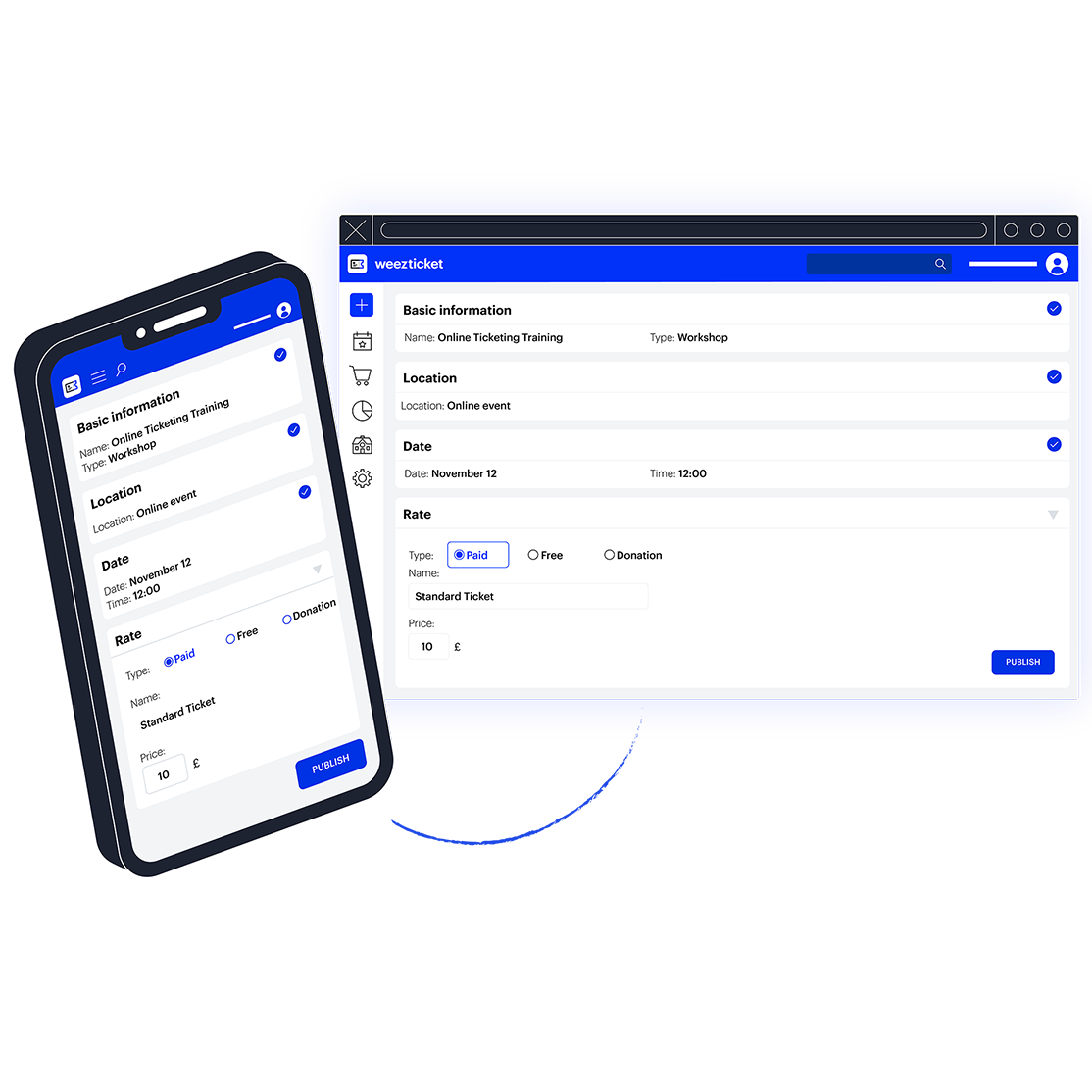
Create your online booking system in a few clicks and integrate your reservation system to your website.
-
Aligned with your branding
Customise your rates, your ticket design, create registration forms and promo codes…
-
Adapted to your needs
Accept online payments or set-up bookings only. It’s up to you.
Create your online booking system for free
Set-up your rates: fixed, pay what you want, or free. Add descriptions, create a registration form to collect information about your participants, limit the number of available tickets… Choose an online reservation system and offer the option to pay for tickets on location. That way you can accept various methods of payments: online or on location. Weezevent provides you with the necessary tools to create an online booking system.
Integrate to all types of website
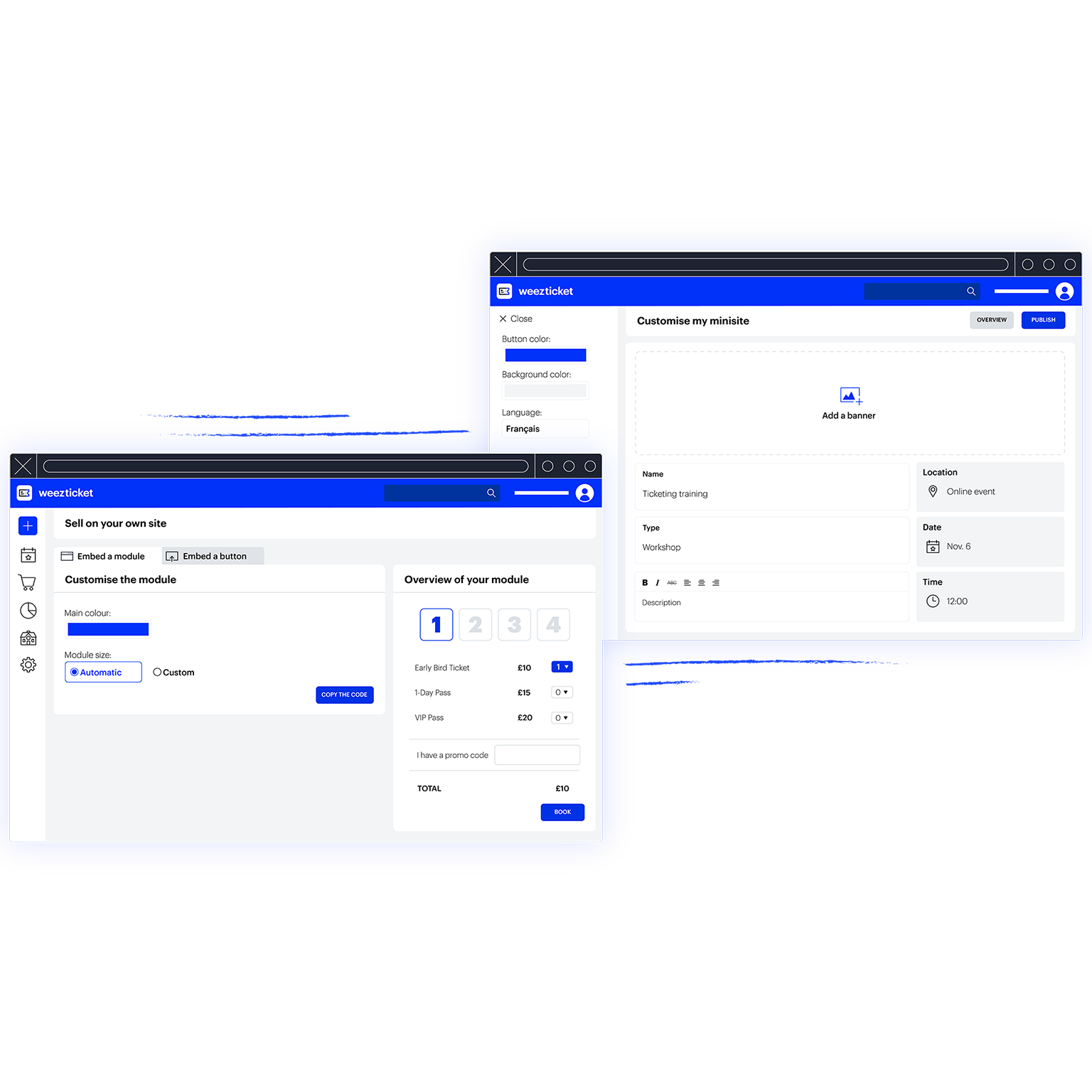
Integrate your booking system to one of your website pages. If you don’t have one and creating a website seems too much effort, Weezevent can help you create a dedicated minisite in a few clicks. Add your logo, a description of the event, pictures and videos, the schedule… your minisite is completely customisable — give free rein to your imagination!
Give payment instructions
When your attendees book their ticket online, they automatically receive a confirmation email with payment instructions that you will have written when you set-up your booking system. Specify payment methods accepted online and on location. From your event planner section, you can send these instructions again to any attendee who made a booking.
- Ready in 5 min
- No exclusivity requirement
- No commitment and no minimum sales
- Earnings paid twice a month
Manually add bookings
One of your attendees booked over the phone, by email or on location? Not to worry. You can add new bookings from your planner account at any time. Just select the correct rate and the number of tickets purchased. Add a registration date and some comments if applicable. Fill the forms — attendee, buyer and invoicing — then register the booking and you’re done! Keep your books under control with Weezevent!
-
Manage your attendees
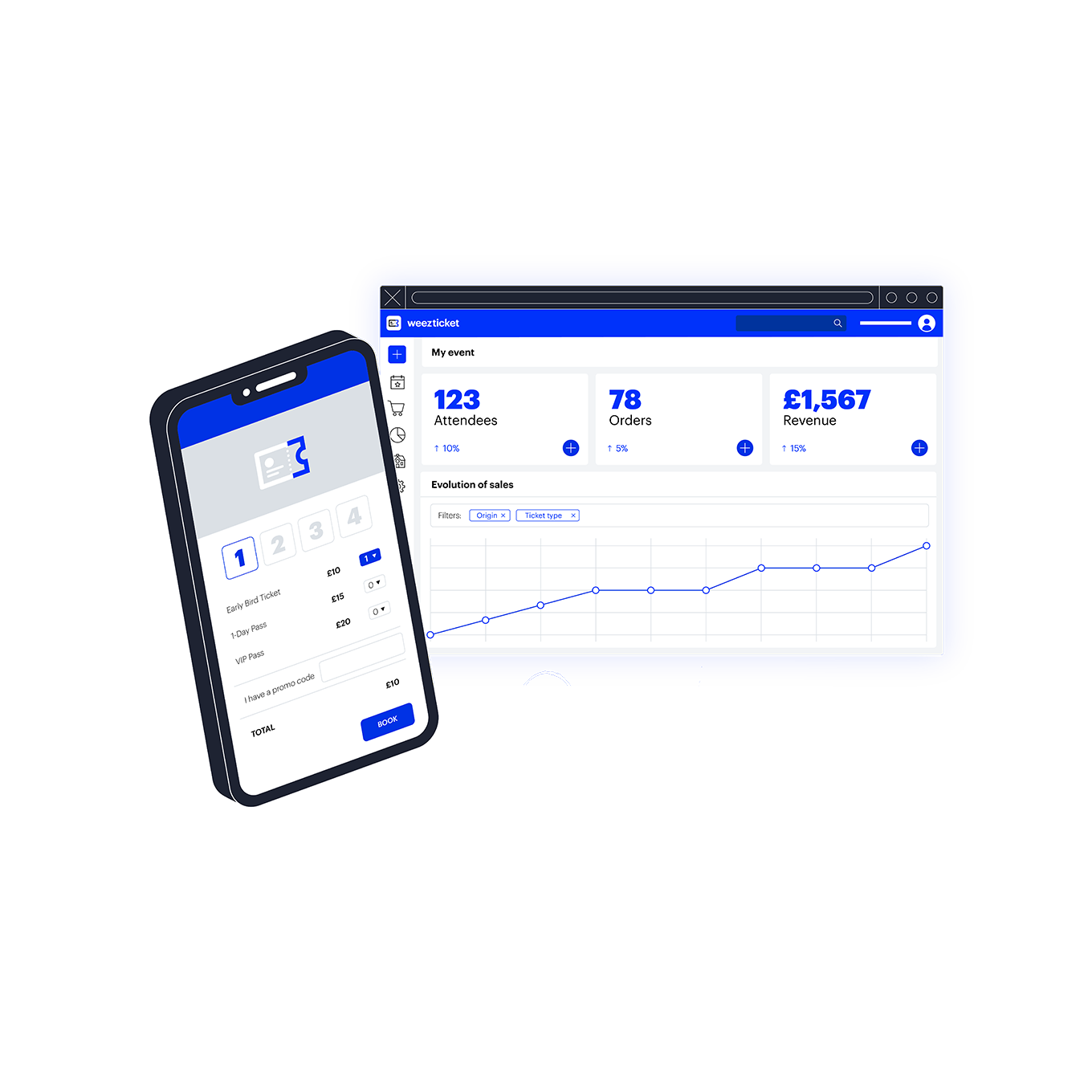
Track all your bookings in real time from your Weezevent account. Manage bookings and refunds for your participants. Refund a customer. Change the status of a booking once it has been paid. Send and download invoices. Weezevent helps you become an outstanding manager.
-
Avoid last minute cancellations
Your attendees can pay a deposit when they book their ticket. To enable this, you just need to create a new rate for the desired amount, detailing the payment terms in the description. Choose the number of tickets one can select: you can set a minimum, a maximum or even restrict bookings to groups only. Anything is possible. It is your booking system, you are in charge!
Accept payments on location
Would you like to accept payments for your bookings on location but you don’t have a payment terminal? Weezevent enables you to set-up a payment terminal to accept payments on the day. Weezevent can also lend you point of sale equipment to accept payments on location. Track the progress of your sales in real time from your planner account. Don’t leave anything to chance.
- View your stats in real time
- Export your data easily
- Create promo codes