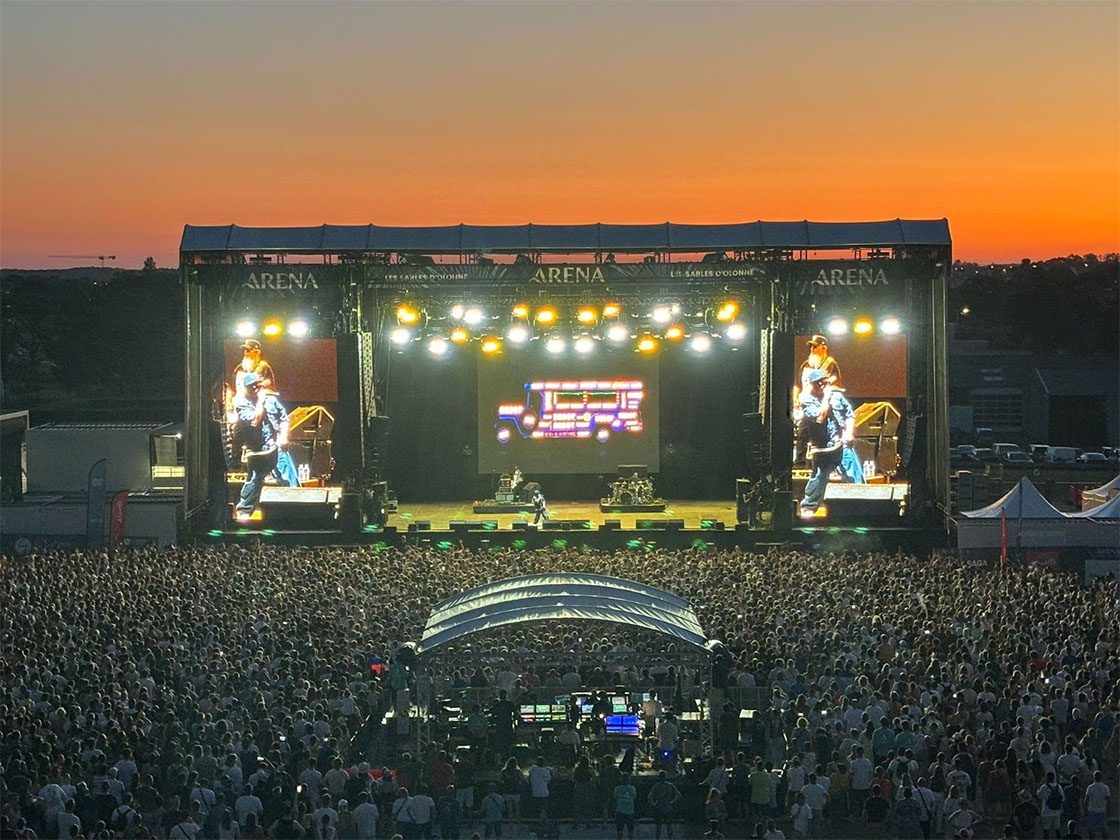
In 2026, an event ticketing system is no longer just a tool to sell tickets online. It’s often the first step of your attendee experience. The platform helps you manage everything behind the scenes, from secure payments to registration details. As events keep evolving (more competition, higher expectations, tighter timelines), organisers need solutions that do more than generate QR codes. The best ticketing systems now prioritise automation, mobile-first access, and deep data integration. Security and scalability are also essential, ensuring platforms can handle sudden high traffic without crashing.
Choosing the right ticketing platform can genuinely change the way your event performs. A smooth, mobile-friendly checkout can help you convert more visitors into buyers, while a confusing purchase flow can lead to abandoned carts and extra questions for your team. The tool you pick also affects how much time you spend managing registrations, handling changes, answering attendee requests, and exporting data, which quickly adds up when sales start to scale. And since each platform has its own fee structure and payment setup, your ticketing choice can also influence your final margin and overall profitability.
It’s also worth keeping in mind that there isn’t one “perfect” option for every organiser. A platform that works well for a one-night concert won’t always be the best fit for a festival with multiple ticket types, a sports event with high check-in volume, or a conference that needs detailed registration forms and badge printing. Non-profits and community events may prioritise donations and simplicity, while private events often need clean branding and controlled access. Complex events such as multi-day festivals or large conferences often require advanced features and customisation, and may benefit from specialised or bespoke solutions tailored to their unique needs. That’s why comparing ticketing systems based on your event format and your real priorities is usually the smartest approach. In addition, testing different event ticketing platforms through demos or free trials can help organisers find the best fit for their needs.
In this guide, we will be comparing 12 of the most popular event ticketing systems in 2026 to help you narrow down your options faster. For each solution, you’ll find an overview of what it’s designed for, the standout features, how pricing usually works, and how flexible the purchase experience can be for your attendees.
Summary
Top 11 Best Event Ticketing Systems in 2026
- Weezevent
- Eventbrite
- EventBookings
- EventZilla
- RSVPify
- Ticketor
- Accelevents
- Bizzabo
- SimpleTix
- vFairs
- Eventtia
Why use an event ticketing platform?
Using an event ticketing platform makes the whole process easier to manage, especially once you move beyond a small guest list. Instead of juggling spreadsheets, payment links, and manual confirmations, everything is centralised in one place: ticket sales, attendee information, payments, and automated confirmation emails. That alone can save a lot of time and avoids common mistakes like duplicate entries, missing details, or sending the wrong ticket type to the wrong person.
It also gives you a much clearer view of how your event is performing. Most platforms let you track where sales come from, which channels convert best, and how demand evolves over time, which is hard to do when you’re managing ticketing manually. On top of that, modern solutions often include useful extras like promo codes, seating options, QR code scanning for check-in, and integrations with marketing tools, CRMs, or analytics platforms, so you can connect ticketing to the rest of your event workflow.
What is the best way to sell tickets for an event?
There isn’t one single “best” way to sell tickets, because it really depends on your audience and the type of event you’re organising. A local workshop doesn’t need the same setup as a large festival and a B2B conference won’t sell tickets the same way as a sports match or a concert. What matters most is making it easy for people to find the ticketing link, understand what they’re buying and complete their purchase in just a few clicks.
In practice, the most effective approach is often a mix of channels. A clear ticketing page is essential and embedding the ticketing widget directly on your event website can help reduce friction by keeping visitors in the same environment. Then you can drive traffic through social media links, QR codes on posters or flyers and email campaigns, especially if you already have an existing community. Partner links can also be useful if you’re working with sponsors, venues, or influencers who help promote the event.
What features should I look for in an event ticketing software?
Here are some of the most useful features to look for when choosing an event ticketing solution:
- Multiple ticket types such as early bird, VIP, group tickets, or multi-day passes
- Promo codes and discount options for campaigns and partners
- Tracking links to measure which channels or promoters drive sales
- Custom registration fields to collect the right attendee information
- Flexible payment options and clear payout conditions for organisers
- Invoicing and VAT support, especially for professional or international events
- Check-in tools like QR code scanning, attendee lists, and real-time attendance updates
- Refund, transfer, and cancellation management features
- Reliable customer support for both organisers and attendees
- Integrations with CRM tools, email marketing platforms, and analytics solutions
- Security features and fraud protection to reduce chargebacks and prevent fake tickets
How can I customise the purchase experience for my attendees?
Customising the purchase experience usually starts with branding. Most ticketing platforms let you add your logo and adapt the checkout page’s look and feel to match your event’s identity, which immediately makes the experience feel more professional and reassuring for attendees. Depending on the tool, you can also choose to sell tickets through a custom domain or embed the checkout directly into your event website, which helps keep the journey smooth and avoids sending people off to an unfamiliar page.
Moreover, customisation is also about collecting the right information and building a smarter flow. You can add custom questions during checkout, for example to ask about dietary requirements, session preferences, accessibility needs, or team registration details. Many platforms also let you include optional extras like merchandise, donations, shuttle access, camping add-ons, or upgrades, which can be a great way to increase revenue without complicating ticket types. And to keep everything consistent after the purchase, you can usually personalise automated confirmation emails and ticket templates and sometimes even offer a multi-language checkout if you expect an international audience.
Can I sell tickets online without paying fees?
In most cases, selling tickets online without paying any fees is difficult because ticketing platforms usually charge a fee to cover their services. That can include a platform fee, plus payment processing fees depending on how payments are handled. Even when a tool advertises “low fees” or “no fees,” it often means the pricing model is different, not that it’s completely free.
Some platforms let you pass fees on to attendees at checkout, while others let you absorb them as the organiser and include them in your ticket price. You’ll also find solutions that work on a subscription model, where you pay a monthly or annual plan rather than a fee per ticket sold. The part that’s easy to miss is payment processing: card fees still apply in most (not all) setups and they’re not always clearly shown on the main pricing page. It’s worth double-checking the fine print, including payment processor rates, payout conditions and any extra charges that might be listed in help centres or directly on the payment provider’s website.
Do I really need a payment processing system to sell tickets? (Stripe, Square…)
Not always, but it depends on the ticketing platform you choose. Some solutions include payments directly in their system, meaning you can start selling tickets right away without setting up an external provider. Others work differently and require you to connect a payment processor like Stripe, Square, or PayPal to accept card payments online. In that setup, the ticketing platform manages the ticketing experience, while the payment processor handles the actual transaction and sends the money to your account.
What matters is understanding how payments are handled behind the scenes, because it can affect both your cash flow and your operations. It’s worth checking payout timing, since some setups pay you immediately while others have delays or scheduled payouts. Currency support can also be important if you sell internationally or expect attendees from different countries. You should also look at how refunds and chargebacks are managed, because platforms don’t all offer the same level of control or support.
Now that we’ve covered the key considerations, let’s take a closer look at the best event ticketing platforms in 2026.
1. Weezevent
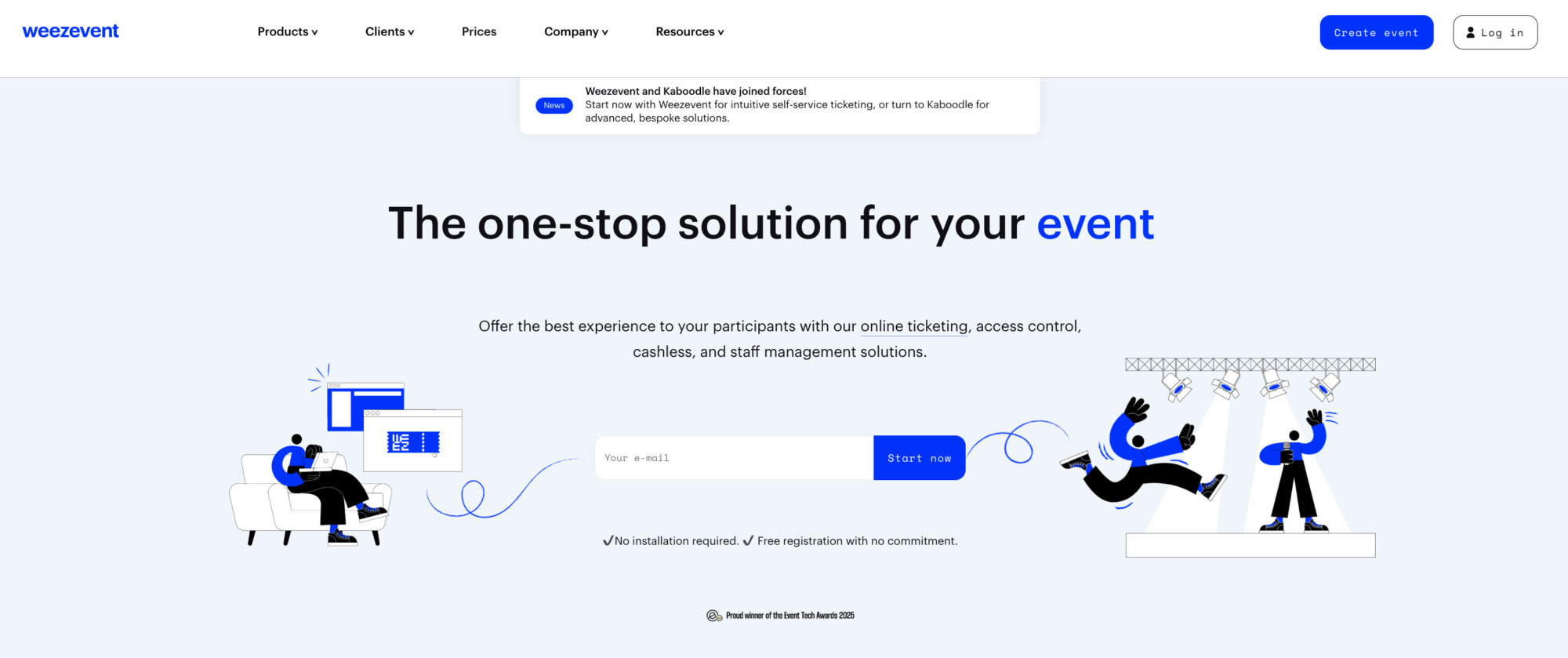
Weezevent stands out as a cost-effective ticketing platform that goes further than most competitors. It’s built for organisers who want to launch fast, stay in control and scale confidently. From a simple one-off event to multi-phase sales with multiple ticket types and capacity rules. It provides the essential tools to create, personalise tickets or event registration forms, define pricing structures, manage capacities, and publish ticketing pages or widgets for online distribution.
Where it really differentiates is its integrated ecosystem: ticketing connects smoothly with access control, cashless payments, CRM, and staff & accreditation tools, reducing the need for extra vendors and keeping data consistent end to end. It’s widely adopted by small and mid-sized organisers, while also powering major festivals like Tomorrowland, Hellfest, and Boomtown: proof it can handle serious volume. With more than 500,000 organisers supported to date, Weezevent stands out as the number 1 solution in this comparison.
Weezevent’s ticketing features:
Creation & Customisation
- Unlimited events you can run with one account.
- Unlimited ticket prices and quotas (different ticket types and limits).
- Customisable registration forms.
- Fixed-price, free or “pay-what-you-want” ticket options.
- Management of fees and taxes.
- Custom event mini-site for ticket sales.
- Easily integrated ticketing module for your own website.
- Personalised confirmation emails sent to buyers.
- Customised tickets & badges.
- Custom event URL.
- Multilingual platform support.
- Password-protected event access.
- Support for recurring events & calendar display.
- Multi-event module.
- Subscription management.
Ticket Sales & Promotion
- Optimised mobile purchasing experience.
- SEO-friendly and shareable event mini-site.
- Scheduled sales (pre-sale modes).
- Cross-selling of add-ons.
- Sending invitations & managing special promotions.
- Discount codes/promo code generation.
- Accreditation management.
- On-site ticket selling and printing.
- Integration with hardware like thermal printers.
- Virtual queue capabilities for high-traffic sales.
- Numbered (allocated) seating layouts in 2D/3D.
- Ticket resale management.
- Integration with ticket distributors.
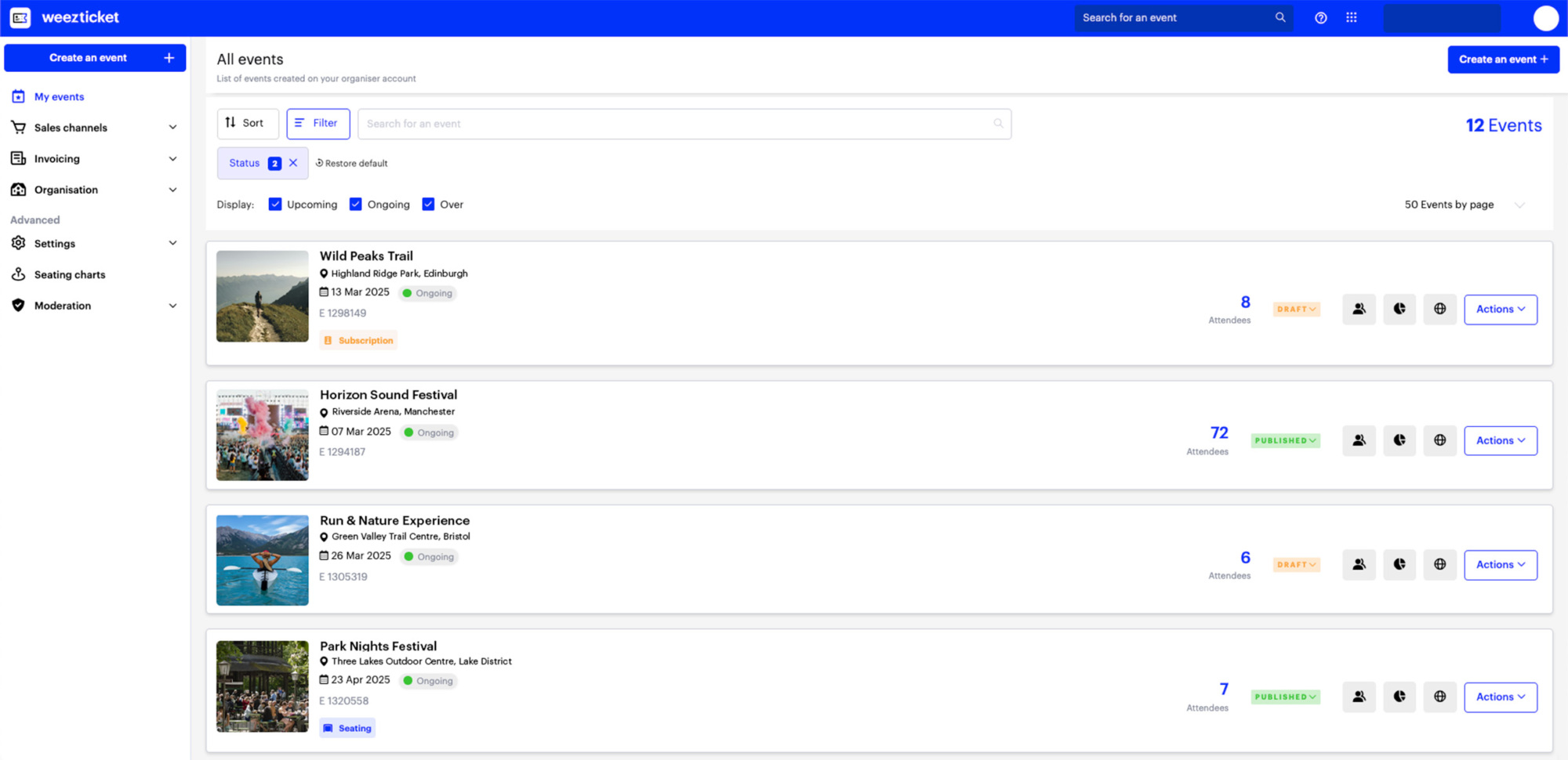
A truly free pricing tier
This is what a real free plan looks like. There are no monthly fees, ever, and you get full access to the entire platform for event creation, management, and ticket sales, with optional premium features available if needed. Unlike most competitors, there are no transaction or payment processing fees. Instead, there’s just a simple, transparent commission of £0.99 + 2% per ticket sold, which you can pass on to the customer, making costs predictable and easy to manage. It’s a genuinely affordable, feature-complete solution designed for organisers who want powerful tools without inflated fees, whether you’re running paid events or distributing tickets at scale.
Flexible payment options that customers trust
Weezevent supports a wide range of popular payment methods, making it easy for customers to complete their purchase with confidence. Tickets can be paid for using Visa, MasterCard, American Express, PayPal, or Klarna, giving buyers the flexibility they expect and helping reduce drop-off at checkout.
Built-in tools to promote and sell tickets
The software includes practical tools to help promote events and drive sales, such as promo code creation, invitation sending and flexible sales scheduling. Cross-selling and ticket resale help keep demand moving, while LinkedIn integration and search-friendly indexing make it easier for events to be discovered and shared.
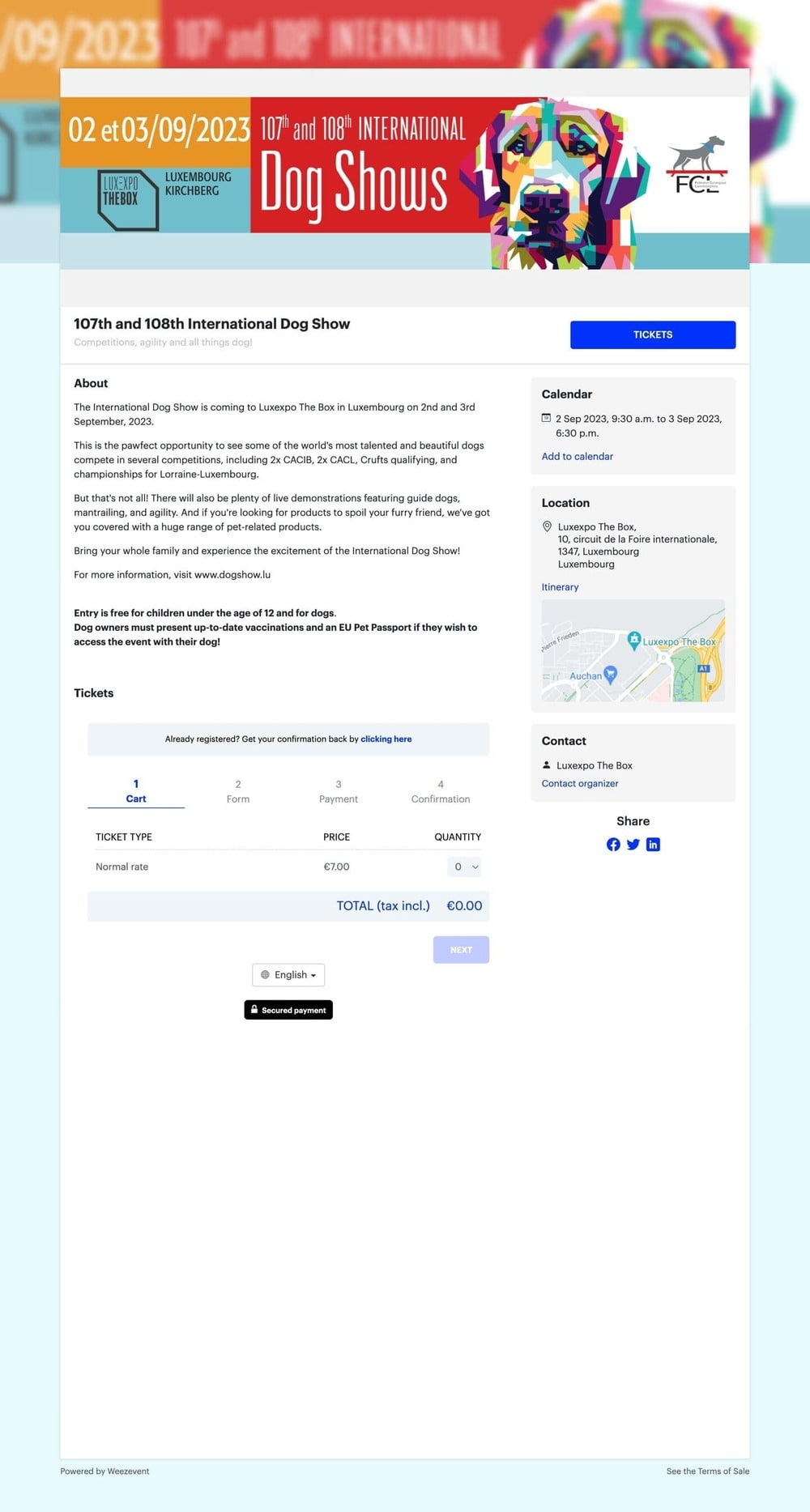
Examples of Weezevent’s event mini-sites
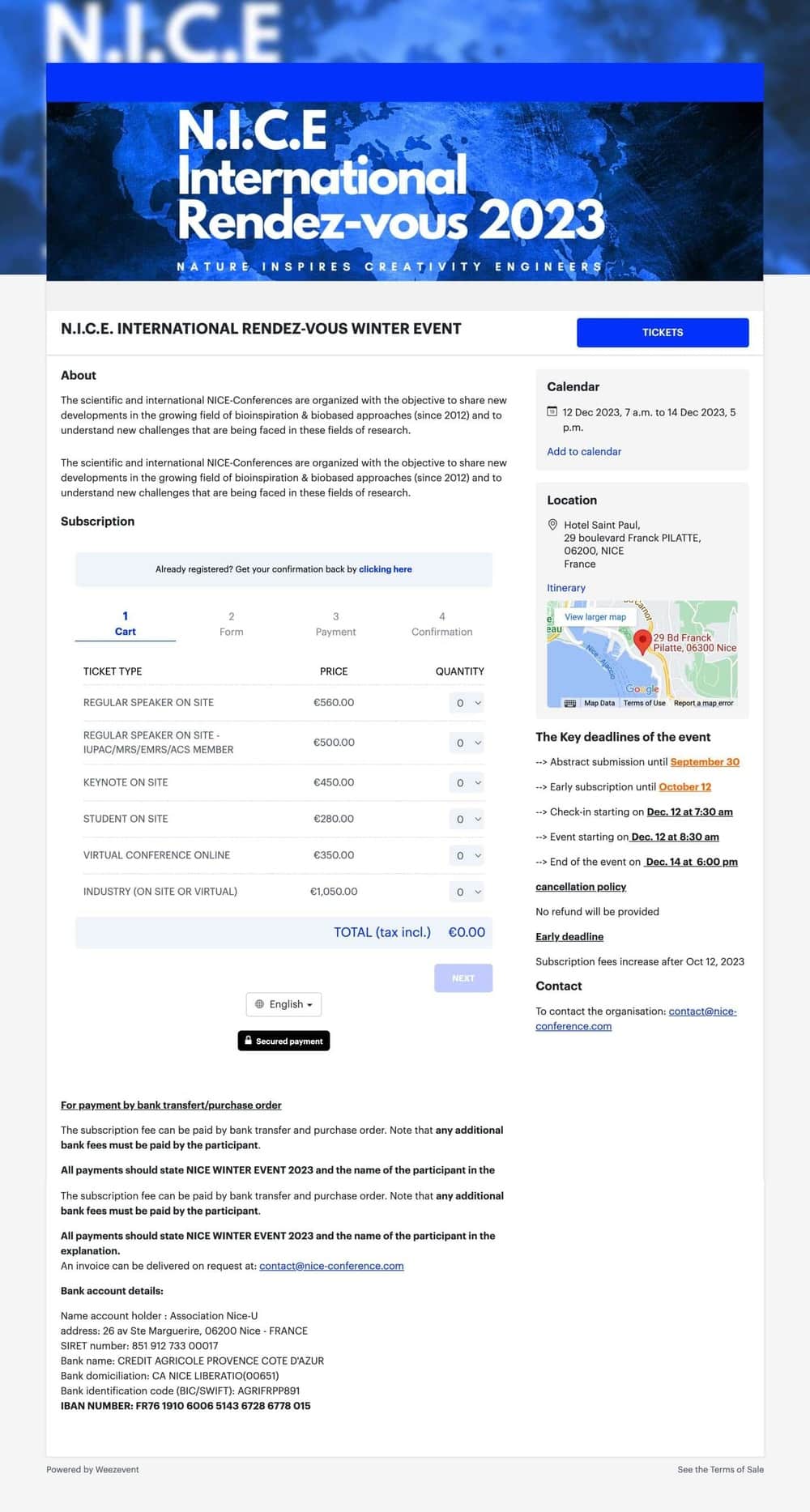
Weezevent’s pricing structure:
The solution provides one of the most cost-effective options, with no setup fees or monthly subscription, but instead, a competitive flat fee per sold ticket:
- Free for free events, invitations and bookings.
- Host unlimited events for free
- £0.99 + 2,5% per ticket sold, including VAT.
- No payment processing fees
2. Eventbrite
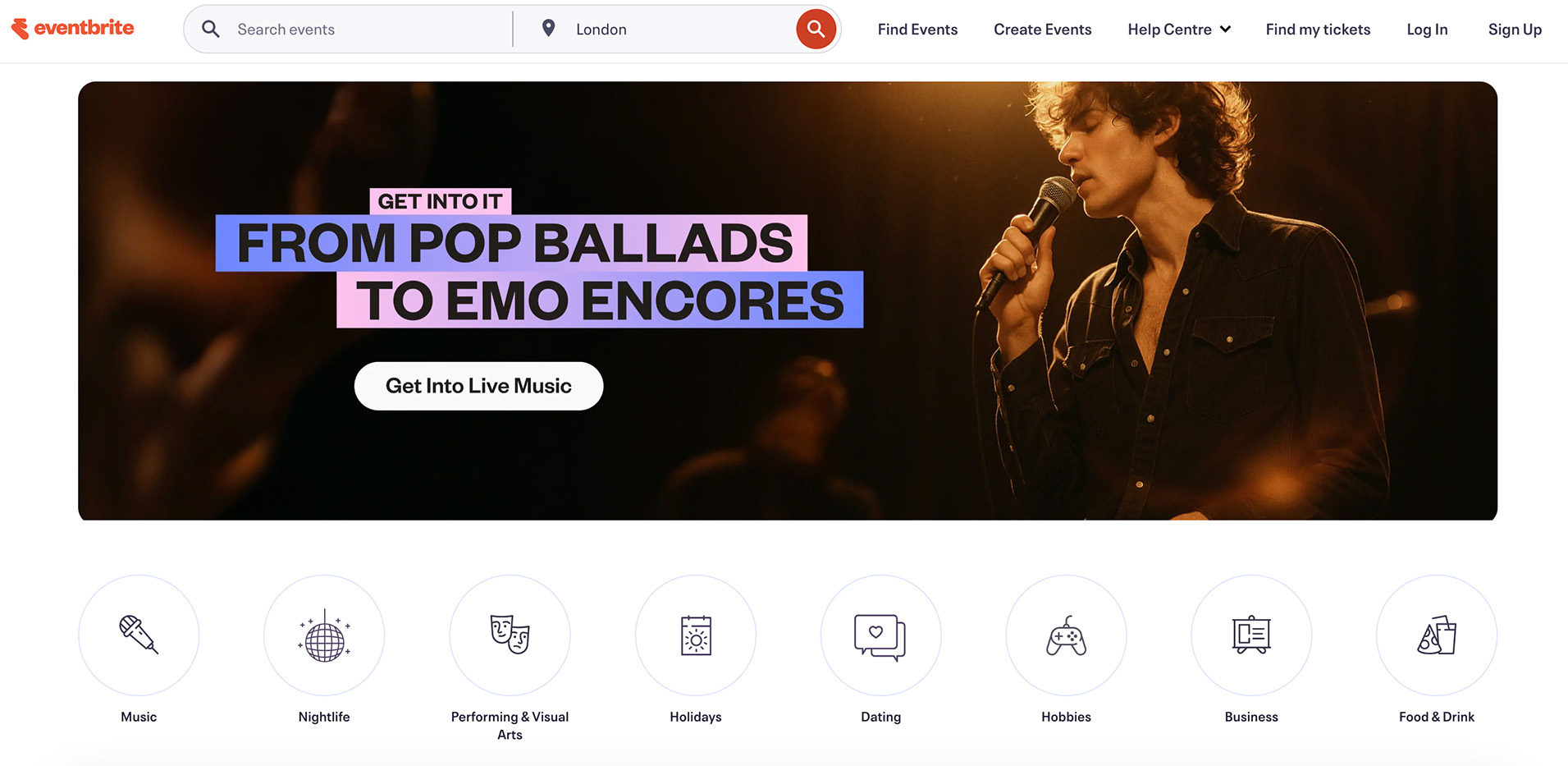
Head Office: San Francisco, USA
Eventbrite is one of the most widely known event ticketing platforms globally, particularly popular in the U.S. It offers a self-service solution that allows organisers to create event pages, manage ticket pricing and availability, process payments, and handle registrations in one place. With its built-in marketplace and strong brand recognition, Eventbrite helps organisers reach a broad audience while providing the essential tools needed to sell tickets and manage attendance.
Eventbrite’s ticketing features
- Track real-time ticket sales and performance through analytics dashboards.
- Customise registration forms to collect attendee information.
- Create multiple ticket types with flexible pricing, quantities, and availability rules.
- Accept secure online payments via credit cards, PayPal, and other supported methods.
- Offer free, paid, or donation-based tickets based on the event’s needs.
- Sell add-ons such as merchandise, meals, or premium access during checkout.
- Use mobile ticket-scanning and check-in tools to manage on-site entry.
- Enable waitlists for sold-out events to maximise attendance.
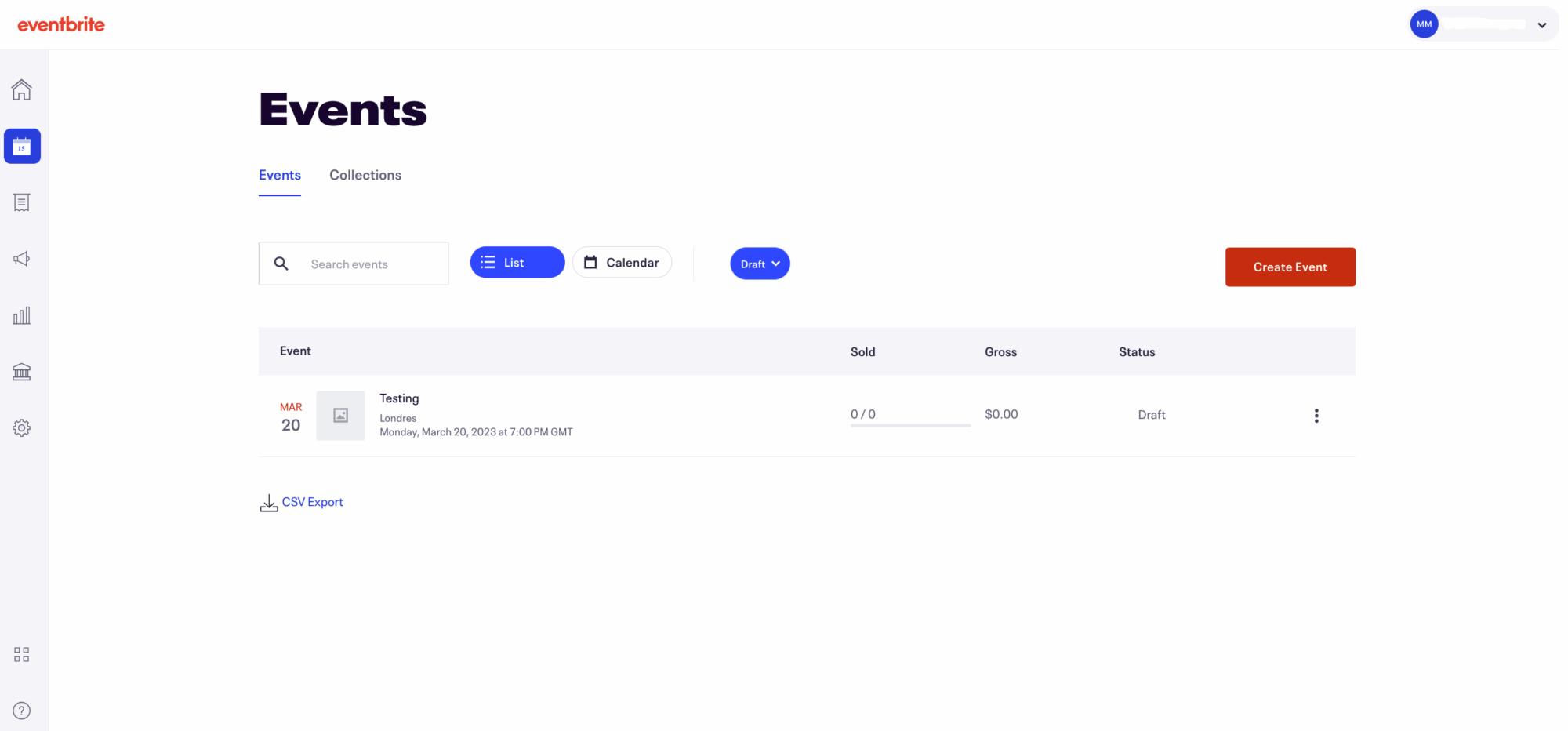
Eventbrite’s pricing structure
Eventbrite’s pricing structure is quite complex. Publishing events on the marketplace is free, but they charge flat fees per paid ticket sold, along with payment processing fees in certain countries.
- 6.95% + £0.59 per paid ticket sold; donation tickets incur a 2% service fee.
Eventbrite also offers plans for email marketing reach:
- Pro plans start at £12/month (2K emails/day), £39/month (6K emails/day), and £78/month (10K emails/day), with annual subscriptions offering 20% savings.
3. EventBookings
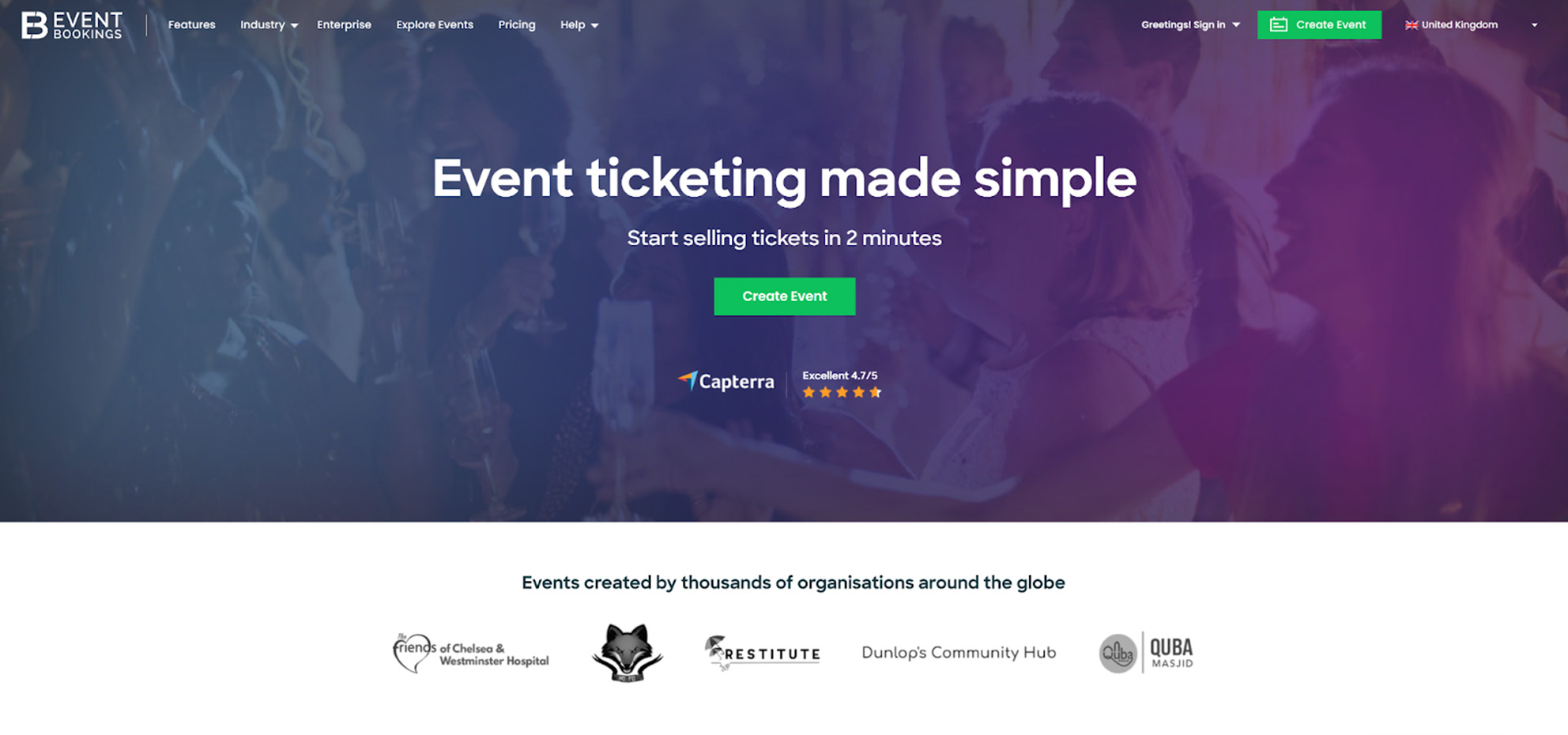
Head Office: Melbourne, Australia
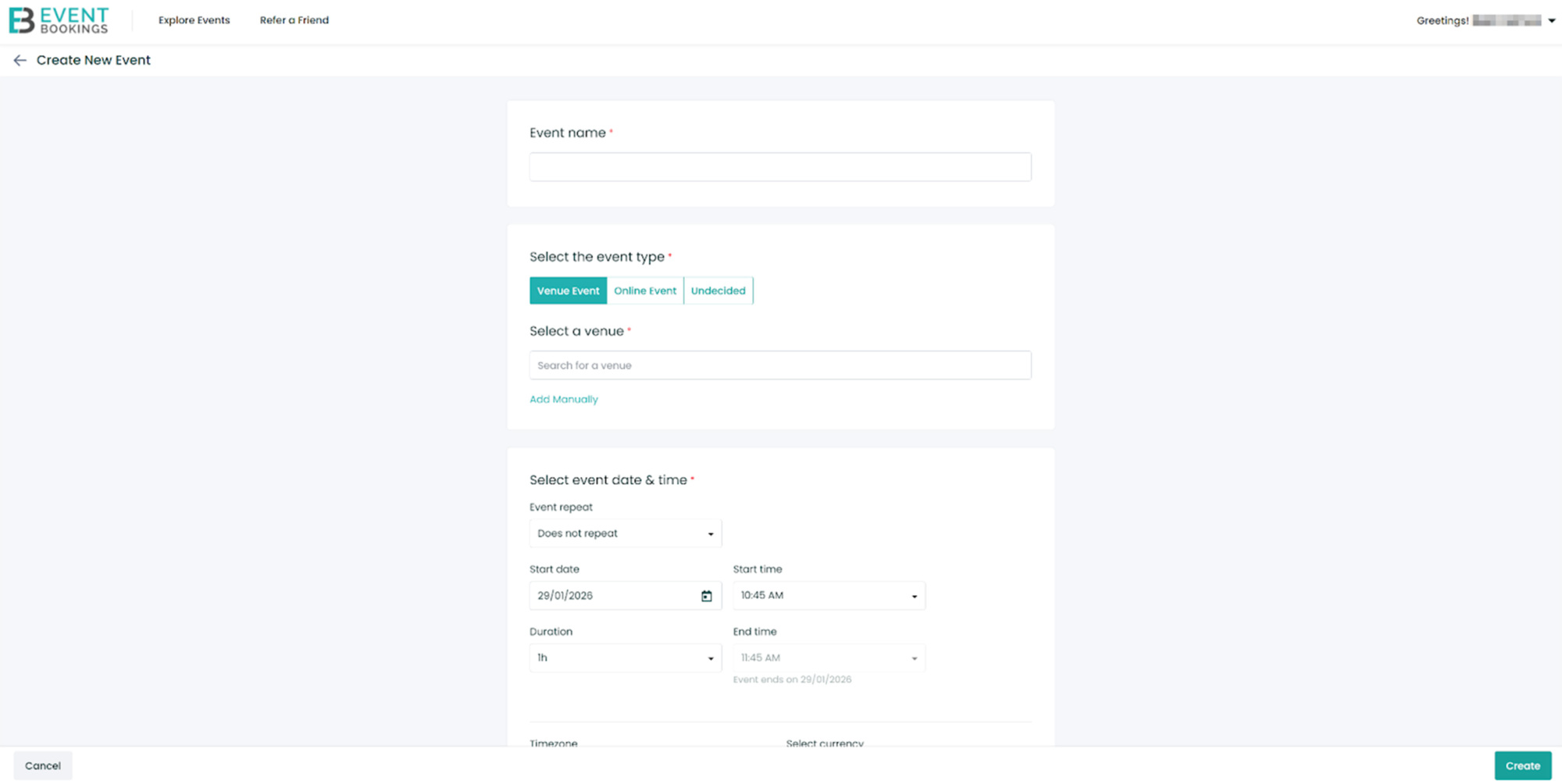
EventBookings is a self-service ticketing and registration platform built for organisers who want to sell tickets and accept payments without technical complexity. It supports a wide range of use cases, from workshops and training sessions to conferences and community events, with a strong focus on simplicity and control. EventBookings offers core ticketing features such as custom event pages, multiple ticket types, discount codes, and online payments, while keeping the purchase experience clean and white-label. The platform is particularly well suited to organisers who want a straightforward, brand-controlled ticketing solution that can be embedded into their own websites.
EventBookings ticketing features
- Create branded event pages with custom descriptions, images, and organiser details.
- Set up multiple ticket types, including free, paid, group, and recurring event tickets.
- Manage pricing rules, ticket availability, capacity limits, and sales periods.
- Collect attendee information using custom registration fields and forms.
- Offer discount codes, early-bird pricing, and promotional campaigns.
- Accept secure online payments through integrated payment gateways.
- Track ticket sales and registrations with real-time reporting dashboards.
- Manage on-site entry using mobile ticket scanning and attendee check-in tools.
EventBookings pricing structure
EventBookings operates on a pay-as-you-sell ticketing fee model with no upfront costs, setup fees, or monthly subscriptions required to get started. Organisers can create an account for free. Free events can sell up to 300 free tickets at no charge.
- For paid events, EventBookings charges a nominal platform fee of 1% + £0.20 per ticket sold, in addition to Stripe payment processing fees that vary by card type.
4. EventZilla
Head Office: Ohio, USA
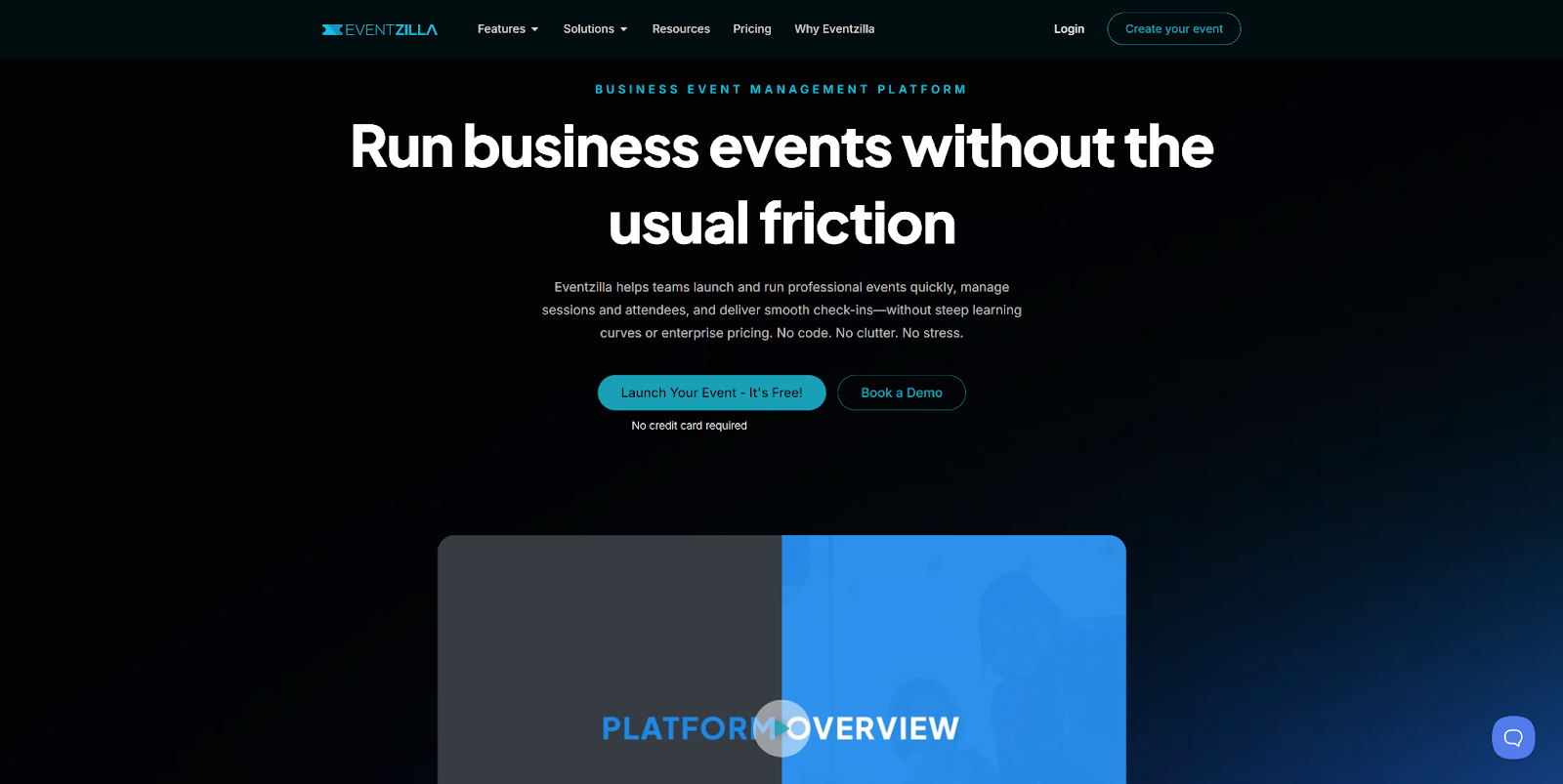
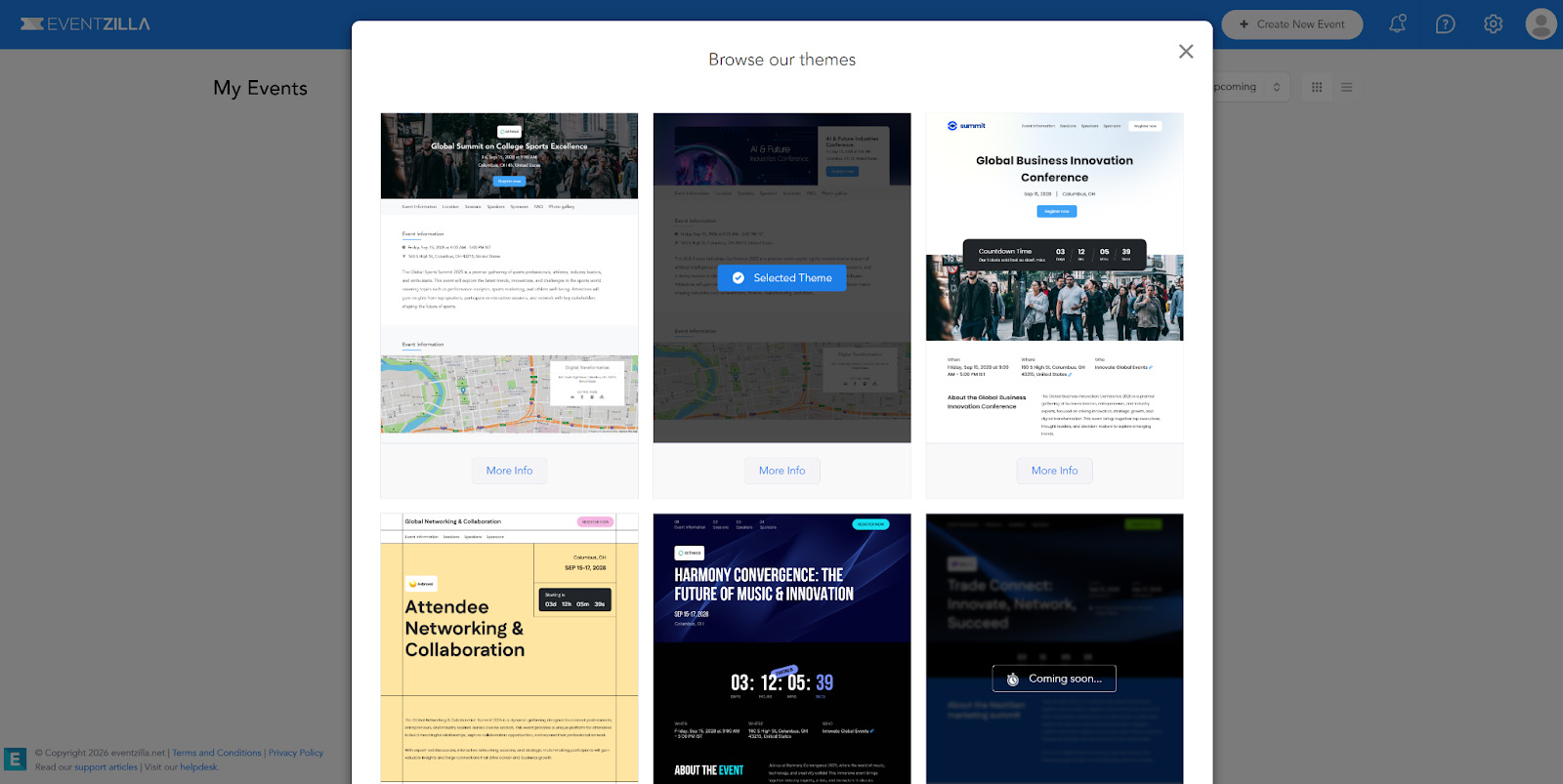
Eventzilla is a self-service ticketing and registration platform designed for professional events such as conferences, workshops, training sessions, and community gatherings. It focuses on helping organisers launch and manage events quickly, with tools to create branded event pages, sell tickets, collect payments, and manage registrations from a single interface. Eventzilla goes beyond basic ticketing with features like session and agenda management, automated email communications, and QR-code check-in, while keeping setup simple and accessible. Rather than acting as a discovery marketplace, it emphasises organiser control over branding, data, and distribution, making it a solid all-in-one option for structured business events.
EventZilla ticketing features
- Create custom event pages and registration sites with branding and configurable fields for attendee data collection.
- Sell multiple ticket types, including general admission, early bird, VIP, group and promo-code tickets.
- Integrated online payment processing with support for major gateways and offline payment options.
- Manage agenda, sessions and speakers for multi-session or multi-day events.
- Attendee management tools, including waitlists, custom forms, communications and attendee lists.
- On-site check-in with QR code scanning, badge printing and mobile device support.
- Real-time reporting and analytics dashboards for ticket sales, registrations and attendee insights.
- Integrations with marketing, calendar, CRM and workflow tools, plus API support.
EventZilla pricing structure
Eventzilla offers a flexible pay-as-you-go pricing structure that lets organisers choose a plan based on their event size and feature needs. For free events, there is no platform fee, which makes it cost-effective for community gatherings, meetups, or events without ticket charges.
- Basic plan: $1.50 per ticket
- Pro plan: 1.9% + $1.50 per ticket
- Plus plan: 2.9% + $1.50 per ticket
5. RSVPify
Head Office: Chicago, USA
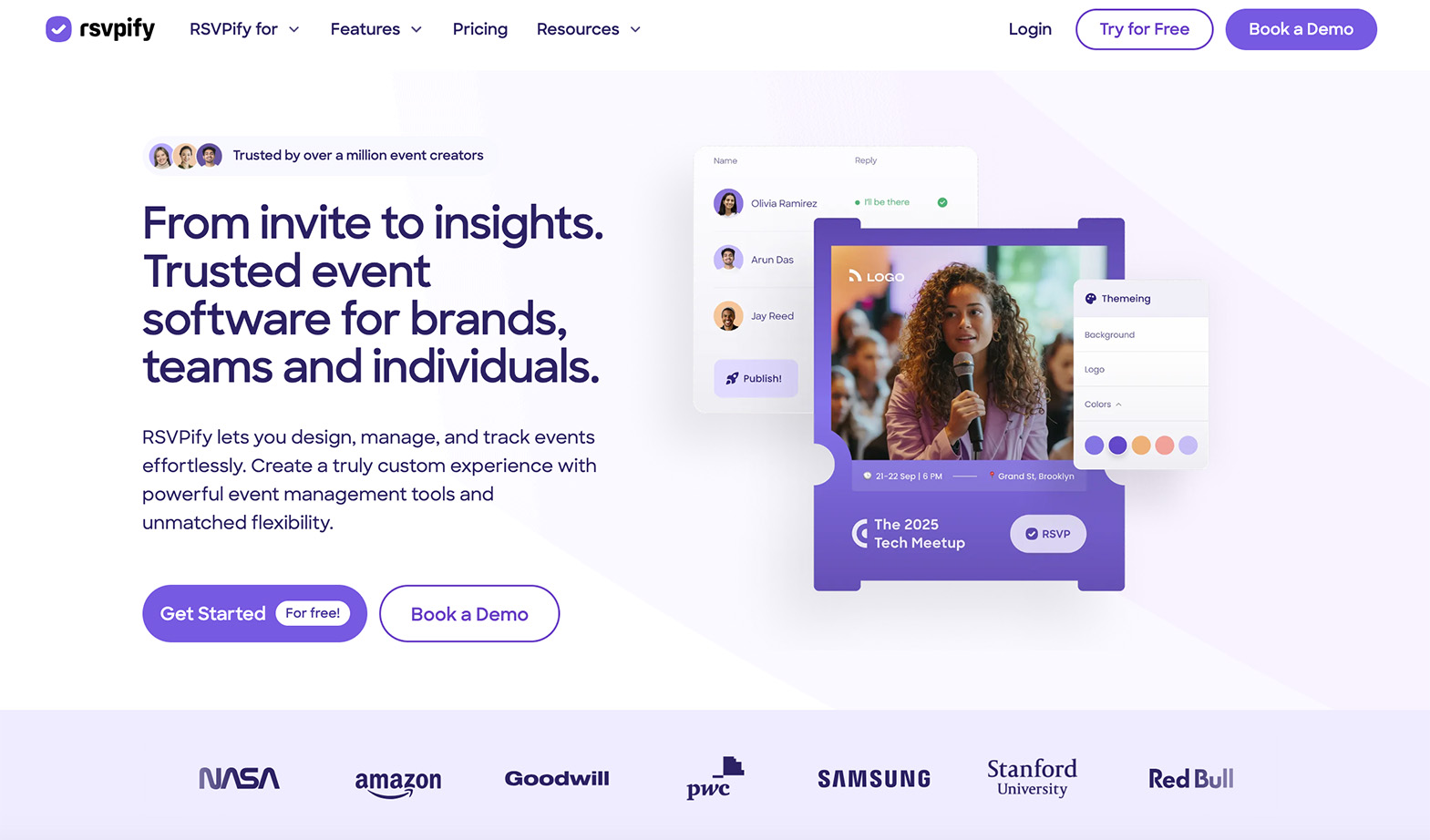
RSVPify is a self-service registration and RSVP platform designed for organisers who need a simple, efficient way to manage invitations and guest lists. It allows users to create event pages, define ticket or RSVP options, and collect attendee information through custom forms. With built-in communication tools and seating management features, RSVPify is particularly well suited to private, corporate, or invitation-based events where attendance tracking and guest experience matter more than large-scale ticket sales.
RSVPify’s ticketing features
- Sell tickets and collect donations from the same registration flow.
- Create discount codes and coupons to support promotions and partner campaigns.
- Pass ticketing fees to attendees or absorb them as the organiser.
- Accept online payments securely via Stripe integration.
- Set up group tickets and tiered pricing for bundled or team registrations.
- Export ticketing and registration data for reporting and follow-up.
- Manage event check-in using QR codes and self-check-in kiosks.
- Build and manage assigned seating using an integrated seating chart tool.
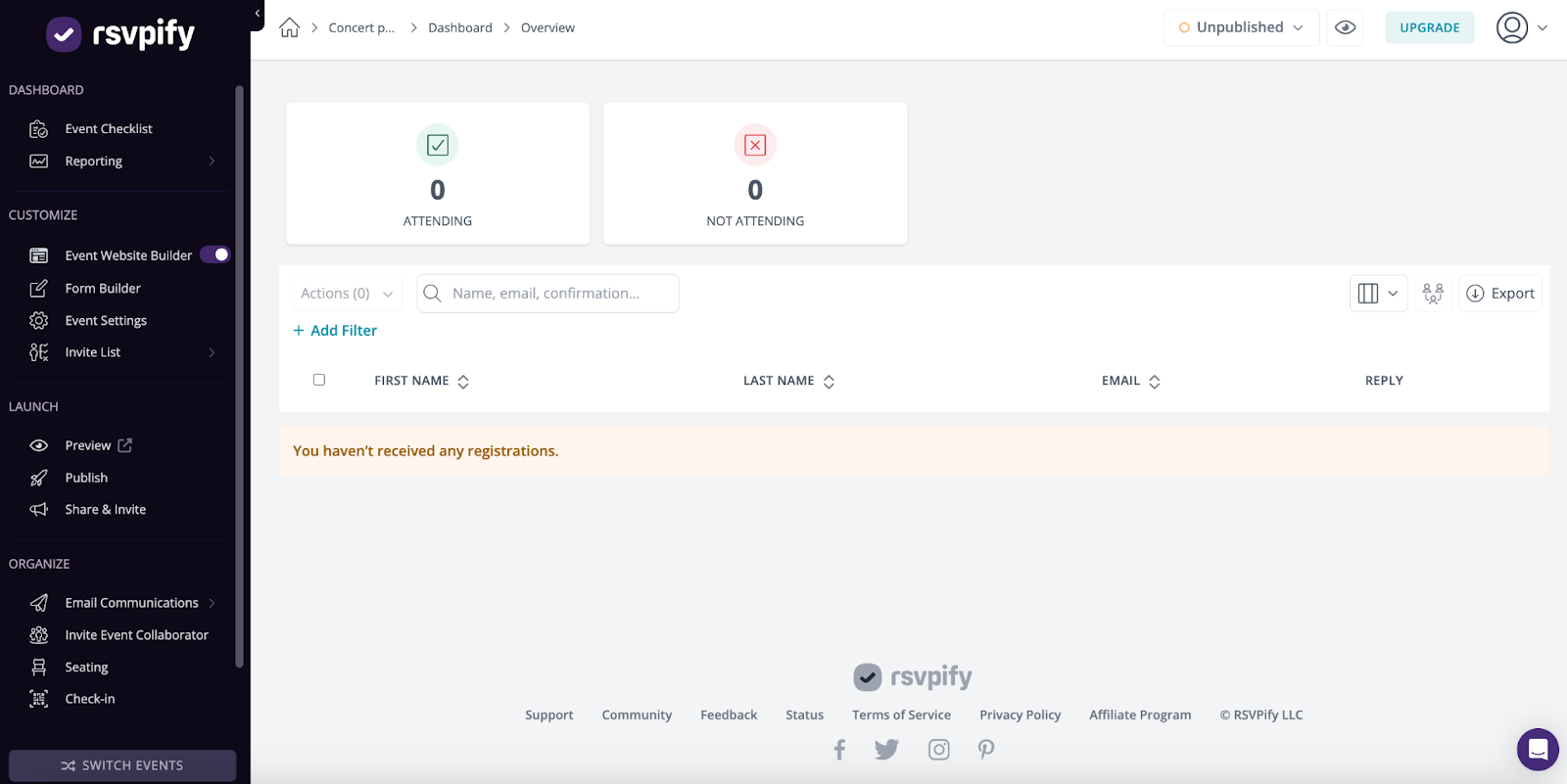
RSVPify’s Pricing
RSVPify follows a simple, usage-based pricing model for ticket selling. Creating and publishing an event is free, and organisers are charged a fee for each ticket sold or donation collected, rather than paying a recurring fee.
- Global pricing (in USD): 1.95% + $0.90 per ticket sold + payment processing fees of 1.5% + 20p for standard UK cards.
- Credit card processing fees are not included in RSVPify’s pricing and are charged separately by the selected payment processor (such as Stripe).
6. Ticketor
Head Office: Los Angeles, USA
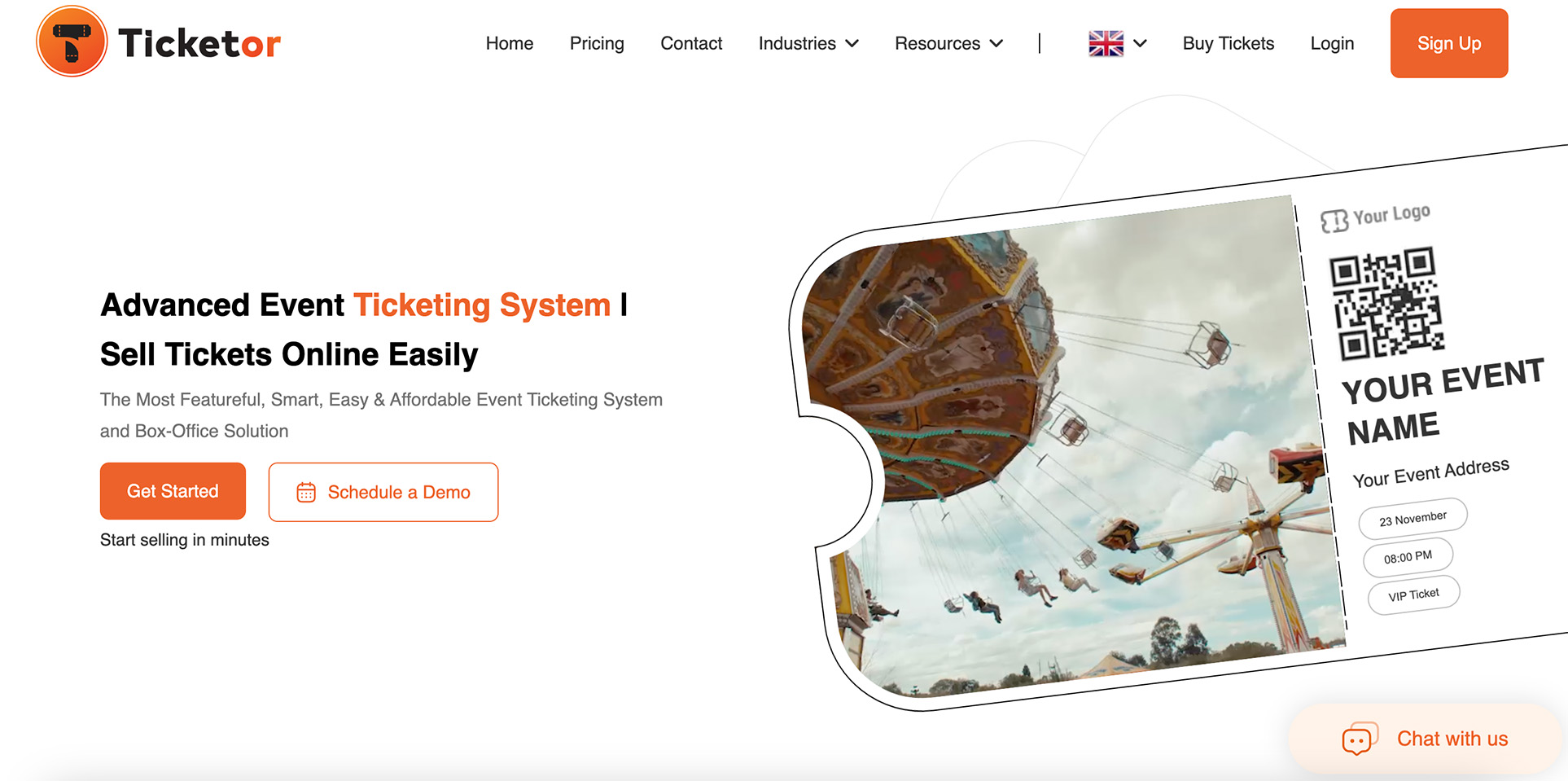
Ticketor is a self-service ticketing and event registration solution that enables organisers to build and run their own fully branded ticketing website with control over fees, pricing, and sales policies. The platform is designed to be user-friendly and flexible, allowing organisers to set up events and begin selling in minutes without technical expertise. Ticketor supports a wide range of event types, including concerts, theatre shows, conferences, festivals, classes, and community activities, and combines online ticketing with box-office and in-person sales all within a single platform. Organisers retain ownership of their data and receive ticket revenue directly, giving them control over their cash flow and customer relationships.
In addition to core ticket sales, Ticketor emphasises customisation, automation, and direct revenue capture by letting organisers set their own service fees or pass them to buyers, with transparent pricing that starts at 2.5% of ticket value with no flat fees. The platform includes features such as interactive seating charts, barcode/QR code scanning, recurring events, and automated reporting. It also offers built-in marketing and SEO tools so organisers can promote events, drive sales, and manage customer communications from one dashboard.
Ticketor ticketing features
- Create a fully branded ticketing website or box office site with your own domain, design and logo.
- Sell multiple ticket types with flexible pricing, tiered pricing, early-bird discounts and dynamic pricing capabilities.
- Accept online ticket sales and on-site or box office sales, including cash, card, mobile and over-the-phone orders.
- Support seating charts, general admission, season passes, memberships and recurring event setups.
- Integrated QR code and barcode scanning for fast entry and on-site validation.
- Built-in website builder and content management system for landing pages, SEO content and event pages.
- Marketing and promotional tools, including newsletters, SMS marketing, affiliate tracking, and coupons.
- Sell add-ons such as merchandise, food and beverages, gift cards, donations and parking.
- Real-time reporting, analytics and direct access to ticket revenue through your own payment processor.
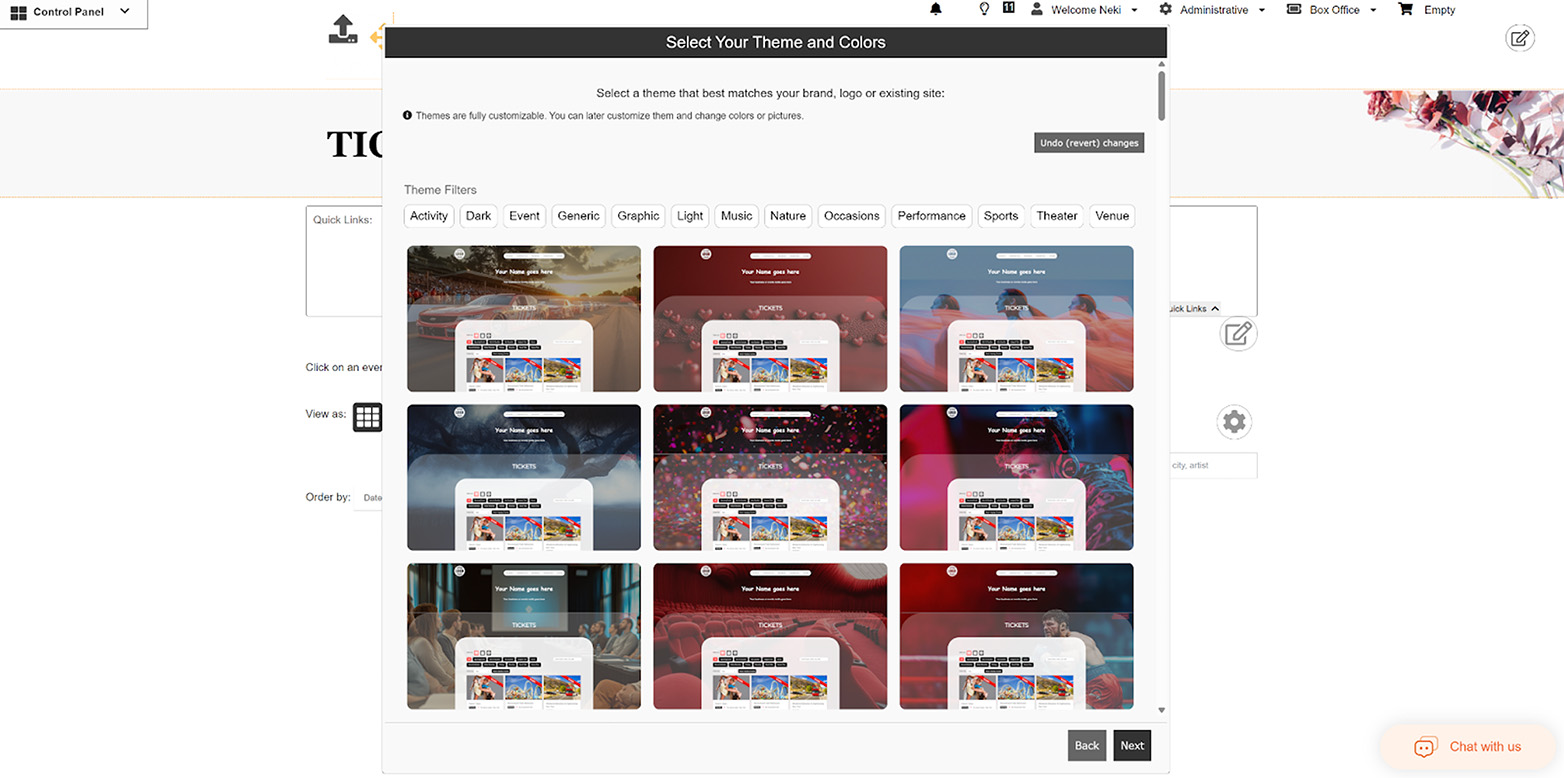
Ticketor pricing structure
Ticketor offers a transparent, pay-as-you-go pricing model with no setup fees, no long-term contracts, and no hidden costs for organisers. The platform is free to start, and charges are only applied when tickets are sold.
- Global pricing: 2.5% of the ticket price with no flat fee per ticket
7. Accelevents
Head Office: Boston, USA
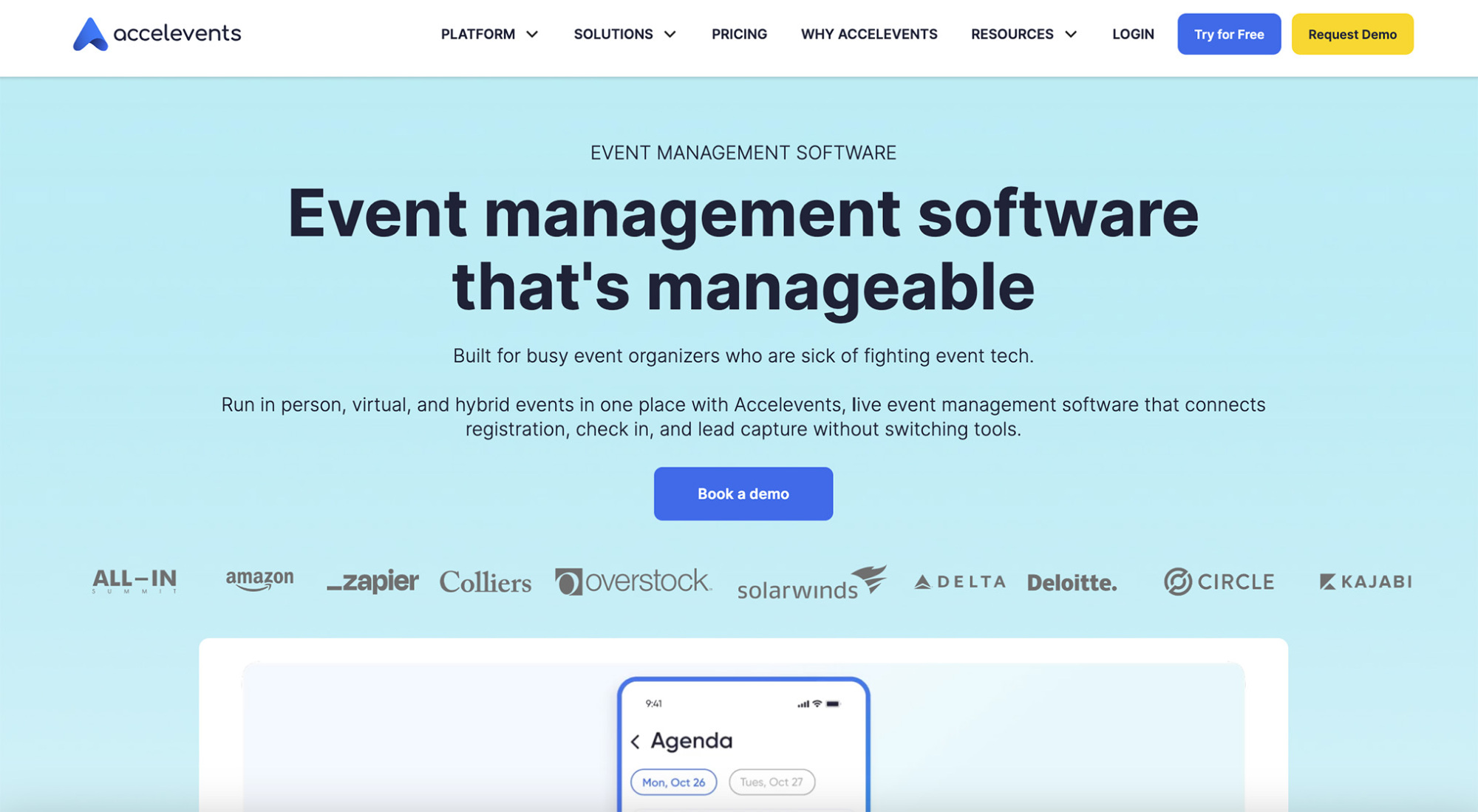
Accelevents is an all-in-one event management platform designed for virtual, hybrid, and in-person events. It combines ticketing, registration, event websites, and attendee communications in a single interface, with a strong focus on ease of use. Accelevents also offers built-in analytics, check-in tools, and promotional features, making it a versatile option for organisers who want a broad feature set without heavy technical complexity. The platform is well suited to teams looking for a flexible, general-purpose solution across different event formats.
Accelevent’s ticketing features
- Build branded event pages using a drag-and-drop website builder to drive registrations.
- Create on-brand emails for invites, confirmations, and reminders directly from the platform.
- Set up advanced registration paths with custom fields, conditional logic, and approval workflows.
- Design professional event badges quickly and print them on demand during check-in.
- Speed up onsite arrivals with QR code scanning, self check-in, and badge printing at kiosks.
- Keep check-in running even if Wi-Fi drops thanks to offline protection.
- Track performance from registrations to attendee engagement with analytics and reporting tools.
- Push registration data to CRMs like HubSpot, Salesforce, or Marketo via native integrations or custom builds.
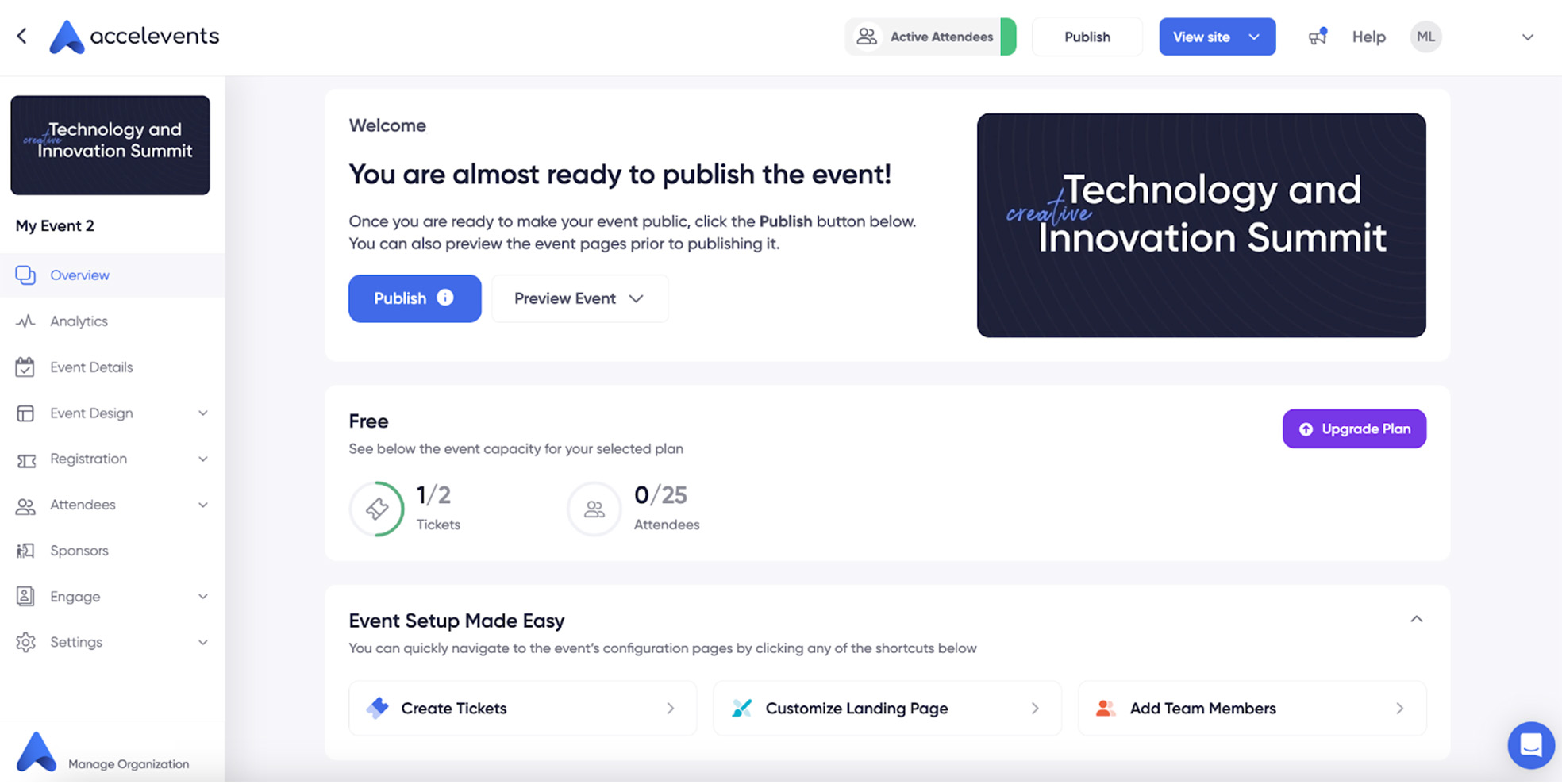
Accelevent’s pricing structure
Accelevents operates on a plan-based pricing model designed primarily for professional and large-scale events. Pricing is based on the number of registrants and the scope of events included, rather than a per-ticket fee.
- Professional: Starting from 5000$USD. 500 registrants included, 1 event.
- Business: Starting from 12.000$USD. 2000 registrants included, unlimited events.
- Enterprise: Price on request. 10,000 registrants included, unlimited events.
- White Label: Price on request.
Ticketing selling prices
For free plan & starter plan: 1,50$ + 3,5% per ticket sold + processing fees of your online payment processor (2,9% of the amount + 0,30$ for Stripe).
8. Bizzabo
Head Office: New York, USA
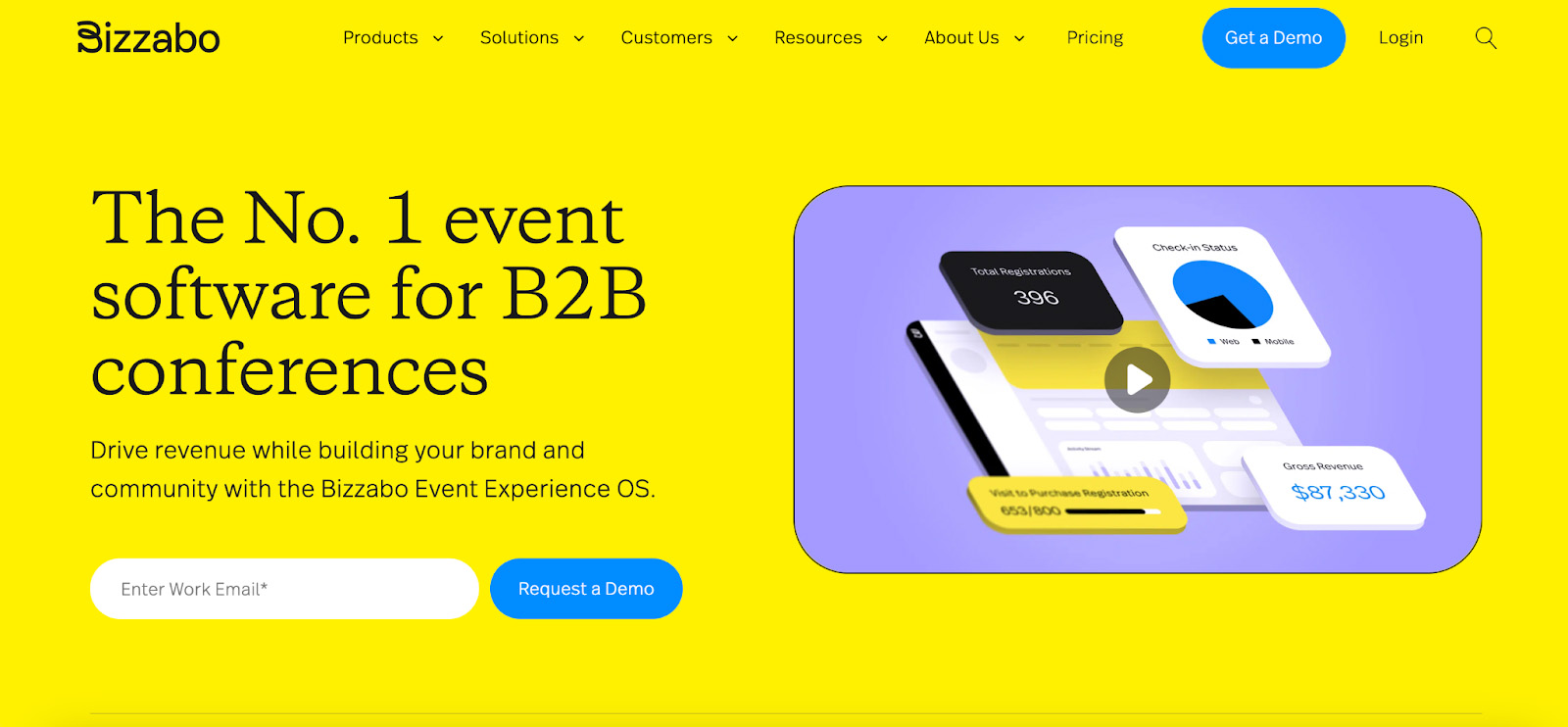
Bizzabo is a well-known event management platform in the U.S., primarily focused on B2B conferences, field marketing events, and virtual or hybrid formats. It positions itself as an “Event Experience OS,” with strong capabilities around registration, agenda and speaker management, sponsor tools, and on-site check-in for complex event setups. Bizzabo places particular emphasis on attendee experience, engagement, and analytics, making it a popular choice for large-scale, brand-driven events and corporate organisers. While we did not access Bizzabo’s back office directly, the features presented on its website suggest a strong emphasis on operational efficiency and attendee experience.
Bizzabo’s ticketing features
- Personalise registration flows with custom fields, conditional logic, promo codes, and ticket visibility settings.
- Embed registration widgets and pop-up modals directly into your website for seamless sign-up.
- Support both free and paid tickets, including payments via instant transactions or invoicing in multiple currencies.
- Capture group registrations first and collect detailed attendee data afterwards to optimise conversion.
- Incentivise referrals and re-engage incomplete sign-ups with tools like Ticket Boost and Hot Leads.
- Access real-time registration data and trends to adjust strategy and track goals or venue capacity.
- Integrate registration data with CRMs like HubSpot, Marketo, and Salesforce for marketing and pipeline tracking.
- Streamline onsite check-in with QR codes, contactless badge scanning, and mobile app login.
Bizzabo’s pricing features
Bizzabo follows a subscription-based pricing model centred around its Event Experience OS, designed for teams managing multiple events and requiring access to advanced event management and registration capabilities.
- Event Experience OS (Unlimited events and registrations): Starting at $17,999 yearly, 499$US/mo per user, 3 users minimum.
9. SimpleTix
Office: USA
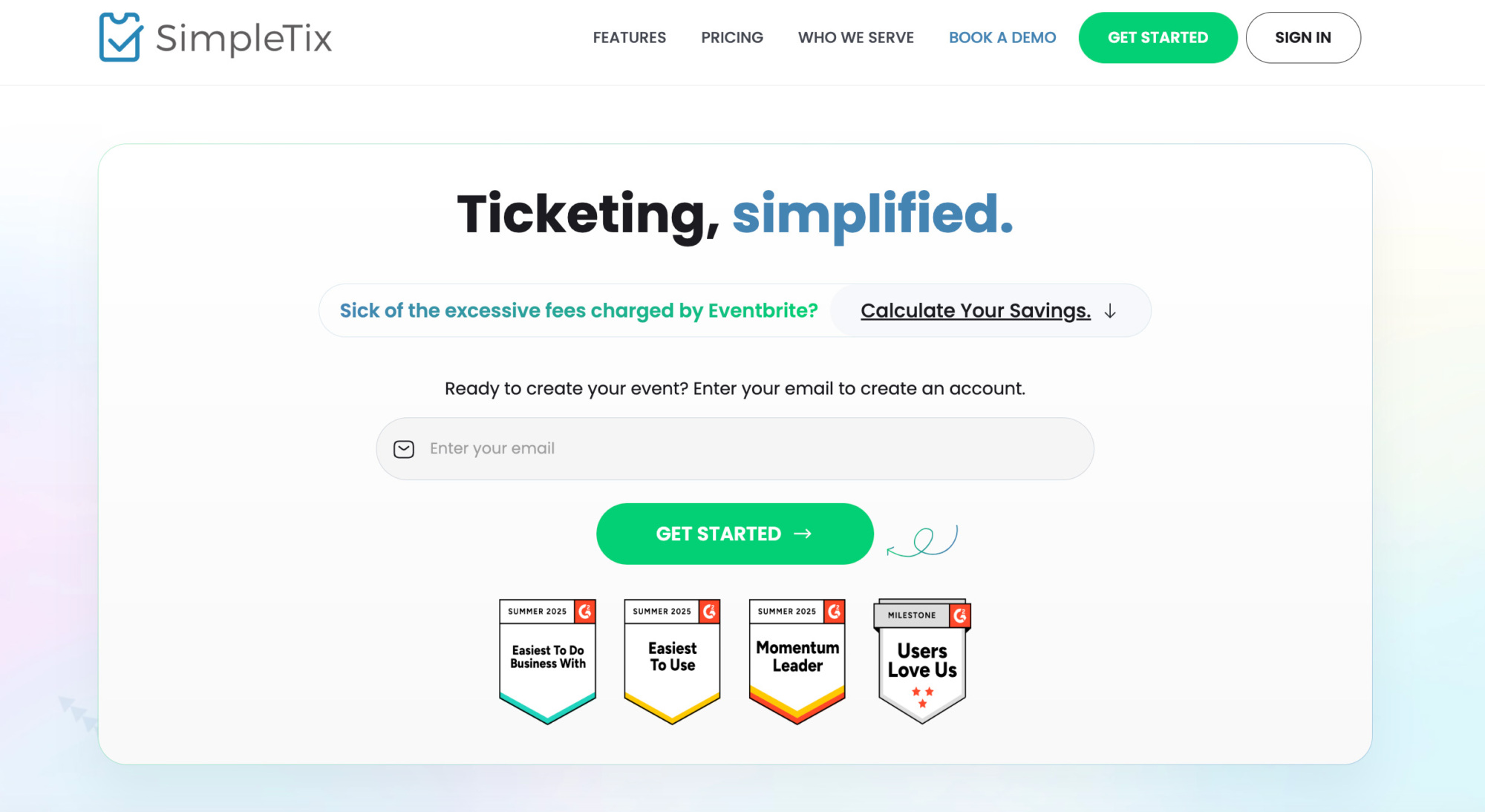
SimpleTix is a lightweight ticketing solution designed for organisers who want to get up and running quickly. The platform focuses on straightforward event setup, promotion, and ticket sales, with a strong emphasis on ease of use. Its direct integration with Square is a key differentiator, allowing payments to flow straight to the organiser’s account and simplifying financial management. SimpleTix is well suited to smaller events and organisers looking for a simple, no-frills ticketing tool that integrates easily with existing workflows.
SimpleTix ticketing features
- Create a branded event page to sell tickets online without outside platform promotions.
- Embed ticket purchase directly on your website using the SimpleTix widget.
- Simplify multi-day events with Festival Mode and Class Pack purchase options.
- Sell timed entry tickets by time slot to control crowd flow and capacity.
- Increase revenue with built-in upsells for merch, add-ons, or season passes during checkout.
- Offer unlimited ticket types plus promo codes and discounts for targeted pricing.
- Streamline check-in with mobile tickets, QR codes, and bundled check-in for group purchases.
Let attendees edit their ticket day or timeslot themselves to reduce admin workload.
SimpleTix pricing structure
SimpleTix uses a per-ticket pricing model, charging a flat fee plus a percentage of each ticket sold, with additional payment processing fees applied on top.
- £0.79 + 2% per ticket + payment processing fees estimated at 2.9% + £0.30 per ticket.
10. vFairs
Office: Dallas, USA
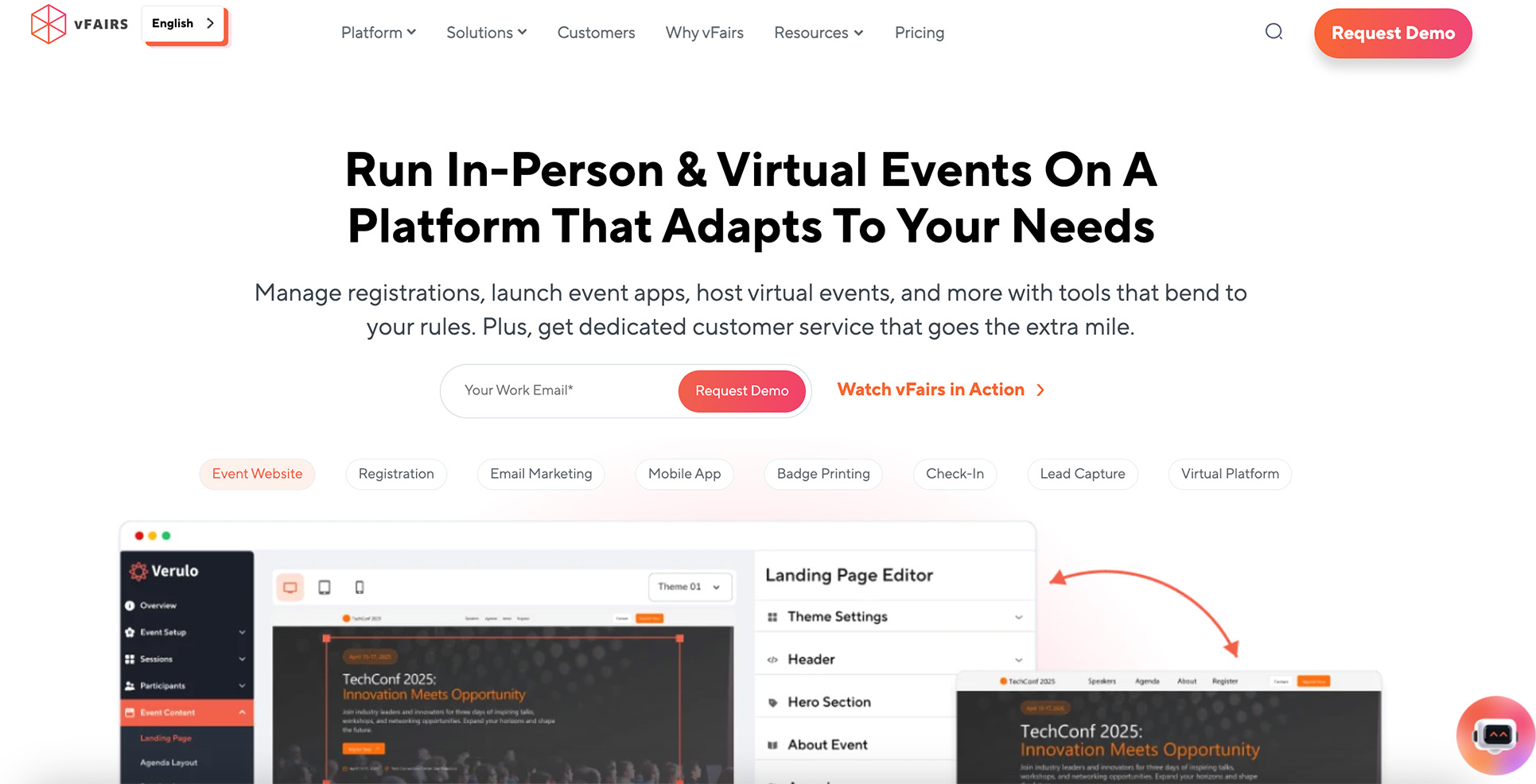
vFairs is an all-in-one event platform primarily focused on virtual and hybrid events. Rather than a self-service tool, it offers a more managed approach, with highly branded digital environments designed to maximise attendee engagement. vFairs is particularly strong for virtual conferences and large online events, combining registration and ticketing with interactive features such as live webinars, networking, and gamification. It is best suited for organisations looking for immersive, technology-driven virtual experiences rather than lightweight, self-managed ticketing.
vFairs ticketing features
- Build branded event landing pages to collect registrations and drive ticket sales.
- Create custom registration forms using a drag-and-drop form builder to capture attendee details.
- Offer multiple ticket types and tiers to fit different audiences and pricing strategies.
- Create discounts and promo codes to support promotions and partner campaigns.
- Use a custom domain URL for a more consistent, branded purchase experience.
- Collect payments through integrations like PayPal and Stripe for paid registrations.
- Manage on-site arrivals with QR code check-in, self-service kiosks, and manual attendee search.
- Speed up entry and badging with badge design tools and options for on-site or bulk badge printing.
vFairs pricing structure
vFairs follows a custom pricing model, with pricing available on request and tailored to the specific needs and scope of each event.
11. Eventtia
Office: Paris, France
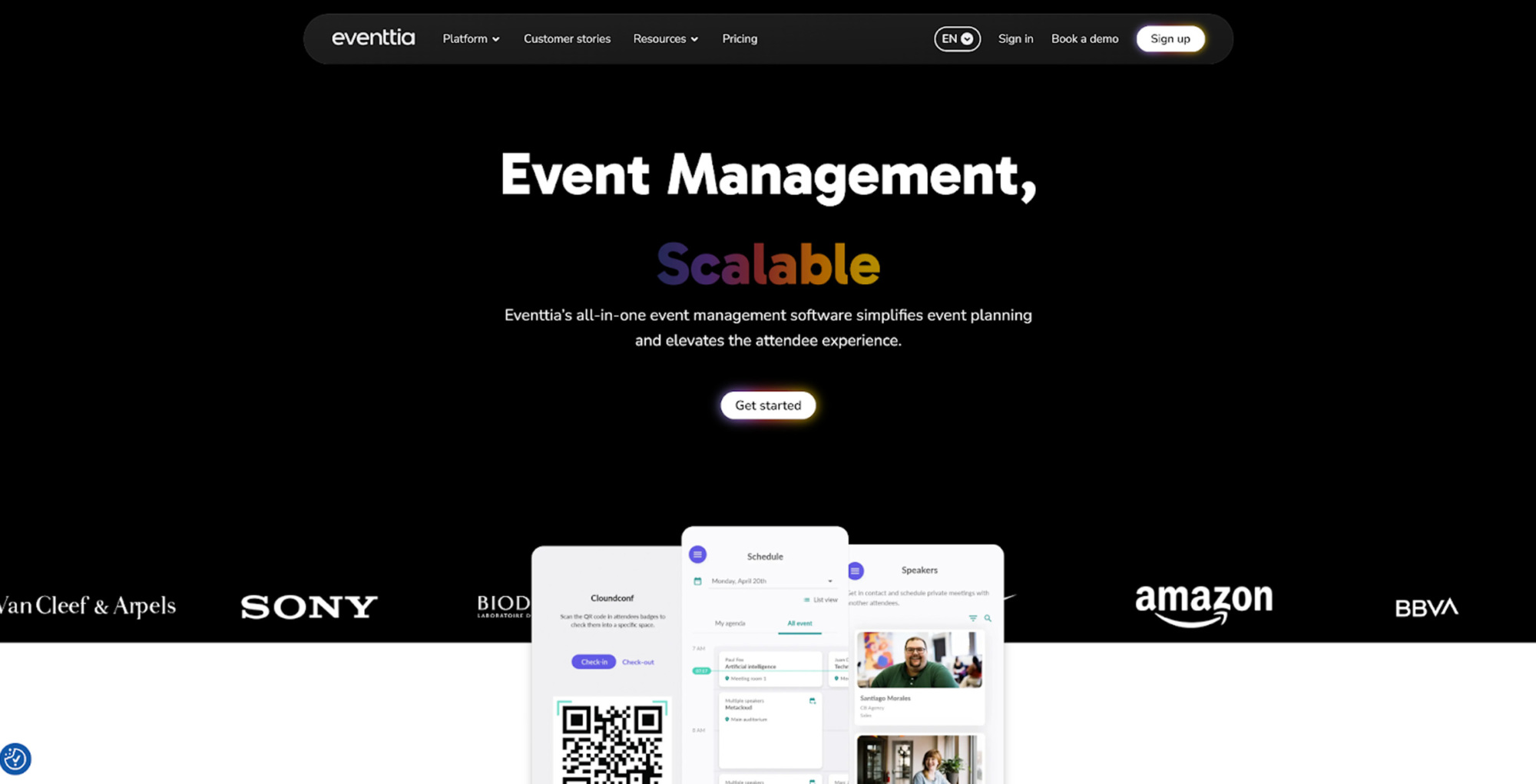
Eventtia is an event management and ticketing platform primarily aimed at professional and corporate events. It is commonly used for conferences, trade shows, and institutional or business-focused gatherings, across in-person, hybrid, and virtual formats. Eventtia combines registration, ticketing, payments, and attendee data within a single back office, while also covering agenda management, automated communications, and on-site check-in. Rather than operating as a public marketplace, it focuses on controlled distribution and branded experiences, making it a good fit for organisations that prioritise data ownership and structured event operations.
Eventtia’s ticketing features
- Customisable event registration and ticketing with multi-ticket types, discounts and secure online payments.
- Build branded event websites and registration pages to match your organisation’s look and feel.
- Attendee management tools, including segmentation, group registrations and access control.
- On-site check-in with QR code scanning and badge printing via mobile app.
- Agenda and session management for multi-session or multi-day events.
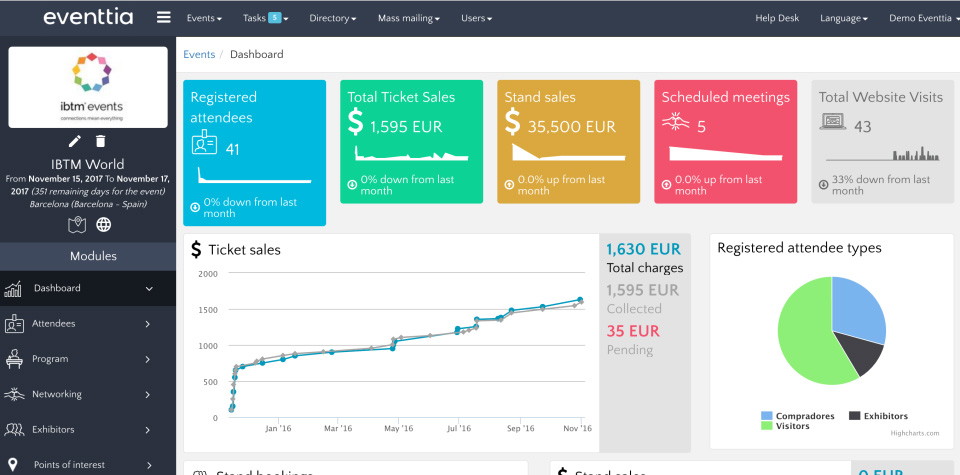
- Real-time analytics, dashboards and reporting to track registrations and event performance.
- Support for virtual and hybrid event features, including engagement tools and virtual event interfaces.
API and integration capabilities to connect with CRM, marketing, and other event systems.
Eventtia’s pricing structure
Eventtia’s pricing is customised rather than fixed; the final cost depends on the number of attendee credits and the required features. Organisers must request a quote directly from Eventtia to receive exact pricing for their specific event requirements.
Beyond ticket sales: data, attendees, and system compatibility
Customer data and attendee management play a central role in how smoothly an event runs but their value depends heavily on how well a ticketing platform fits into your existing tool stack. Modern ticketing solutions allow organisers to collect and use data such as attendee demographics, purchasing behaviour and engagement patterns but if the platform doesn’t integrate properly with your CRM, email tools, analytics, or accounting systems, that data can quickly become fragmented or unreliable. Incompatible software setups often lead to manual exports, duplicated entries, reporting gaps, or even data loss, which creates extra work and increases the risk of errors.
After reviewing these 11 event ticketing systems, one thing becomes clear: choosing a platform is less about finding the most feature-rich solution and more about finding the right balance for your specific use case. Pricing models, levels of customisation, payment flows, data ownership, and integrations all vary significantly, and those differences can have a direct impact on how efficiently you work and how your attendees experience the event.
Rather than starting with the question “Which platform is the best?”, it’s often more useful to ask “Which platform fits the way we already operate?”. A solution that aligns with your event format, your internal tools, and your growth plans will usually deliver more value than a more complex platform that you only partially use. By comparing features, pricing structures, and operational constraints side by side, you can make a more informed choice and avoid costly adjustments later on.*The evaluations published on this blog reflect the personal views of our contributors and are intended for informational purposes only. All brand names, logos, and trademarks remain the property of their respective owners. Pricing details are based on publicly available information at the time of publication (29/01/2026) and may change at any time. For the most up-to-date pricing, we advise consulting the official websites of the providers.