
Organising an event involves much more than simply putting tickets on sale. From collecting attendee information and monitoring capacities to communicating with participants and checking people in on the day, the right software can simplify many of the tasks that would otherwise have to be managed manually.
This is where event technology has become increasingly useful. Modern platforms can support event planning, registration, ticket sales, communications, reporting and event check-in from the same interface. Depending on the solution, organisers may also have access to website integration, marketing features, reserved seating, access control, payment tools or attendee analytics.
However, the best event management software for a small community workshop will not necessarily be the right choice for a festival, conference or corporate event. Some solutions focus almost entirely on registration, while others are closer to an all-in-one event management platform covering several stages of the organiser and attendee journey.
The definition of “free” also varies considerably between providers. Some platforms charge nothing when admission to the event costs £0. Others allow organisers to pass fees on to attendees when selling paid tickets. Some instead provide a limited free version before additional charges apply.
Rather than compiling another generic list of the 20 best event management software products, this comparison focuses specifically on 10 solutions that UK organisers can realistically consider when looking for low-cost or no-cost registration and online ticketing.
Summary
What should you know before choosing free event management software?
What does event management software actually do?
An event management system centralises some or all of the tasks involved in creating and running an event. For ticketed events, that usually begins with registration: creating tickets, defining capacities, collecting participant details and taking payments. More advanced event management software and tools can support additional stages of the process, such as:
- Building an event website or registration page.
- Creating custom forms and ticket categories.
- Collecting and managing event information.
- Monitoring event attendance and capacities.
- Sending confirmations and reminders.
- Creating discount codes.
- Managing invitations and guest lists.
- Supporting event promotion.
- Processing event ticket sales.
- Analysing event data.
- Checking in attendees using QR codes.
- Connecting with other marketing, CRM or analytics platforms.
Some products go further still, bringing together ticketing, access control, payments and operational tools. Others remain deliberately focused on registration.
That distinction is important. A traditional project management solution may help coordinate deadlines and internal tasks, but it is not necessarily software specifically designed for event management. Similarly, generic project management software will rarely handle ticket payments, attendee QR codes or capacity limits without additional products.
What features should organisers look for?
The answer depends on the type of event being organised.
A small association accepting 50 registrations may only need a registration form and automatic emails. A large conference might also require multiple sessions, invitations, access rights, reserved seating and detailed reporting. A festival could require professional scanning equipment, accreditation and on-site payment systems.
When comparing event management software features, organisers should consider:
- Registration and ticketing flexibility.
- Attendeedata collection.
- Payment methods.
- Website integration.
- Email communications.
- Check-in capabilities.
- Reporting.
- Marketing integrations.
- Payout schedules.
- Customer support.
- The ability to add more advanced functionality later.
The best software is therefore not necessarily the product with the longest feature list. It is the one that covers the aspects of event management that matter to your organisation without making the process unnecessarily complicated.
Is free event management software really free?
Sometimes, but not always in exactly the same way.
There are several pricing approaches among free event management tools. The first is no-cost ticketing when admission itself costs nothing. If an organiser distributes £0 tickets, neither they nor their attendees pay a ticketing charge. The second model makes the platform free for the organiser while charging fees to attendees on paid tickets. This can be particularly useful for organisers who want to receive the full advertised value of each ticket.
Finally, some providers offer a free version with restrictions on ticket volumes, events or functionality. Once those limits are exceeded, fees or subscriptions apply. For organisers comparing free event planning software, it is therefore worth checking not only the initial price but also what happens if the next event is larger or requires paid admission.
What is the difference between event planning software and event registration software?
The terms often overlap, but they do not always describe the same thing. Event planning softwares can include planning tools for budgets, schedules, suppliers, speakers, tasks and team collaboration. Registration software is more specifically concerned with the participant journey: tickets, forms, payments, attendee communications and entry.
Many organisers therefore combine different software and tools. However, an integrated platform can reduce the number of systems required by connecting event registration and ticketing directly with other operational functions. For organisers seeking planning from start to finish, the key question is how many processes genuinely need to sit within the same platform. Speaker management, supplier coordination and customer relationship management may be essential for some organisations but unnecessary for others.
Why use an event management platform rather than several separate tools?
Using different specialist applications can offer flexibility, but it also creates more integrations, exports and potential data silos. A single event management tool can make event planning more efficient by centralising registrations, attendee records, payments and reporting. For larger event teams, this can also give different users access to consistent event details rather than maintaining several separate databases.
An end-to-end event management platform can be particularly valuable when registration needs to communicate directly with event-day operations. For example, the same attendee record can potentially be used for ticketing, access rights, payments or accreditation. That does not mean every organiser needs an enormous management system. Choosing the right free solution means matching its capabilities to the actual requirements of the event, rather than paying for functions that will never be used.
1. Weezevent: Best overall free event management software
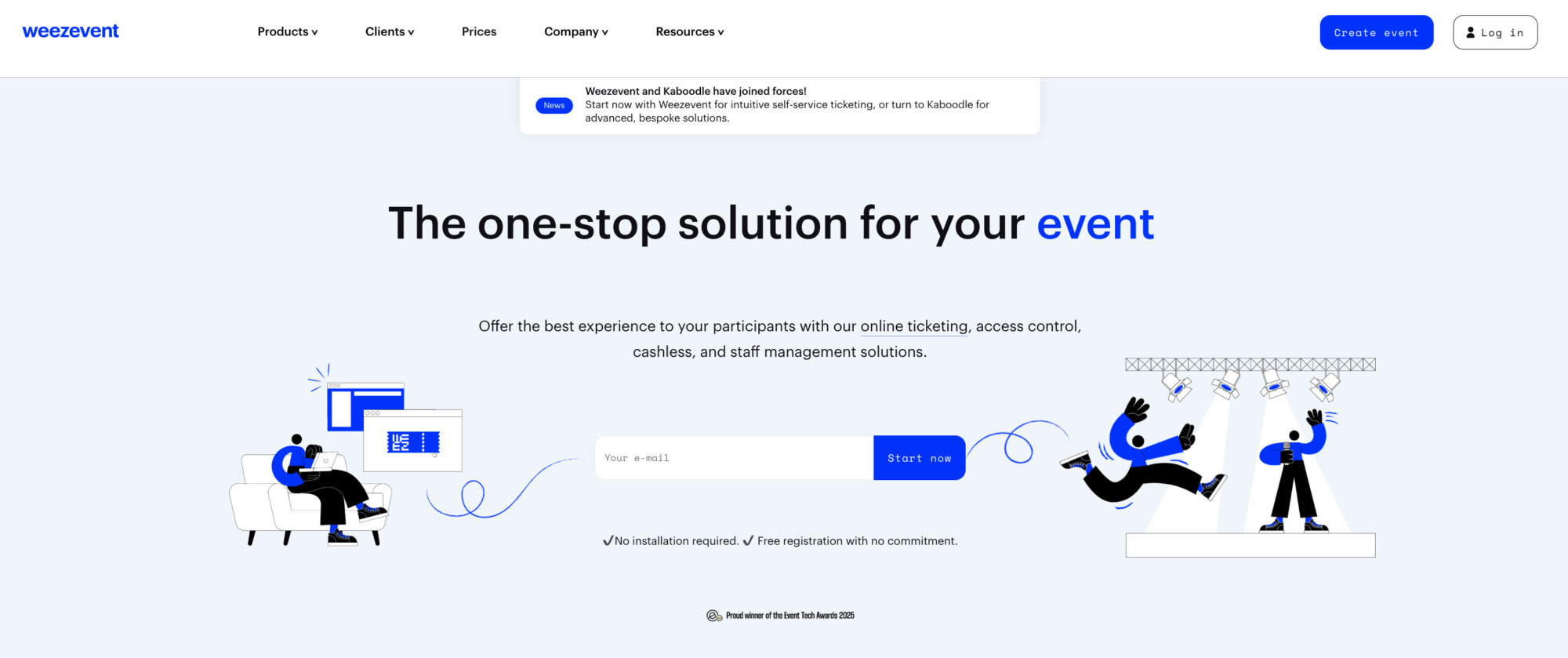
Weezevent is an all-in-one event management technology platform serving events ranging from small workshops, associations and conferences to major festivals, sporting events and venues.
Its WeezTicket solution allows organisers to manage event registrations, ticket types, attendee information, payments and reporting from a single self-service back office. There is no subscription or setup charge, and organisers running events with £0 admission pay no ticketing, booking or payment-processing fees.
This makes Weezevent suitable both for organisations searching for simple free event planning functionality and for professional organisers that expect their requirements to become more complex. Its main difference from many registration-only platforms is the wider Weezevent ecosystem. The same organiser can add professional access control, cashless payments, on-site sales, marketing functionality or accreditation and staff management without migrating to a completely new provider.
For that reason, it is particularly relevant for organisations that want event planning from start with a platform capable of supporting increasingly advanced operations later.
Interesting Weezevent features
- Customisable registration forms with mandatory and optional fields, dropdowns, checkboxes and free-text questions.
- Unlimited events, ticket types, prices and quotas.
- £0, fixed-price and pay-what-you-want tickets.
- Recurring events and multi-date programmes.
- Session and time-slot management.
- Private ticket types and invitation-only registrations.
- Custom confirmation emails.
- Customisable tickets and mini-sites.
- Website ticketing widgets.
- Discount and promotional codes.
- Invitations.
- Real-time registration and ticket-sales reporting.
- Attendee database and data exports.
- Google Analytics and marketing tracking.
- QR-code tickets.
- Professional access-control options.
- On-site ticket sales.
- Additional cashless, marketing and staff-management solutions.
For organisers wanting a custom event website, the ticket shop can also be integrated directly into an existing site, helping keep registration within the organiser’s own digital environment.
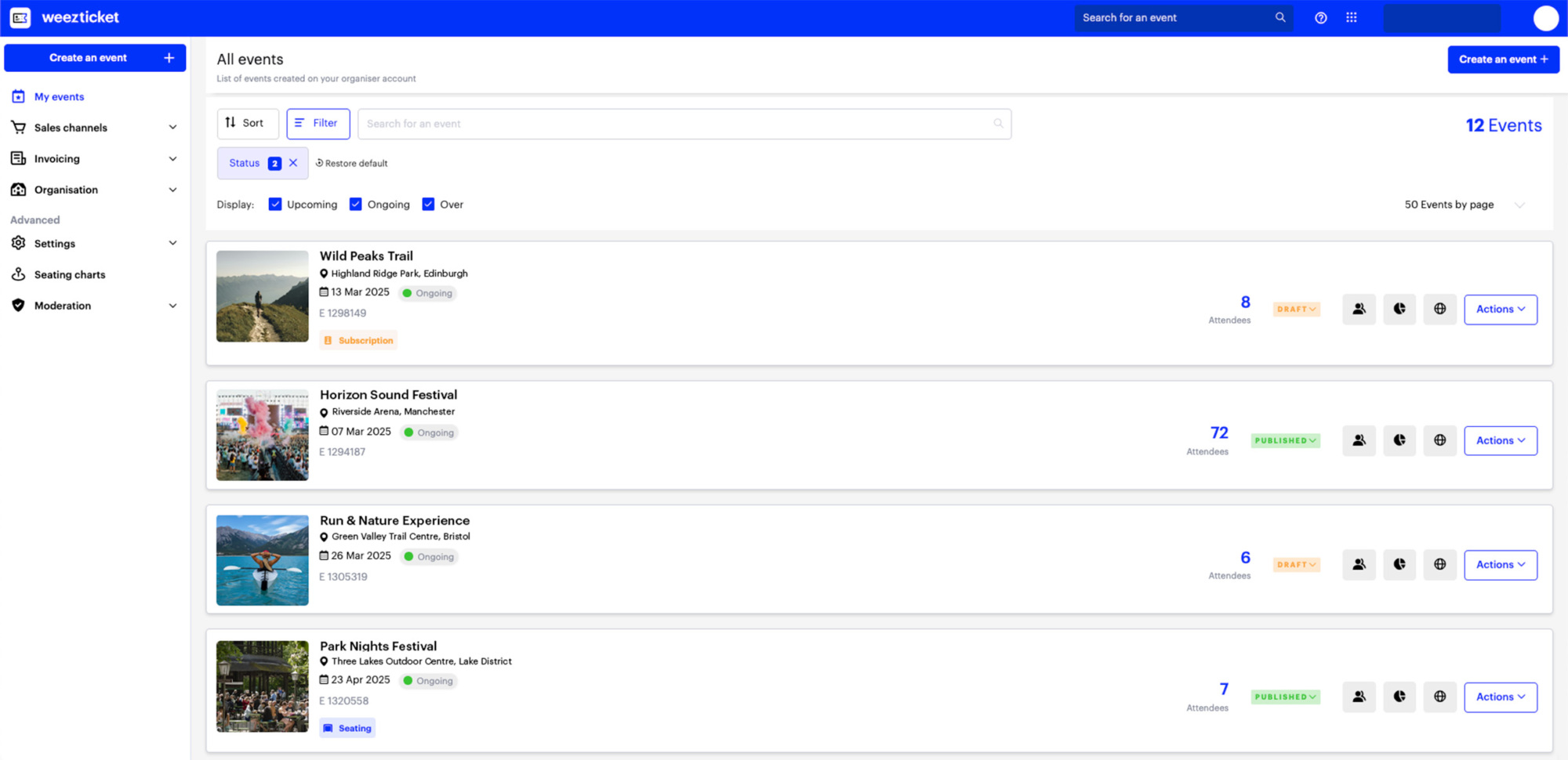
Weezevent pricing structure
Weezevent has no setup fees, mandatory subscription or commitment. When admission is free, ticketing is completely free. For paid online tickets in the UK, Weezevent’s standard price is 2.5% + £0.99 per ticket sold, including banking fees and taxes.
Organisers can either absorb this cost or pass the fee directly on to attendees with a setting in the back office. If the fee is passed on, the organiser pays £0 in ticketing fees and receives the full face value of each ticket sold. This means the platform can effectively remain free to the organiser even when moving from £0 registrations to paid ticket sales. Revenue collected through Weezevent is transferred twice per month.
2. Humanitix

Humanitix is a ticketing and registration platform with a distinctive social-impact model. The company operates as a social enterprise and directs profits towards charitable projects. That positioning makes it particularly interesting as software for nonprofits, schools, charities and community organisations, although the platform can also accommodate commercial events.
When tickets cost nothing, Humanitix applies no ticketing fee. Unlike some limited plans, organisers retain access to its core functionality rather than being pushed into a restricted feature set. The platform combines registration with attendee communications, reserved seating, waiting lists and reporting, making it one of the more comprehensive alternatives in this comparison.
Interesting Humanitix features
- Unlimited ticket types.
- Custom checkout questions.
- Discount and access codes.
- Customisable event and checkout design.
- Reserved seating.
- Waiting lists.
- Guest-list imports.
- QR-code scanning.
- Live analytics and reporting.
- Email campaigns.
- Gift cards.
- Merchandise.
- Invoicing.
- Team permissions.
- Virtual-event functionality.
- Marketing and CRM integrations.
These tools can help organisers improve the event experience before attendees arrive as well as make registration administration easier.
Humanitix pricing structure
Tickets with no admission price incur no Humanitix platform fee, and there is no sign-up charge or subscription. For standard paid tickets in the UK, Humanitix currently charges 4.67% + £0.46 per paid ticket, excluding VAT.
Eligible charities and schools can access a reduced 3.33% + £0.25 per ticket. The booking fee is passed on to the ticket buyer by default, although organisers can choose to absorb or split it.
3. TryBooking
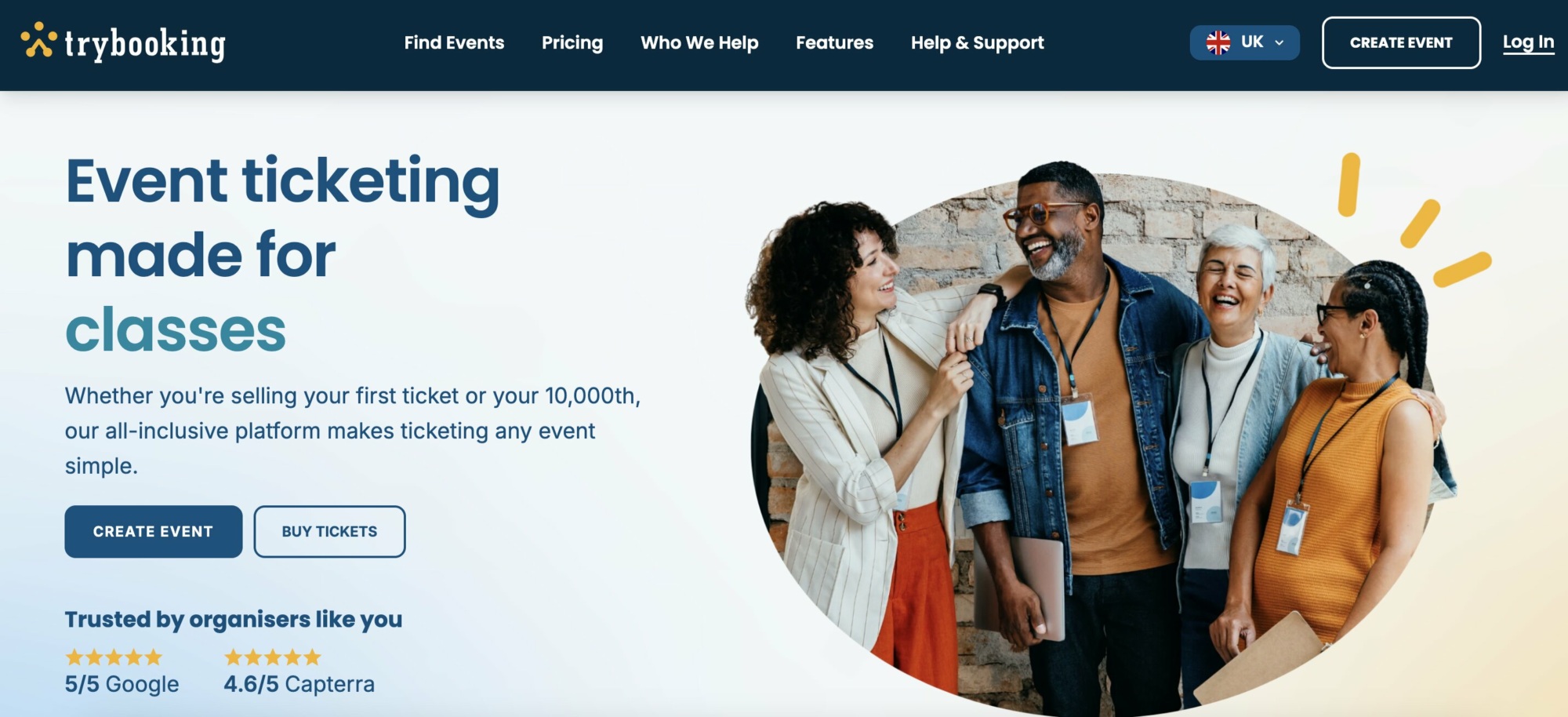
TryBooking is a registration and ticketing solution used by schools, theatres, clubs, charities and local organisations. The platform provides a broad range of functionality without requiring a monthly subscription. Tickets issued at no charge do not incur platform fees, and organisers can access the same main feature set whether they are collecting payments or not.
Its combination of online registration and event-day functionality makes it particularly useful for organisations that need straightforward tools for event management without moving immediately to enterprise software.
Interesting TryBooking features
- Custom registration forms.
- Multiple ticket types.
- Ticket quotas.
- Early-bird and group pricing.
- VIP tickets.
- Password-protected categories.
- Recurring dates.
- Session calendars.
- Reserved seating.
- Custom seating plans.
- Mobile scanning.
- Tap to Pay box office.
- Real-time sales monitoring.
- Attendance tracking.
- More than 30 report types.
- Gift certificates.
- Merchandise.
- Attendee reminders.
- Website integration.
- Multiple user permissions.
TryBooking’s combination of seating, scanning and registrations can be particularly useful for event planners working with theatres, school performances and local venues.
TryBooking pricing structure
There is no charge for tickets with a £0 value and no mandatory subscription. The standard UK fee for paid tickets is currently 5% + £0.15 per ticket, including VAT and payment processing. Organisers can choose to pass these costs on to attendees rather than absorbing them. TryBooking also provides a Stripe Connect option at £0.75 per ticket + Stripe processing fees.
4. TicketSource
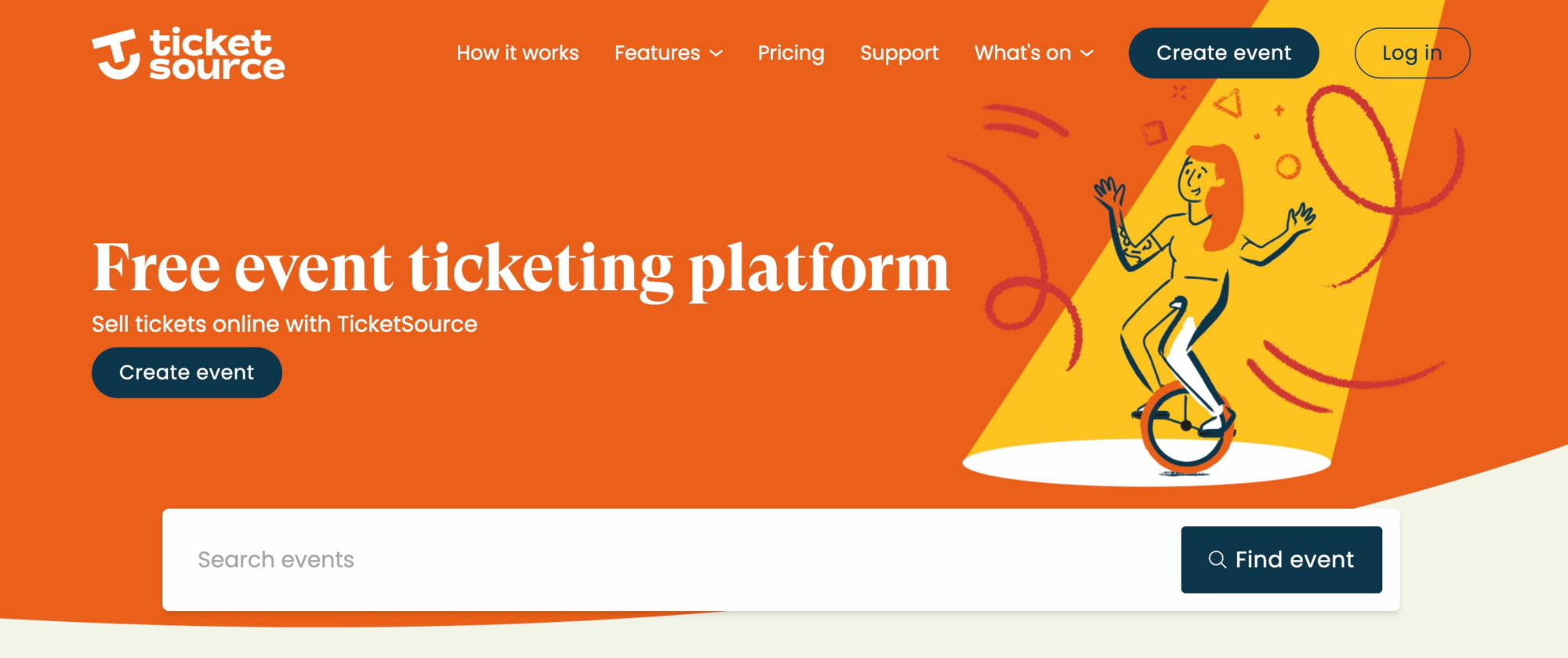
TicketSource is a UK ticketing provider commonly used by theatres, venues, schools, community organisations and performing-arts groups. It supports both general admission and reserved seating and combines online booking with more traditional box-office functionality. This makes it especially relevant when the registration journey involves allocated seats rather than simple general-admission tickets.
For organisers comparing solutions for event ticketing in the UK, TicketSource is one of the most established options focused on local and community organisations.
Interesting TicketSource features
- General admission.
- Reserved seating.
- Timed sessions.
- Seating-plan designer.
- Mobile e-tickets.
- Printable tickets.
- Postal ticket options.
- Waiting lists.
- Event pages.
- Website ticketing integration.
- Optional extras and add-ons.
- Individual QR codes.
- Mobile scanning.
- Sales reports.
- Attendance reporting.
- Box-office bookings.
Its reserved-seating functionality means it can support a different type of event from platforms primarily focused on festivals or standing venues.
TicketSource pricing structure
TicketSource currently states that there is no platform charge for tickets distributed at no cost. For online bookings where TicketSource processes the payment, the current fee is 7% + VAT per paid booking, subject to a minimum booking fee of £0.25 + VAT, card-processing costs are included.
If organisers connect their own Stripe account, TicketSource instead charges 4.5% + VAT per paid booking, plus Stripe’s own processing charge. Organisers can absorb the booking fee or pass it on to the buyer. Where TicketSource processes the payment, revenue is sent on the Monday following the event and normally arrives later that week.
5. Eventcube
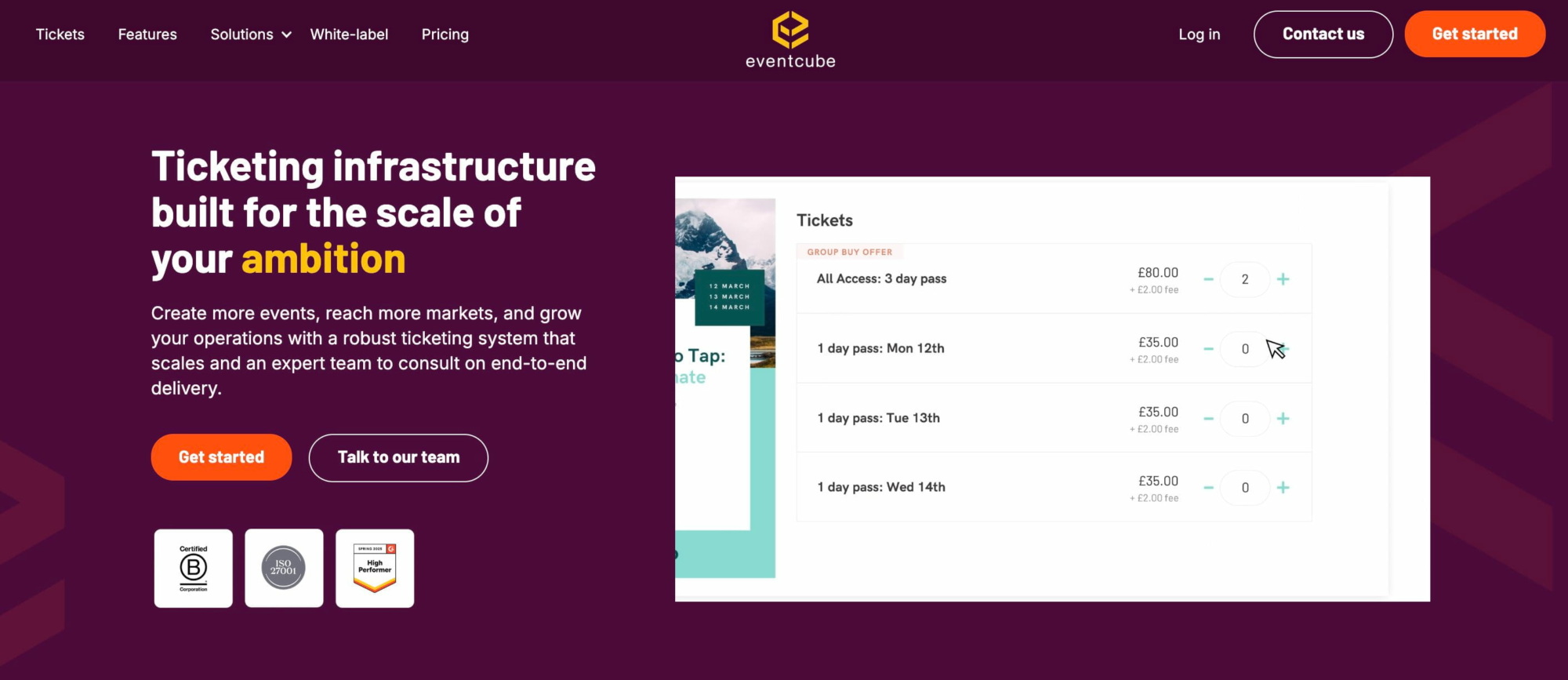
Eventcube is a UK-founded ticketing platform aimed at independent organisers, promoters, venues and event businesses. Its main strength is the level of control it gives organisers over the appearance of the ticket shop. Rather than simply publishing an event listing on a marketplace, organisers can create a more complete branded storefront.
This makes Eventcube a potentially useful option where event marketing and ticketing need to feel closely connected to the organiser’s own brand. Its Starter offer allows unlimited tickets priced at £0 without a platform fee.
Interesting Eventcube features
- Multiple ticket categories.
- Registration pages.
- Custom checkout fields.
- Promo codes.
- Group-buy incentives.
- Secret ticket links.
- Add-ons.
- Upselling.
- Instalment payments.
- Resale functionality.
- Ticket reps.
- Reward functionality.
- Custom ticket emails.
- Branded ticket stores.
- Custom domains on eligible plans.
- Real-time sales reporting.
- Mailchimp integration.
- Stripe integration.
- QR-code scanning.
- Attendance tracking.
For organisers that prioritise branding, these capabilities provide more control over the event website and registration journey than a basic hosted ticket page.
Eventcube pricing structure
There is no Eventcube platform charge on tickets with no admission price. The Starter plan has no monthly subscription and charges 5% of the transaction total on paid orders, plus payment-processing costs.
Its Pro plan reduces the Eventcube fee to 3%, alongside more advanced functionality. The Pro subscription is currently listed at $125 per month when billed monthly, with lower effective monthly pricing when billed annually. A customer booking fee is added by default, although organisers can modify or remove it and absorb the cost themselves.
6. FIXR
FIXR combines online ticket sales with event discovery, promotion and audience-growth functionality. It has a particularly visible presence across student events, nightlife and entertainment. This makes it useful for organisers whose priorities extend beyond registration into event promotion and audience acquisition.
Organisers do not pay to create an account, and tickets with no admission price carry no booking fee. FIXR also offers several tools that help event organisers manage ticket releases, entry and promotional activity from the same environment.
Interesting FIXR features
- Unlimited ticket types.
- Scheduled ticket releases.
- Time slots.
- Hidden and restricted ticket types.
- Custom payment links.
- Instalment plans.
- Add-ons.
- Multi-event passes.
- Ticket transfers.
- Website embeds.
- Mobile entry management.
- QR scanning.
- Live sales reporting.
- Attendance analytics.
- Customer messaging.
- Tracking links.
- Marketing pixels.
- Google Tag Manager.
- Rep and ambassador functionality.
These capabilities make FIXR particularly relevant for organisers who use event promotion networks or ambassadors to increase sales.
FIXR pricing structure
FIXR states that its platform is free to set up for organisers and there is no booking fee on £0 tickets. Its standard paid-ticket pricing currently begins at 4.99% + £0.49 per ticket, with a £1 minimum, plus VAT.
Eligible student and charity events receive a lower listed rate of 3.99% + £0.49 per ticket, with a £1 minimum, plus VAT. Custom enterprise pricing is also available. Standard payouts are generally processed three to five working days after the event.
7. Billetto
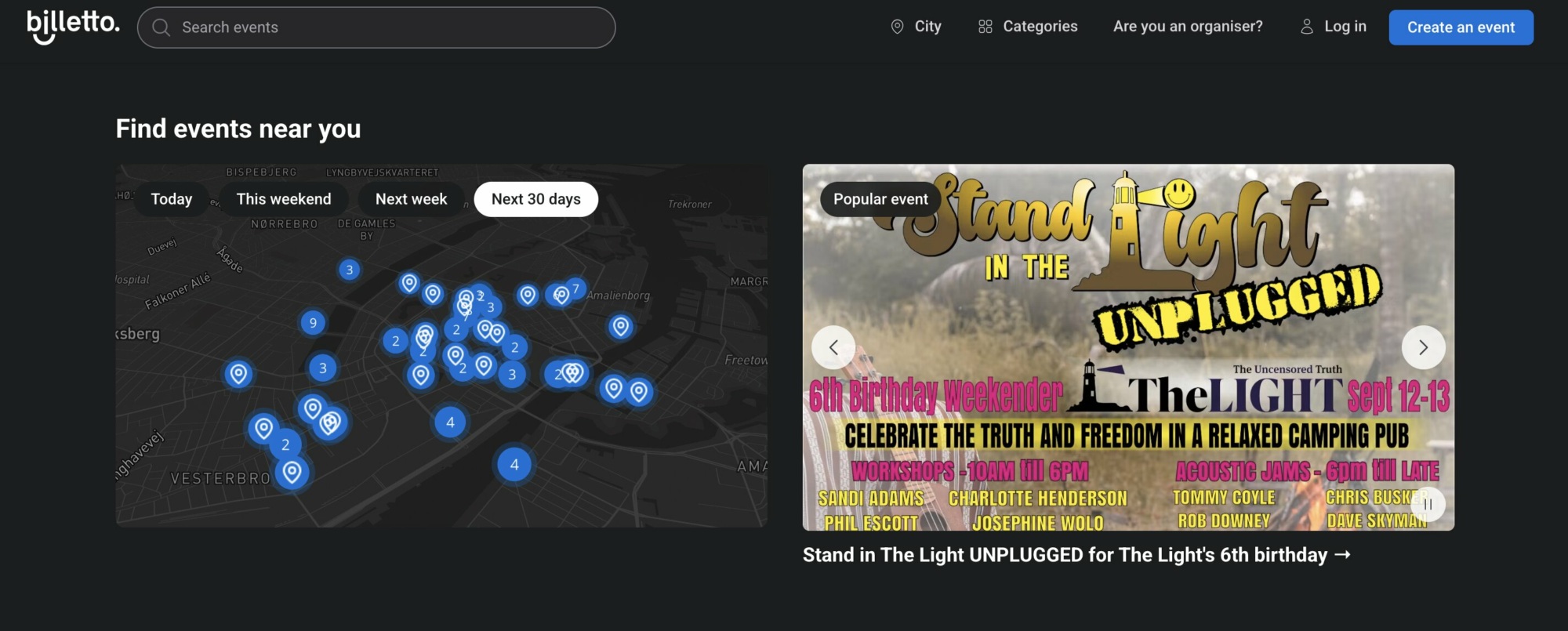
Billetto combines registration and ticket sales with an event-discovery marketplace. For organisers, this means an event can potentially be discovered by people browsing Billetto in addition to audiences reached through the organiser’s own communications.
The platform includes ticket creation, guest-list management, email and SMS tools, check-in and website integration. This combination can make it useful for organisers who want event engagement and discovery functionality alongside standard ticketing.
Interesting Billetto features
- Custom event pages.
- Multiple ticket categories.
- Early Bird tickets.
- Blind Bird tickets.
- Seating charts.
- QR codes.
- Guest-list management.
- Ticket scanning.
- Live dashboards.
- Sales reporting.
- Website checkout widget.
- Email campaigns.
- SMS campaigns.
- Automated reminders.
- Follow-up communications.
- Event marketplace visibility.
- Google advertising tools.
- Meta advertising tools.
- API.
- Webhooks.
These tools allow organisers to connect event attendees, communications and ticket sales within the same environment.
Billetto pricing structure
Billetto does not charge a mandatory monthly or setup fee on its Essential offer. Tickets priced at zero do not carry a ticketing charge.
For paid admission, the current Essential pricing is 3.9% + €0.90 per ticket, excluding VAT. Growth pricing is available to higher-volume organisers. Unless a different payment arrangement has been agreed, revenue is generally paid within three to five working days after the event.
8. Fatsoma
Fatsoma combines ticketing with tools aimed at helping promoters build and activate an audience. Its positioning is particularly relevant to student events, nightlife, music and other events where ticket sales are driven through social media, ambassadors or promoter networks.
There is no mandatory subscription for the standard ticketing product, and tickets priced at £0 carry no fee. Instead of focusing solely on transaction management, Fatsoma provides useful event management tools for audience development, direct communication and rep-driven sales.
Interesting Fatsoma features
- Online ticket sales.
- Event listings.
- Custom checkout questions.
- Promo codes.
- Event widgets.
- Checkout widgets.
- Direct marketing.
- Audience followers.
- Rep teams.
- Ambassador functionality.
- Rep-only tickets.
- Advertising tracking links.
- Marketing pixels.
- Event announcements.
- Event posts.
- Cross-selling.
- Mobile ticket scanning.
- Door check-in.
- Finance management.
- Payout tools.
These features make Fatsoma particularly relevant where event marketing forms a significant part of the organiser’s workflow.
Fatsoma pricing structure
Fatsoma’s standard ticketing product has no mandatory setup fee. Tickets with no admission charge carry no fee.
For paid tickets, the platform currently charges: 10% with a £1 minimum booking fee. Organisers can absorb this or pass it to customers. Professional packages providing branded websites, applications and additional services begin from £1,500. Revenue generally becomes available for payout after the event has taken place.
9. EventBookings
EventBookings supports physical, virtual and recurring event registration. Its feature set covers custom forms, ticket categories, seating, communications and on-site registration. This makes it suitable for associations, training sessions, workshops and organisations operating repeated dates.
Unlike several other platforms in this comparison, its no-cost allowance is capped. The first 300 tickets for an event with no admission charge are included, after which a charge applies. Organisers comparing platforms should therefore consider expected event attendance rather than assuming every provider offers unlimited zero-cost registration.
Interesting EventBookings features
- Custom registration forms.
- Multiple ticket types.
- Mobile scanning app.
- Reserved seating.
- Invitations.
- RSVP tracking.
- Confirmation emails.
- Reminder emails.
- Email campaigns.
- Discount codes.
- Recurring events.
- Multiple sessions.
- Time slots.
- On-site registration.
- Online event functionality.
- Stripe.
- PayPal.
- Reporting and analytics.
- Team collaboration.
- API access on eligible plans.
This makes EventBookings one of the more flexible options for organisers running repeated sessions rather than one single annual event.
EventBookings pricing structure
There is no mandatory upfront or monthly subscription for its basic product. For an event with no admission price, the first 300 tickets are included without charge. Additional tickets are then charged.
For paid events in the UK, EventBookings currently advertises: 1% + £0.20 per ticket, plus Stripe payment-processing fees. The platform fee can be passed on to attendees. When Stripe is connected, revenue is paid into the organiser’s Stripe account and follows Stripe’s payout schedule.
10. Tito
Tito is a streamlined ticketing and registration solution frequently associated with conferences, meetups and technology-focused communities. The software takes a relatively focused approach to registrations. Organisers create their ticket types, customise attendee questions and accept payments through Stripe or PayPal.
Its API and webhook functionality also make it particularly suitable for technically-minded organisers that want ticketing to communicate with other event tools or internal systems. Where every ticket costs £0, Tito itself is completely free to use.
Interesting Tito features
- Free and paid ticket categories.
- Custom registration questions.
- Text fields.
- Checkboxes.
- Dropdown questions.
- Discount codes.
- Registration widget.
- Custom CSS.
- QR-code tickets.
- Mobile check-in.
- Multiple check-in lists.
- Stripe.
- PayPal.
- REST API.
- Webhooks.
- Third-party automation workflows.
- Attendee exports.
- Registration-data exports.
For conferences in particular, organisers could combine Tito with other specialist products for functions such as speaker management or customer relationship management.
Tito pricing structure
Tito has no mandatory setup fee or monthly subscription. When every ticket costs £0, no Tito fee applies. For paid events, Tito charges 3% per ticket sold, capped at £21 per ticket. Stripe or PayPal payment-processing costs apply separately.
Eligible charities, communities and nonprofit events can apply for a reduced: 2.5% platform fee. Tito also provides a discount for organisers using its annual payment option. Because payments pass through Stripe or PayPal, payout frequency depends on the connected payment provider.
Which free event management software should you choose?
There is no single answer for every event. The right platform depends on its scale, audience, registration requirements and the operational complexity behind it.
Humanitix is particularly attractive to charities, schools and socially conscious organisations. TryBooking and TicketSource work well for community groups and venues, while Eventcube offers more advanced branding options. FIXR and Fatsoma have clear strengths around promotion and promoter networks. Billetto adds an event-discovery marketplace, EventBookings provides an accessible option for smaller volumes and Tito is particularly suited to conferences and technically minded teams.
When choosing the best solution, organisers should consider more than the initial price. They should compare what functionality remains available without a subscription, how paid-ticket fees work, when money is transferred and whether the platform can support more advanced requirements later.
For organisations looking for the best event management software that can evolve with their needs, Weezevent offers a particularly broad progression. An organiser can begin with straightforward registration at no cost, sell paid tickets while passing ticketing fees on to attendees, then add professional access control, on-site sales, cashless payments, marketing or staff-management functionality as requirements evolve.
This is particularly valuable for event teams that would rather avoid migrating their attendee database and operational processes each time the organisation grows. Instead of using one product for registrations and replacing it later, the same ecosystem can support a much larger proportion of the entire event journey.
Before choosing, define what needs to happen at every aspect of event delivery that matters to your organisation: registration, payments, communications, entry, reporting and on-site operations. For some organisers, a lightweight registration product will be enough. Others will benefit from all-in-one event management tools that connect several of these processes.
Ultimately, choosing the right free software means finding the platform that helps event organisers today without introducing unnecessary limitations tomorrow. Comparing functionality, pricing, support and scalability is the most reliable way to find the best fit for your organisation and deliver a smoother complete event, from registration through to the attendee’s arrival.
If you’re looking for a flexible, scalable solution that brings registration, ticketing and on-site management together, Weezevent is a strong place to start. Create your free Weezevent account and set up your next event in just a few minutes.
