
Event registration is one of the first direct interactions between an attendee and an event. A complicated form, unclear ticket options or a poor payment experience can create friction before the event has even begun. The right event registration software should make this process simple for attendees while giving organisers the tools they need to collect information, manage capacities and keep track of participants.
But registration is only one part of event planning and management. Today, platforms can cover everything from attendee registration and ticket sales to session booking, CRM integrations, badge printing, on-site check-in, event apps and reporting. For organisations looking at the full event lifecycle, an all-in-one event management platform can also help keep information connected before, during and after the event. A solution suited to a small community workshop may therefore be very different from one designed for an international conference with several thousand delegates.
Pricing models vary just as widely. Depending on the event management software, organisers may pay a fee per participant, an annual subscription, a licence based on attendee volume, payment-processing fees or a custom enterprise price. Some software tools have no platform fee for non-paid events, while others are designed primarily for larger teams with significant annual requirements. The overall cost can also depend on the event type, number of users, additional modules and the level of support required.
There is consequently no single answer for every organiser trying to find the best solution. The right choice depends on the size and frequency of your events, whether participation is free or paid, the complexity of your registration workflow, the rest of your technology stack and what needs to happen once attendees reach the venue. This comparison covers ten of the best event registration platforms in 2026, looking at their core capabilities, pricing structures, integrations and the types of events they are best suited to.
Summary
Top 10 Best Event Registration Software
- Weezevent
- RSVPify
- Cvent
- EventsAir
- Eventzilla
- Whova
- Let’s Meet
- Zuddl
- EventBookings
- Eventtia
What should you know before choosing event registration software?
What’s an event registration software?
An event registration tool is used to collect and manage attendee information before an event. At its simplest, it provides a form through which participants submit their contact details, provide relevant event details and reserve a place. More advanced systems can also handle paid tickets, different attendee categories, capacity limits, waiting lists, session selection, discount codes and automated confirmation emails.
For organisers setting up a new event, this can remove a significant amount of manual administration. Instead of using separate forms, spreadsheets, payment links and email lists, an event management system can bring these processes together and provide a central view of participants.
Many modern platforms extend well beyond the initial form. Depending on what the software offers, attendee information can connect to QR-code check-in, badge printing, access control, email marketing, CRM tools, mobile apps and reporting. When registration data flows directly into those systems, teams can manage more of the entire event without repeatedly importing and exporting files.
This is particularly valuable when several event collaborators need to work with the same information, from marketing teams before the event to operational staff on-site and teams collecting feedback after the event.
What features should an event registration platform include?
The most useful capabilities depend on what you are organising, but event managers should generally look for flexible forms, multiple attendee or ticket categories, capacity controls, automated communications, payments, attendee exports and reporting.
The ability to create custom registration forms is particularly important when you need information beyond an attendee’s name and email address. Some platforms provide customisable registration forms with conditional fields, allowing questions to change according to ticket type, attendee profile or previous responses.
For more complex formats, useful capabilities can include:
- Approval workflows and waiting lists.
- Group bookings.
- Session and activity selection.
- Promo codes and private invitations.
- Embedded forms.
- Multilingual journeys.
- Badge printing.
- QR-code check-in.
- Assigned seating.
- Accreditation management.
It is also worth considering what happens after somebody signs up. If your organisation uses a CRM, membership database or marketing automation system, integrations and APIs can be just as important as the form itself. A strong event registration and management setup should avoid creating isolated attendee databases that need to be reconciled manually later. For organisations managing a comprehensive event operation, it can also be useful to connect participant information with ticketing, access control, payments and marketing from the outset.
How much does event registration software cost?
There are four common pricing models:
- Per-registration or per-ticket fees: the organiser pays a fixed amount, a percentage, or both for each paid participant.
- Monthly or annual subscriptions: access is based on a recurring licence, sometimes with limits on attendees, events or users.
- Attendee-volume pricing: an annual licence includes a predefined number of attendees or registration credits.
- Custom enterprise pricing: the provider creates a quotation according to volume, required modules, users and services.
Some providers combine several of these models. For example, a platform may charge an annual licence for its event software, then apply additional payment-processing or ticketing charges to paid bookings. This means the lowest advertised price is not necessarily the lowest total cost. Organisers should calculate platform charges, payment fees, optional modules, hardware, support and any costs associated with additional users.
For paid events, it is also worth checking whether the platform allows you to sell event tickets online without an additional payment-processing charge, whether fees can be passed on to the buyer and when revenue is paid out. The best registration pricing structure is ultimately the one that remains predictable at your expected volume rather than simply appearing cheapest at entry level.
What is the difference between event registration and event ticketing software?
The two increasingly overlap, but they do not serve exactly the same purpose. Ticketing generally focuses on issuing or selling tickets, processing payments and giving attendees an entitlement that can be validated at the entrance. An event ticketing and registration platform combines that transactional process with the collection and management of participant information.
Registration places greater emphasis on the attendee journey. A platform may ask different questions depending on participant type, allocate sessions, approve applications, collect dietary requirements, assign groups or transfer information into another business system. This distinction is particularly important for conferences, associations, corporate gatherings and multi-session formats, where collecting information can be just as important as processing payment.
For a simple paid event, a ticketing solution may be sufficient. For more complex requirements, online registration software can provide considerably more control over who is attending and what happens after they sign up.
Can registration software manage free, paid, hybrid and online events?
Many platforms can, but their capabilities vary significantly. A simple solution may be a good option for events such as workshops, meetings or internal gatherings where the organiser mainly needs to collect names and contact information. A ticketing-focused product may handle paid participants effectively without offering sophisticated session or attendee segmentation.
An online event introduces another set of requirements, such as virtual access links, streaming, digital agendas, attendee networking or integrations with webinar platforms. Some online event registration software includes these capabilities directly, while others need to be connected to a separate virtual-event solution. At the other end of the market, enterprise platforms can build different journeys for attendees, speakers, exhibitors, sponsors and VIPs, then connect those profiles with sessions, accommodation, virtual content and on-site access.
This is where the difference between a standalone form and an all-in-one event management approach becomes particularly noticeable. The latter can help organisers manage a greater part of the event experience through one connected set of tools.
How do you choose the best event registration software for your event?
Choosing the right event registration platform starts with the requirements you cannot compromise on.
Ask yourself:
- Will participation be free, paid or a combination of both?
- How many event attendees do you expect?
- How many events do you organise each year?
- Do different attendee categories need different questions, prices or access rights?
- Do participants need to book individual sessions or activities?
- Will you need waiting lists, approval workflows or group bookings?
- Does attendee information need to integrate with a CRM, membership database or marketing platform?
- Do you need QR-code check-in, badge printing or other on-site tools?
- How important are branding, white-labelling and multilingual support?
- Can multiple team members work on the same event?
- What platform and payment fees apply at your expected volume?
- Do you need to measure attendance, conversions or broader event ROI?
Think beyond the initial form as well. Event organisers often focus on what happens when somebody signs up, but the same information may eventually be required by marketing, customer service, access control teams, sponsors, or for post-event reporting. If a provider positions itself as an event solution covering everything from acquisition to on-site operations, check how well those different modules are actually connected. A genuine integrated platform should allow information to move between them without extensive manual work.
Branding can matter too. If maintaining a consistent identity is important, check whether the system lets you build a branded event website, embed forms into your own pages and customise emails, tickets and confirmation messages.
Similarly, when comparing platforms like those below, do not assume that the solution with the longest feature list is automatically the strongest choice. The best event registration software tools are those that fit the workflows your organisation actually needs.
Why does integration matter when choosing registration software?
Integrations become increasingly important as your event technology stack grows. A standalone platform may work perfectly well for a one-off event, but repeatedly exporting spreadsheets becomes inefficient when registration information also needs to reach sales, marketing, finance or operational teams. For example, integrating attendee information with a CRM can let you trigger targeted communications, update existing customer records and help teams understand who actually attended. Connecting it with access control tools can also ensure that all approved participants receive the correct permissions at the venue. For larger organisations, this connectivity can make an event management tool much more valuable than a standalone form builder. It supports a more consistent event lifecycle and reduces the need to maintain several disconnected databases.
When comparing the best event registration tools, check whether integrations are native, provided through platforms such as Zapier, or require API development. The complexity and potential cost of those connections should form part of the purchasing decision.
How we compared the platforms
For this comparison, we looked at the areas that matter most when selecting an online event registration solution: form flexibility, attendee management, payment and ticketing options, on-site capabilities, integrations, pricing and scalability.
We also considered how well each platform can support the broader relationship between event planning, registration and delivery. Some solutions concentrate almost entirely on collecting attendees, while others provide broader functionality across the event journey. That distinction matters when assessing the best event registration software for your organisation. A lightweight platform can be the right choice for a straightforward use case, while an integrated solution may make more sense when several systems would otherwise be required to manage the same participants.
Prices below are correct as of August 2026. Software pricing changes regularly, and payment-processing fees, taxes, optional modules and enterprise services may be charged separately. Organisers should therefore confirm the final price with each provider before purchasing.
1. Weezevent
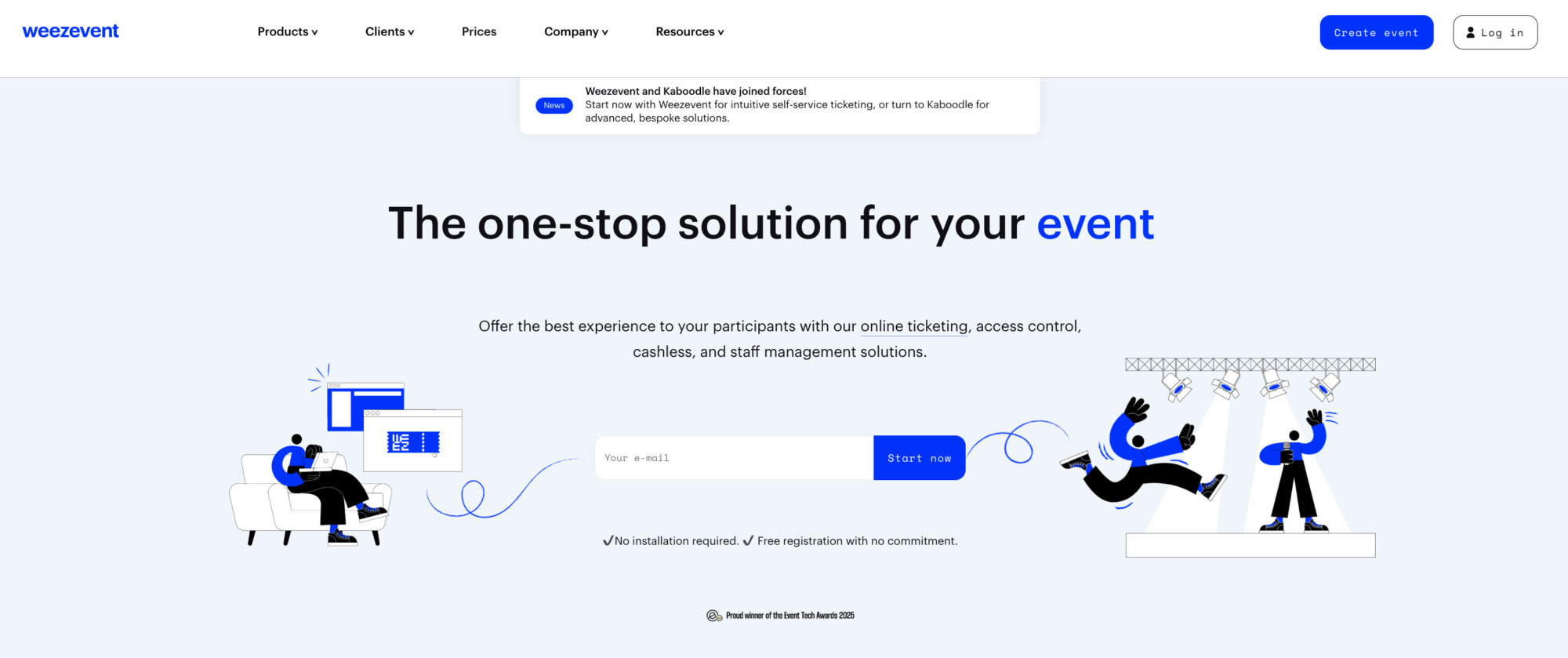
Weezevent stands out as a cost-effective event registration platform that combines flexible online registration with the tools needed to manage attendees before, during and after an event. It is built for organisers who want to launch quickly, stay in control of their registration process and scale from a simple one-off event to more complex formats with multiple attendee types, quotas, pricing options or recurring sessions.
Organisers can create and customise event registration forms, collect the information they need from attendees, define different registration types and capacities, and publish registration pages or embed a widget directly into their own website. Free registrations, invitations, bookings and paid registrations can all be managed from the same platform, making it suitable for everything from workshops and conferences to festivals and large-scale public events.
Where Weezevent differs in particular, is through its wider event-management ecosystem. Registration data connects directly with access control, cashless payments, CRM and marketing tools and staff and accreditation management. This reduces the need to move attendee data between multiple providers and allows organisers to manage more of the participant journey from a single ecosystem.
The platform is used by small and medium-sized organisers as well as major international events such as Tomorrowland, Hellfest and Boomtown. With more than 500,000 organisers supported to date, Weezevent is a particularly versatile option for organisations looking for event registration software that can grow alongside their events.
Weezevent’s non-exhaustive event registration features
Registration forms & attendee management
- Customisable online registration forms.
- Custom fields to collect attendee information.
- Unlimited registration and ticket types.
- Different quotas and capacity limits for each registration type.
- Free, fixed-price and “pay-what-you-want” registrations.
- Free invitations and bookings.
- Password-protected registration pages.
- Personalised confirmation emails.
- Customised tickets and badges.
- Accreditation management.
- Subscription management.
- Support for recurring events and calendar displays.
- Multi-event management from the same account.
- Multilingual registration experience.
Registration pages & distribution
- Custom event mini-site for registrations.
- Registration widget that can be embedded directly into an organiser’s website.
- Custom event URL.
- Mobile-optimised registration and checkout.
- SEO-friendly and shareable event pages.
- Scheduled opening and closing of registrations.
- Pre-sale periods.
- Discount and promotional codes.
- Invitations and private registration offers.
- Cross-selling of additional products or services.
- LinkedIn integration.
- Integration with external ticket distributors.
Payments & paid registrations
- Online payments for paid registrations.
- Visa, Mastercard, American Express, PayPal and Klarna.
- Management of fees and taxes.
- No separate payment-processing fee.
- Optional passing of registration fees on to the attendee.
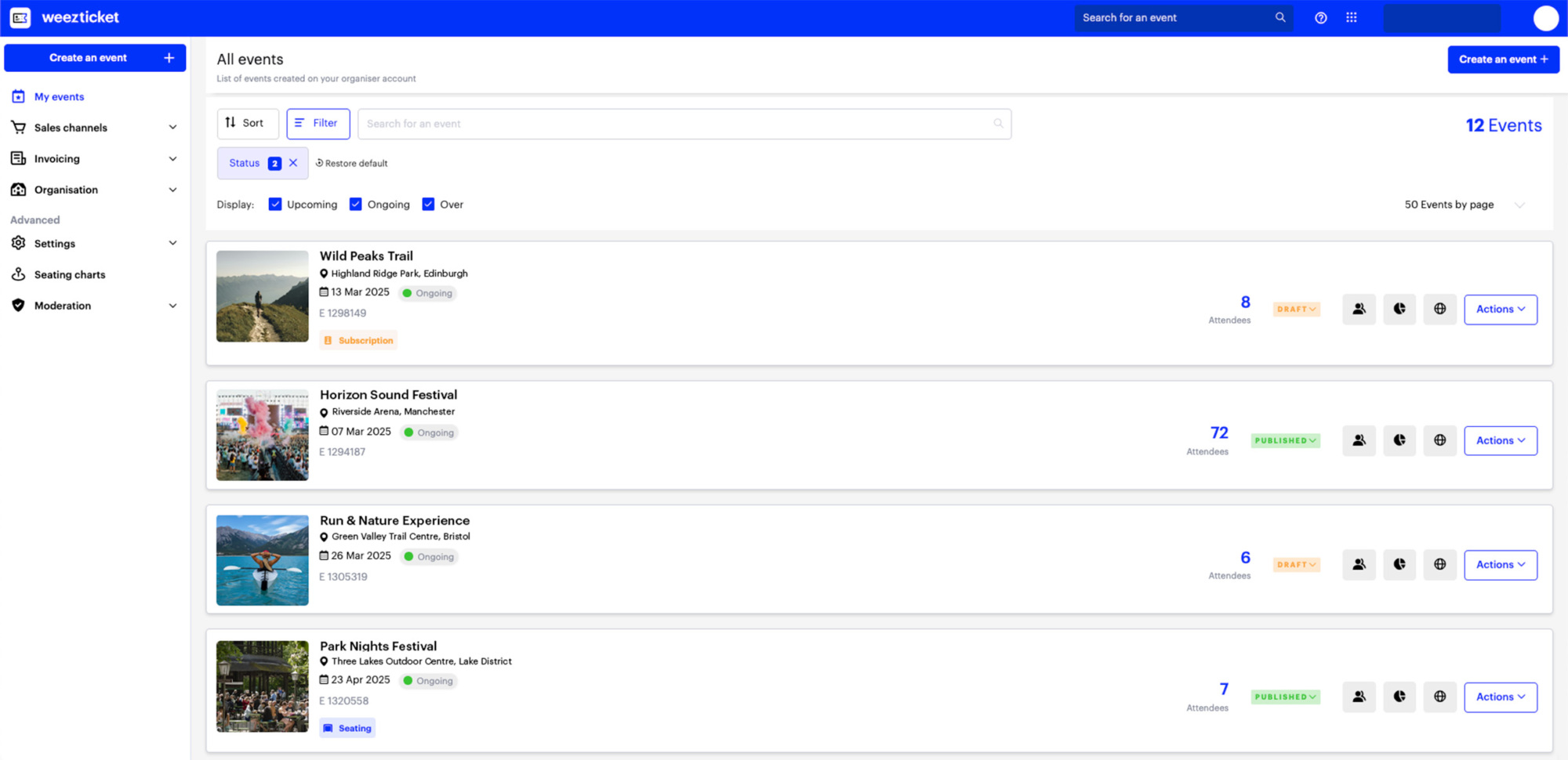
Weezevent pricing
Weezevent does not require a set-up fee or monthly subscription. Free events, invitations and bookings can be managed without platform fees, making it possible to use the registration system without paying for registrations that do not generate revenue. For paid registrations, Weezevent uses a simple transaction-based model:
- Free for free events, invitations and bookings.
- No set-up fee or monthly subscription.
- Unlimited events.
- £0.99 + 2.5% per paid ticket sold, including VAT.
- No additional payment-processing fees.
- Registration fees can be passed on to attendees.
This structure can be particularly useful for organisers whose event volumes change throughout the year, as there is no recurring software licence to pay when no registrations are being processed.
Flexible payment options for paid registrations
For events that charge attendees to register, Weezevent supports several widely used payment methods, including Visa, Mastercard, PayPal and Klarna. Offering several payment options can help reduce unnecessary friction during checkout while allowing organisers to manage both free and paid registrations through the same registration system.
Registration and promotion tools in one platform
Weezevent also includes tools that help organisers manage how and when registrations are made available. Promo codes, invitations, scheduled registration periods and private access options make it possible to create different registration journeys for different audiences. Cross-selling can also be used to offer additional products or services during registration, while recurring-event and multi-event features help organisations managing a programme of events avoid rebuilding their registration setup each time.
Weezevent at a glance
2. RSVPify

RSVPify combines online RSVPs, event registration, ticketing and check-in in one platform. Its positioning makes it particularly interesting for organisers who need more control over the guest experience than a basic ticket shop provides, including private events, corporate gatherings, VIP experiences and events with detailed guest lists.
The platform can be used for both free registration and paid ticketing, but these two use cases have slightly different pricing models. This flexibility makes RSVPify unusual in that organisers can either subscribe according to their monthly registration volume or use its transaction-based ticketing model.
Event registration features
- Custom registration questions and conditional logic: organisers can collect specific information and, on higher tiers, adapt which questions are displayed according to the attendee.
- Multiple guest-management tools: RSVPify includes tools for invited guest lists, plus-ones, seating charts, capacity limits and guest tagging.
- Branded forms and event websites: forms can be embedded into an existing website on Professional, while Enterprise offers greater white-labelling and a more advanced custom website builder.
- Automated event communications: invitations, confirmations, reminders and follow-up emails can be managed from the platform.
- On-site check-in: Plus and higher plans include event check-in, while Enterprise can add a self-service check-in kiosk.
- Ticketing and online payments: paid events can accept card payments as well as Apple Pay and Google Pay.
- Integrations: Professional includes advanced Zapier connectivity to more than 6,000 apps, while Enterprise adds native integrations with core business systems.
RSVPify pricing
For standard business events, RSVPify offers a permanent free plan allowing 100 registrations per month and one event at a time. When paid monthly, Starter costs $39/month for 150 monthly registrations, Plus $125/month for 500, and Professional $409/month for 1,500. Enterprise pricing is custom. Annual billing reduces the effective monthly prices to $24, $89 and $299 respectively*.
Paid ticketed events use a different structure. RSVPify offers the Professional plan for $0/month with unlimited ticket sales and charges 1.95% + $0.90 per paid ticket or registrant. Payment-processing fees are separate, and organisers can choose to pass service fees on to attendees. RSVPify currently advertises immediate payouts for ticketed events. This makes it important to determine whether you primarily need RSVP management for free events or paid ticketing before comparing its cost with another provider.
*RSVPify only provides pricing in USD.
3. Cvent

Cvent is one of the broadest event management ecosystems in this comparison. Rather than functioning only as an online registration tool, it is designed to manage complete event programmes encompassing registration, marketing, attendee engagement, on-site operations, venue sourcing and reporting.
Its depth makes it particularly relevant to larger organisations, agencies and enterprise event teams organising complex conferences, corporate programmes or portfolios of events. For an organiser who only needs a simple registration form, however, its breadth may go well beyond what is required.
Event registration features
- Personalised registration paths: different attendees can be directed through different journeys according to their profile or registration type.
- Session and capacity management: Cvent supports event and session capacity controls as well as event and session waiting lists.
- Event websites and marketing: its registration solution includes no-code website creation, email marketing and event promotion tools.
- Payment management: organisers can configure payment workflows as part of registration, while paid and unpaid registration options can be combined with more complex enterprise processes.
- Travel and accommodation: housing and travel management can be incorporated into the registration journey, a notable capability for destination conferences and corporate meetings.
- On-site registration and check-in: Cvent’s OnArrival solution covers staffed and self-service check-in, on-demand badge printing, on-site registration, secure payment, session check-in and real-time attendance monitoring.
- Advanced integrations: depending on the package, Cvent supports APIs, webhooks and integrations with platforms such as Zapier, HubSpot, Marketo, Eloqua and Salesforce.
Cvent pricing
Cvent’s main Professional and Enterprise packages do not have publicly fixed prices. Professional allows organisations to licence the Cvent solutions they need, while Enterprise includes the Registration, Attendee Hub and OnArrival licences alongside additional enterprise-level functions such as SSO, API access and extended branding controls. All customers receive 24/7 support.
Cvent also offers a pay-as-you-go option. Creating an account, building an event and launching it are free; charges begin once registrations are captured. The final PAYG price combines a per-registration fee with a percentage of revenue and, where applicable, Cvent payment-service charges. The exact amounts are displayed before registration is opened rather than published as one standard public rate. For an accurate comparison, an organiser should therefore request a quote or build a PAYG event and review the fees offered for that account.
Cvent at a glance
4. EventsAir
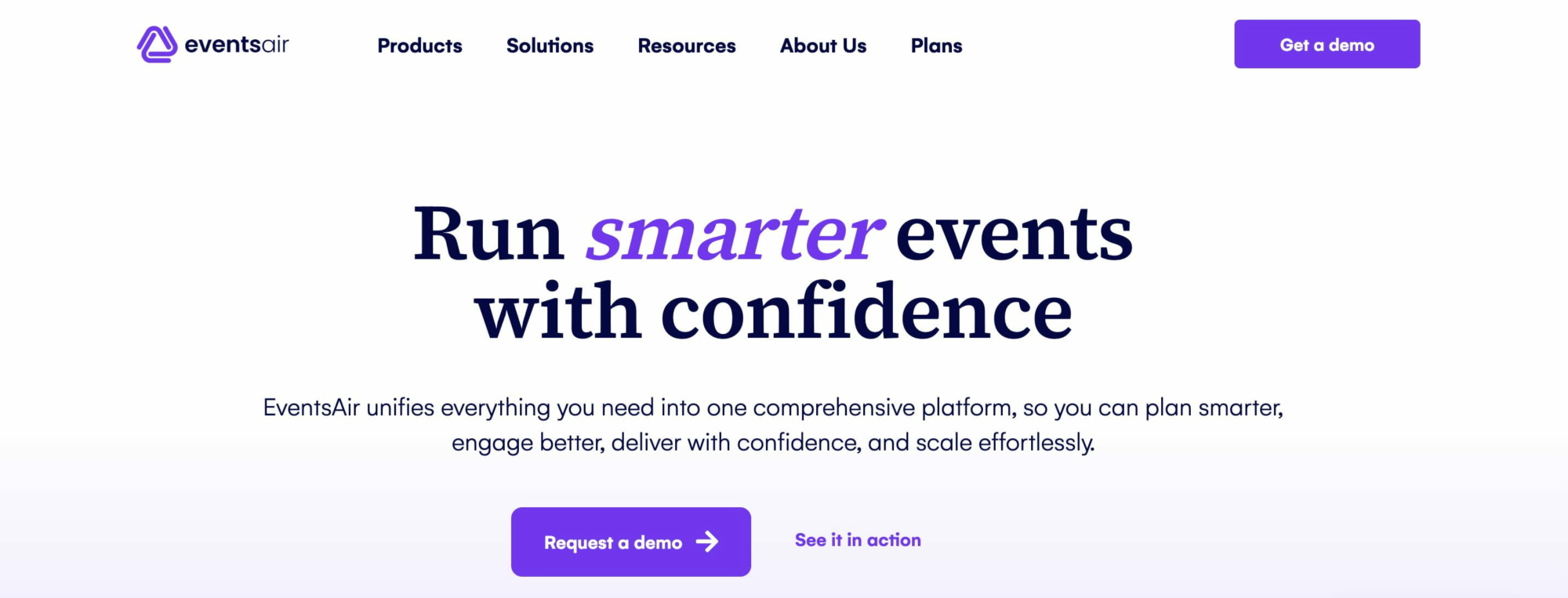
EventsAir is an end-to-end event management platform built for organisations managing conferences, meetings and professional events. Registration sits inside a wider suite covering websites, payments, communications, attendee engagement, mobile apps and on-site operations.
One of its distinctive pricing characteristics is that registrations are unlimited across its main packages. Rather than charging for every registration, EventsAir structures its licences around the number of events and users, which can make budgeting more predictable for organisations with high attendee volumes.
Event registration features
- Dynamic registration journeys: custom registration types and rules-based conditional logic allow different attendee groups, such as delegates, exhibitors and VIPs, to see different fields and workflows.
- Drag-and-drop registration: organisers can build forms without coding and apply their event branding throughout the registration experience.
- Registration Recovery: EventsAir can capture incomplete registrations and trigger personalised follow-up messages so attendees can return and complete the process.
- Waiting lists: overflow registrations and waiting lists can be managed as capacity becomes available.
- Integrated payments: EventsAir Pay can be incorporated directly into registration, while additional payment gateways are available as an upgrade.
- On-site check-in and badges: the platform supports staffed, mobile, self-service and automated check-in, together with custom badge layouts.
- Event communications and reporting: responsive event websites, email, SMS and app notifications are combined with registration reporting and broader event analytics.
- Integrations: Smart Connectors connect EventsAir with external tools and databases; the company reported more than 30 plug-and-play integrations in its marketplace by the end of 2025.
EventsAir pricing
EventsAir uses quotation-based pricing across three main packages.
Single covers one event, three users and unlimited registrations. Multi starts with three events, offers unlimited users and registrations, and allows additional events to be added. Enterprise is intended for customised event portfolios with unlimited users and registrations. All three include EventsAir’s full feature set, payment processing, annual system access and data storage.
Single includes standard 24/7 support, while Multi and Enterprise receive premium 24/7 support. Custom domains, additional payment gateways, Smart Connectors, Event Build services and enhanced enterprise support can be added separately. No public fixed licence price is currently displayed, so a direct quotation is required.
EventsAir at a glance
5. Eventzilla
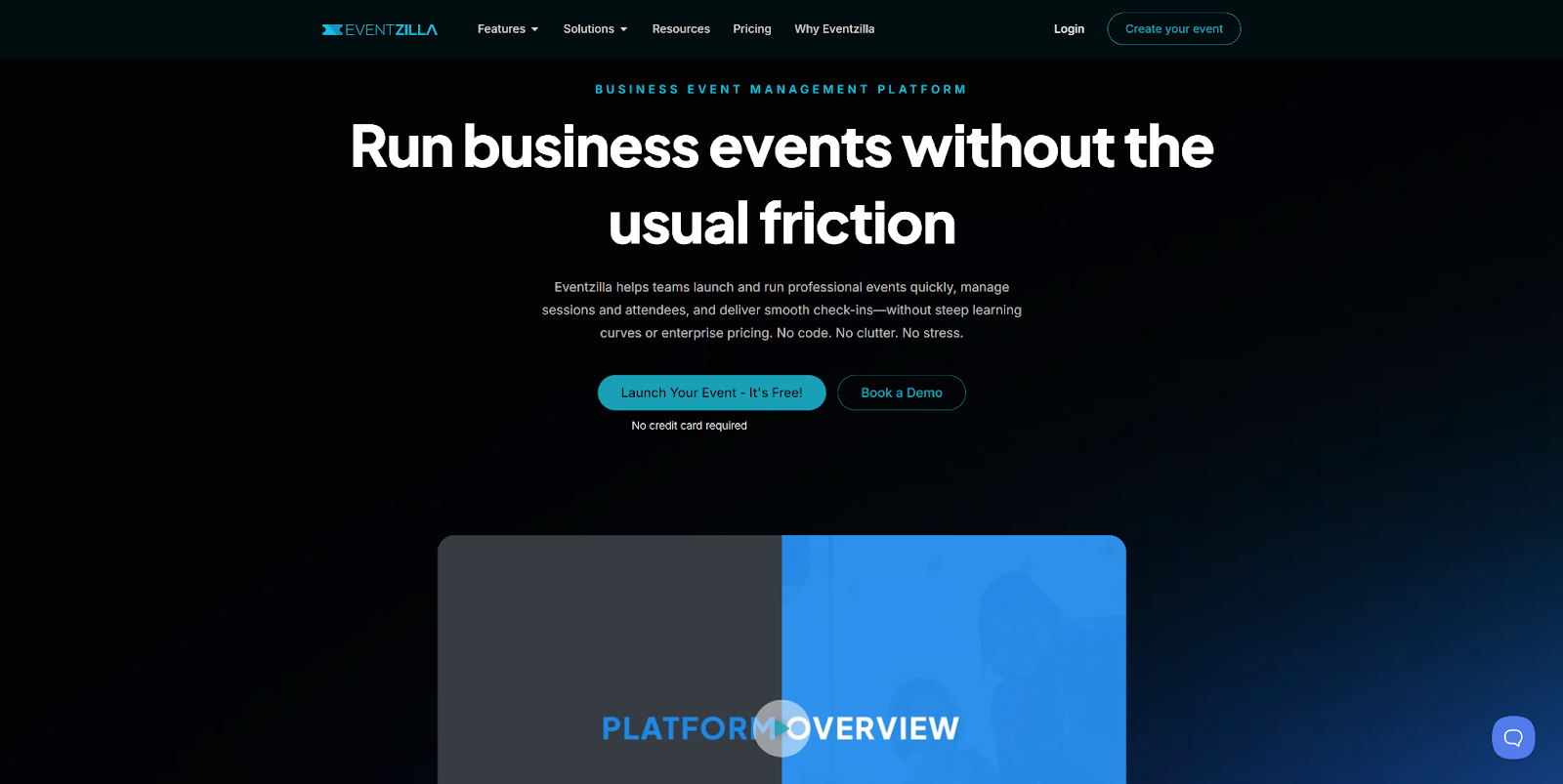
Eventzilla combines registration and ticketing with a comparatively broad range of event-management functions. It can support straightforward paid registrations on its entry-level plans but also extends into session management, reserved seating, abstract management, exhibitors, badges and virtual events on higher tiers.
For organisers who do not want a large annual enterprise contract, its per-registration plans make it possible to start on a transaction-based model and access more features as requirements become more advanced.
Event registration features
- Free and paid registration types: organisers can run unlimited events and create free or paid registrations, with the number of paid ticket types depending on the plan.
- Custom forms and conditional logic: Pro introduces customisable registration forms, while Plus includes conditional logic to adapt checkout fields to different attendees.
- Waitlists and approval workflows: Eventzilla supports registration waiting lists and pre-approval workflows on eligible plans.
- Discounts and flexible payments: discount codes, offline payments, invoicing and, on appropriate plans, partial or recurring payments can be incorporated into registration.
- Sessions and reserved seating: Pro adds an agenda with sessions and tracks as well as a seating-plan designer.
- On-site tools: mobile check-in is available from Basic, while higher plans support badges, card payments, self-service check-in and badge printing.
- White-labelling and communications: Plus provides a white-labelled registration experience, customisable email and ticket templates and segmented email campaigns.
- Integrations: Plus advertises connectivity with more than 5,000 third-party applications.
Eventzilla pricing
For events charging in GBP, Eventzilla currently lists:
- Basic: £1.50 per registration.
- Pro: 2% + £1.50 per registration.
- Plus: 2.9% + £1.50 per registration.
- Annual plan*: starts at $1,999/year, includes 500 registrations and removes per-registration platform fees.
*annual plans are only provided in USD
Payment-processing fees are not included in those platform fees. Organisers can use providers including Stripe, PayPal, Square, Authorize.Net and Braintree, or supported offline methods. Eventzilla also allows ticketing fees to be passed to attendees.
The platform states that Eventzilla Payments can provide daily payouts where that payment option is available. When an organiser connects another payment provider, payout timing instead depends on that provider.
Eventzilla at a glance
6. Whova
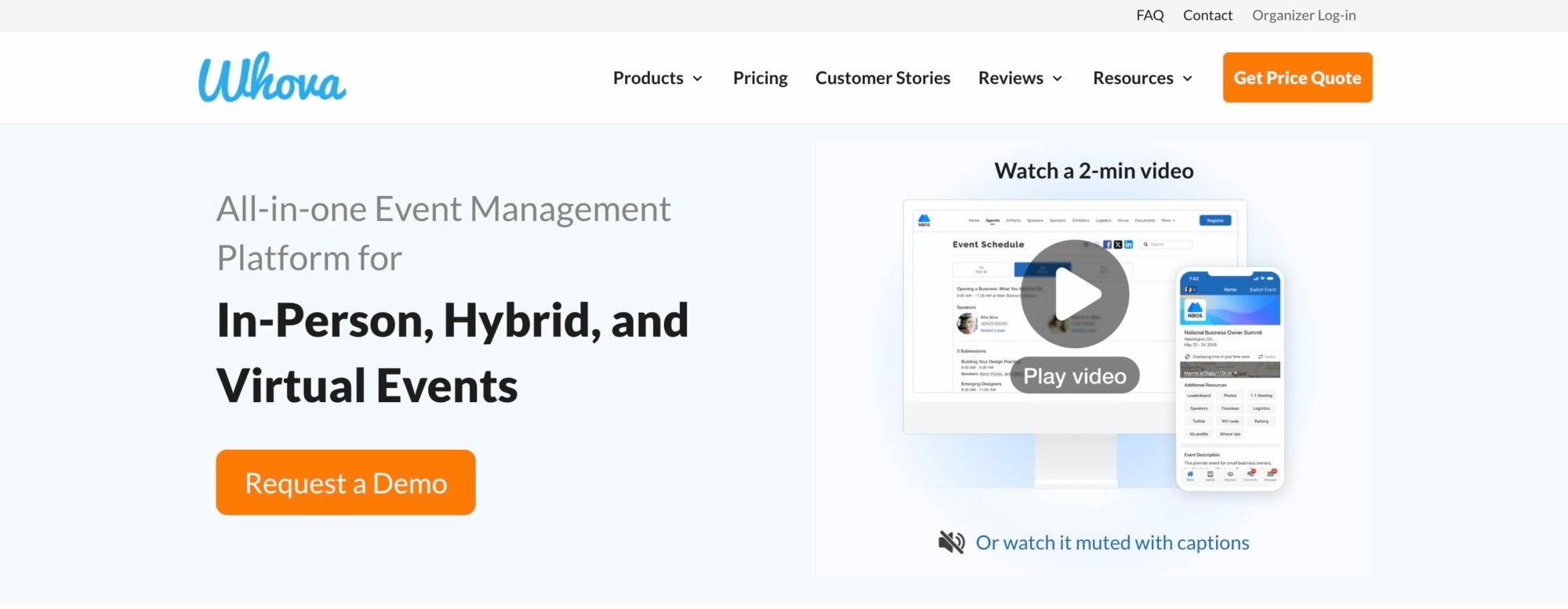
Whova is best known as an all-in-one conference and event platform combining registration with attendee engagement, networking, event apps, agendas, badges and check-in.
Its registration functionality is therefore particularly relevant when registration data needs to feed directly into the attendee’s on-site or in-app experience. Instead of exporting registrants into a separate event app or badge system, Whova can synchronise these different stages inside the same platform.
Event registration features
- Flexible ticket types: organisers can create paid or free tickets with different prices, quantities and sales periods.
- Early-bird, group and exclusive ticketing: Whova supports early-bird pricing as well as group, member-only and invite-only ticket structures.
- Custom registration forms: custom fields can collect information such as dietary needs or professional details, while different registration pages can be created for different audiences.
- Session sign-up: attendees can select sessions during registration, giving organisers early visibility over session demand and capacity.
- Add-ons: merchandise, workshops and other optional purchases can be added to an attendee’s registration.
- Attendee segmentation: registrants can be segmented for targeted communications, badge information and operational exports.
- Check-in and badge printing: registration data automatically feeds Whova’s attendee list, QR-code badges and staffed or self-service check-in tools.
- Integrated attendee experience: ticket types can determine access to event days, tracks, content and networking experiences within Whova’s wider platform.
Whova pricing
Whova’s overall event-management platform is quotation-based, with the price depending on the event size and services selected.
For paid online registration, its currently published ticketing fee is 3% + $0.99 per paid ticket, on top of Stripe’s payment-processing fee. Whova does not charge its registration fee on free tickets.
There is no general permanent free Whova platform plan advertised, although trial/demo access is available. Whova’s registration pages also highlight instant payout: organisers connect their Stripe account and ticket revenue is deposited directly into it rather than being held until after the event.
Whova at a glance
7. Let’s Meet
Let’s Meet takes a noticeably different approach from most platforms in this comparison. It is primarily an event registration and guest-management tool rather than a ticketing platform.
It is designed for scenarios such as seminars, courses, recurring classes, association events, company events and smaller gatherings where an organiser needs to manage registrations, reminders, waiting lists and attendance but does not necessarily need to sell tickets online.
Its pricing is also unusually transparent, with a permanent free tier and relatively inexpensive subscriptions based primarily on monthly registration and invitation volumes.
Event registration features
- Online registrations and automatically managed guest lists: available from the permanent free plan.
- Invitations and reminders: personalised invitations, automatic reminders and notifications following event time or location changes are built in.
- Recurring event series: organisers can reuse the system for repeated courses, meetings or sessions.
- Custom fields and branding: Basic adds the organiser’s own logo/design, extra registration fields and custom participation terms.
- Automatic waiting lists: Premium Lite can automatically move the next participant onto the attendee list when a place becomes available.
- QR-code check-in: Premium Lite also records actual attendance by scanning registration confirmations at the venue.
- Website integration: Premium enables attendees to register directly from the organiser’s own website and allows emails to be sent through the organisation’s own mail server.
- Excel exports: attendee and registration data can be exported even on the free plan.
One important distinction is that Let’s Meet does not sell tickets or process online payments. Registration can include an event fee or payment status for administrative purposes, but the organiser must collect the money separately.
Let’s Meet pricing
Let’s Meet’s current pricing is:
- Free: €0, with up to 100 invitations and registrations per month and up to 100 attendees per event.
- Basic: 350 registrations/invitations per month, €28 for two months, €65 for six months or €105/year.
- Premium Lite: 700 per month, €62 for two months, €149 for six months or €239/year.
- Premium: 1,000 per month, €419/year + €79 one-off set-up fee.
- Premium Enterprise: from €899/year + set-up, depending on whether the organisation wants one shared account or up to ten independent organiser accounts.
Prices are listed only in Euro, net of VAT.
Let’s Meet at a glance
8. Zuddl
Zuddl is aimed primarily at B2B event marketing teams running a mix of conferences, field events, webinars and other professional event formats. Registration is one part of a broader event-marketing platform designed to connect event activity with CRM and marketing automation data.
This makes it a very different proposition from low-cost pay-per-ticket tools. Zuddl is better suited to organisations with an ongoing event programme, several organisers and a need to connect registration and attendance data with marketing attribution and sales systems.
Event registration features
- Custom registration journeys: registration flows can be adapted to different attendee types, ticketing requirements and event formats.
- Conditional logic and approval workflows: organisers can create invite-only or approval-based registration flows instead of accepting every submission automatically.
- Branded registration experiences: branded landing pages and forms can be used across field events, conferences and digital events.
- Paid ticketing and add-ons: attendees can purchase tickets and additional services within a structured checkout journey.
- Multiple payment options: Zuddl natively supports Stripe, PayPal and Cybersource and also allows organisations to configure custom external payment gateways. Offline cash, cheque and bank-transfer options are also supported.
- On-site check-in: check-in staff are not charged as organiser licences, and Zuddl’s in-person stack extends into check-in, badges and lead capture.
- CRM and marketing integrations: native integrations include Salesforce/Pardot, HubSpot, Marketo, Eloqua and Iterable, alongside APIs and webhooks.
- Enterprise controls: SSO, audit trails, role management and GDPR/SOC 2/ISO 27001-oriented security controls are available for organisations with stricter governance requirements.
Zuddl pricing
Zuddl’s unified event-platform pricing currently starts at $10,000 per year for two organisers. Every organiser licence includes the feature set associated with the selected tier, and one collaborator licence is included. Additional collaborators cost $170/month when billed annually.
The three licence categories are Digital, Digital + Field and Unified, with the final price also influenced by optional modules such as the Mobile App, Event Hub, Event Series or Portals and by a platform fee. Zuddl states that there are no per-event fees, and virtual attendee pricing is based on annual attendee volume rather than a fee for each event or registration.
Payments are processed through the organiser’s connected merchant account, so Zuddl does not impose one universal payout timetable: the settlement schedule depends on Stripe, PayPal, Cybersource or the custom payment provider being used.
Zuddl at a glance
9. EventBookings
EventBookings is a more straightforward registration and ticketing solution with a particularly competitive public pricing structure for UK organisers. It does not require a monthly subscription for its standard service and instead charges when paid tickets are sold.
The platform includes enough additional functionality to go beyond simple ticket sales, including custom registration forms, waitlists, email communications, seat reservations, event apps and on-site ticket scanning. This makes it particularly relevant to small and medium-sized organisers looking to keep their fixed software costs low.
Event registration features
- Custom registration forms: organisers can collect attendee information through configurable order forms.
- Conditional registration fields: drag-and-drop forms can be configured so that attendees see only the fields relevant to their registration journey.
- Integrated waiting lists: waiting-list management is available when events reach capacity.
- Automatic emails: confirmations, reminders and email campaigns can be sent through the platform.
- Coupons and ticket variations: organisers can run discounts, early-bird offers and different ticketing structures.
- Reserved seating: EventBookings provides tools for building seating plans, assigning seats and following availability.
- On-site check-in and sales: its mobile tools support QR-code scanning as well as selling tickets to attendees arriving without one.
- Online and hybrid events: integrations with platforms such as Zoom and Google Meet can extend the registration process to virtual events.
EventBookings pricing
For UK paid events, EventBookings currently advertises a platform fee of 1% + £0.20 per ticket sold, with Stripe processing fees charged separately.
There are no standard set-up fees or monthly charges, and organisers can create unlimited events. For free events, the first 300 tickets are free; after that, EventBookings states that a small fee applies. EventBookings also refers to a Premium plan with additional organiser features, but its current UK pricing page does not expose a clear GBP subscription price in the information reviewed here.
For payments, organisers using EventBookings’ own payment processing typically receive their funds within five business days after the event, although early or customised payouts can be requested. When Stripe is connected directly, ticket revenue is sent to the organiser’s Stripe account and follows Stripe’s settlement schedule.
EventBookings at a glance
10. Eventtia
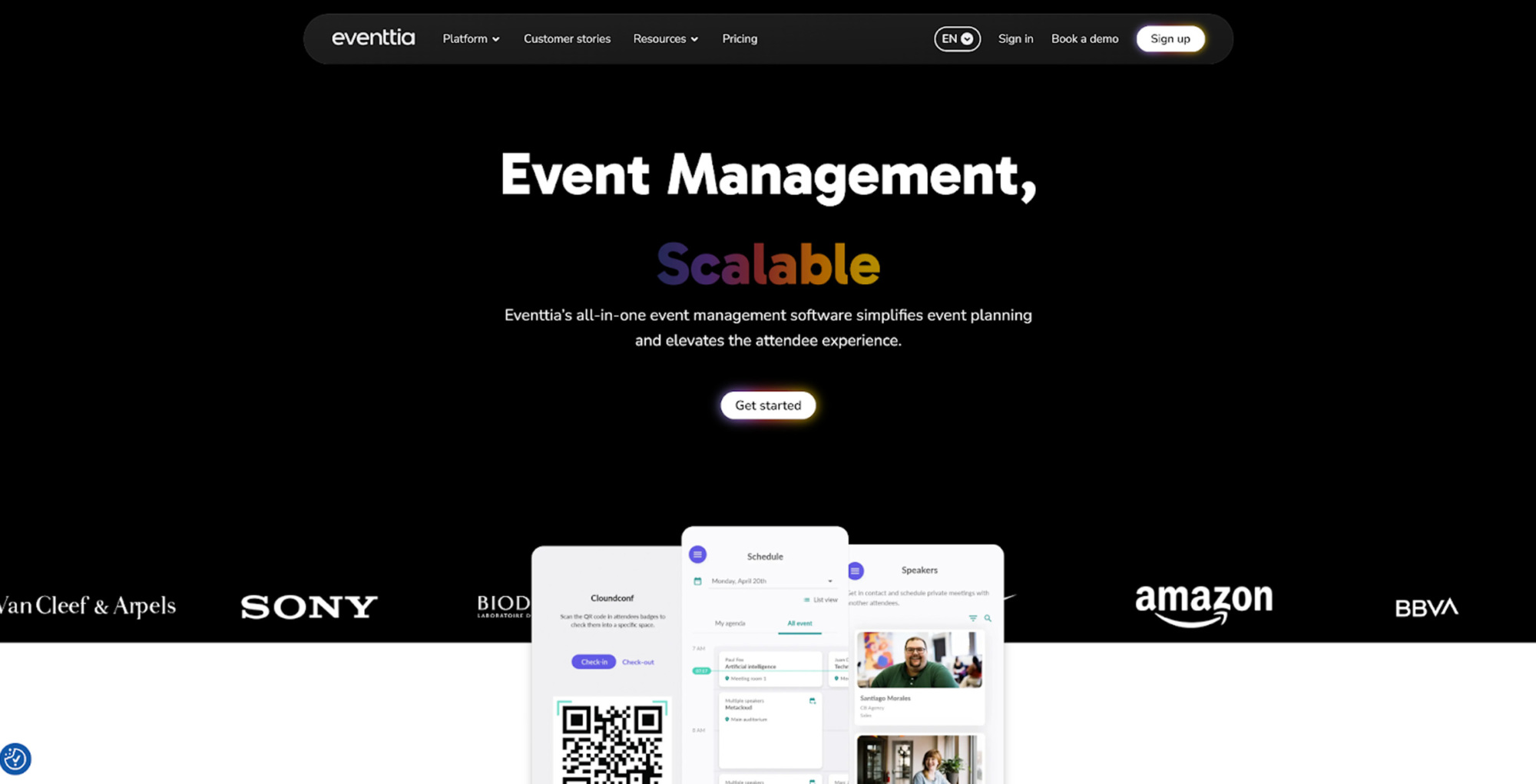
Eventtia is an enterprise-oriented event management platform combining registration, payments, communications, on-site check-in, mobile experiences and networking.
Its pricing is distinctive because, unlike many enterprise event platforms, Eventtia publishes starting prices. Licences are based mainly on the total number of attendees managed across all events during a 12-month period, rather than charging separately for every event. This can be useful for organisations that know roughly how many registrations they expect across an annual event programme.
Event registration features
- Online registrations and payments: paid registration is included in the Essential package.
- Different attendee journeys: Eventtia can manage attendee types and event data within one platform, with more advanced implementations available through its API infrastructure.
- Payment-provider choice: supported providers include Stripe, Adyen, PayPal, PayU, Wompi and Mercado Pago, giving international organisers several regional options.
- Event marketing and email: communications and promotional workflows are included alongside registration.
- On-site check-in: Essential includes check-in, while the platform can also use QR-based workflows across event operations.
- Mobile and hybrid event functionality: Premium adds a branded mobile app, virtual stage, live streaming, Q&A, polls and chat.
- B2B networking: the Networking plan adds attendee matchmaking, search filters, one-to-one meetings, online video meetings and meeting-location assignment for in-person events.
- API and automation: Eventtia exposes an extensive event API and can connect to other platforms through Zapier, including tools such as HubSpot and Google Sheets.
Eventtia pricing
Eventtia sells 12-month licences based on the total attendee allowance. At the 250-attendee level, its current published USD prices are:
- Essential: $3,700/year, one admin seat.
- Premium: $4,600/year, two admin seats.
- Networking: $7,000/year, three admin seats.
The pricing interface also supports EUR and GBP, so the exact UK-localised figure can be selected directly when preparing the final EN-GB version.
Eventtia advertises $0 per-registration platform fees within these annual plans. Rather than taking the ticket revenue itself, it connects the organiser’s own merchant account. Funds are therefore settled according to the agreement with the chosen payment processor, and Eventtia does not hold ticket revenue until the event.
For programmes above 10,000 attendees, Eventtia provides a custom Enterprise model. Implementation, support and product updates are included in its standard packages.
Eventtia at a glance
Which event registration software should you choose?
The ten platforms in this comparison demonstrate why there is no universal definition of the best event registration software. The most suitable solution depends less on the number of features available than on how closely those features match the registration journey you need to create.
Weezevent is particularly well suited to organisers looking for a flexible registration platform that can cover both simple and more advanced event formats without requiring a monthly subscription. It combines customisable registration forms, multiple registration types, quotas, invitations, recurring events and paid or free registrations with tools for promotion, payments and on-site management. Its main advantage is the wider ecosystem around registration: attendee data can connect directly with access control, CRM and marketing, cashless payments, accreditation and staff management. This makes Weezevent a strong option for organisers who want to start with straightforward registration but retain the ability to scale to larger or more operationally complex events without changing platform.
For organisers placing particular emphasis on guest management and flexible RSVP journeys, RSVPify is worth considering. Its combination of invited guest management, seating, conditional forms and ticketing can work particularly well for corporate, private and VIP events.
Cvent and EventsAir are more appropriate when registration is one element of a much larger event-management operation. Their breadth makes them strong candidates for conferences, professional event agencies and organisations running complex programmes involving sessions, communications, travel, on-site operations and extensive reporting.
Organisers looking for a transaction-based solution with relatively low fixed costs may prefer Eventzilla or EventBookings. Eventzilla offers a particularly broad range of functionality as organisers move into its higher plans, while EventBookings has a simple UK pricing structure that can make costs easier to estimate for smaller and medium-sized paid events.
Whova becomes particularly relevant when registration needs to connect closely with an event app, networking, badges and attendee engagement. For conference organisers who would otherwise use separate systems for these functions, having them synchronised can simplify attendee management.
Let’s Meet serves a different use case. If the event does not require online ticket payments and the priority is simply to manage invitations, registrations, waiting lists and attendance for classes, seminars or recurring events, its inexpensive subscription model may be enough without introducing unnecessary ticketing functionality.
For B2B marketing organisations managing field events, webinars and conferences as one event programme, Zuddl’s CRM and marketing-automation integrations make it a more specialised enterprise choice. Finally, Eventtia combines enterprise event management with transparent attendee-volume pricing and is particularly relevant when paid registration, international payment gateways or structured B2B networking are central to the event.
Before committing to a platform, create a list of the workflows your event actually requires and test them from both the organiser’s and the attendee’s perspective. Compare not only the advertised subscription or ticket fee, but also payment processing, optional modules, integrations, support and on-site requirements.
The right event registration software should ultimately do two things well: make registering as straightforward as possible for attendees and make managing those registrations as efficient as possible for the organising team.
If you’re looking for a flexible, scalable solution that brings registration, ticketing and on-site management together, Weezevent is a strong place to start. Create your free Weezevent account and set up your next event in just a few minutes.